Free run of show template for events
For conferences, galas, product launches, fundraisers and anything else with a program. Put in the start time and each segment’s length, and the template works out every start time. Give each row an owner and the cues for sound, lights and slides, then print it or download it as Word or a spreadsheet. No signup.
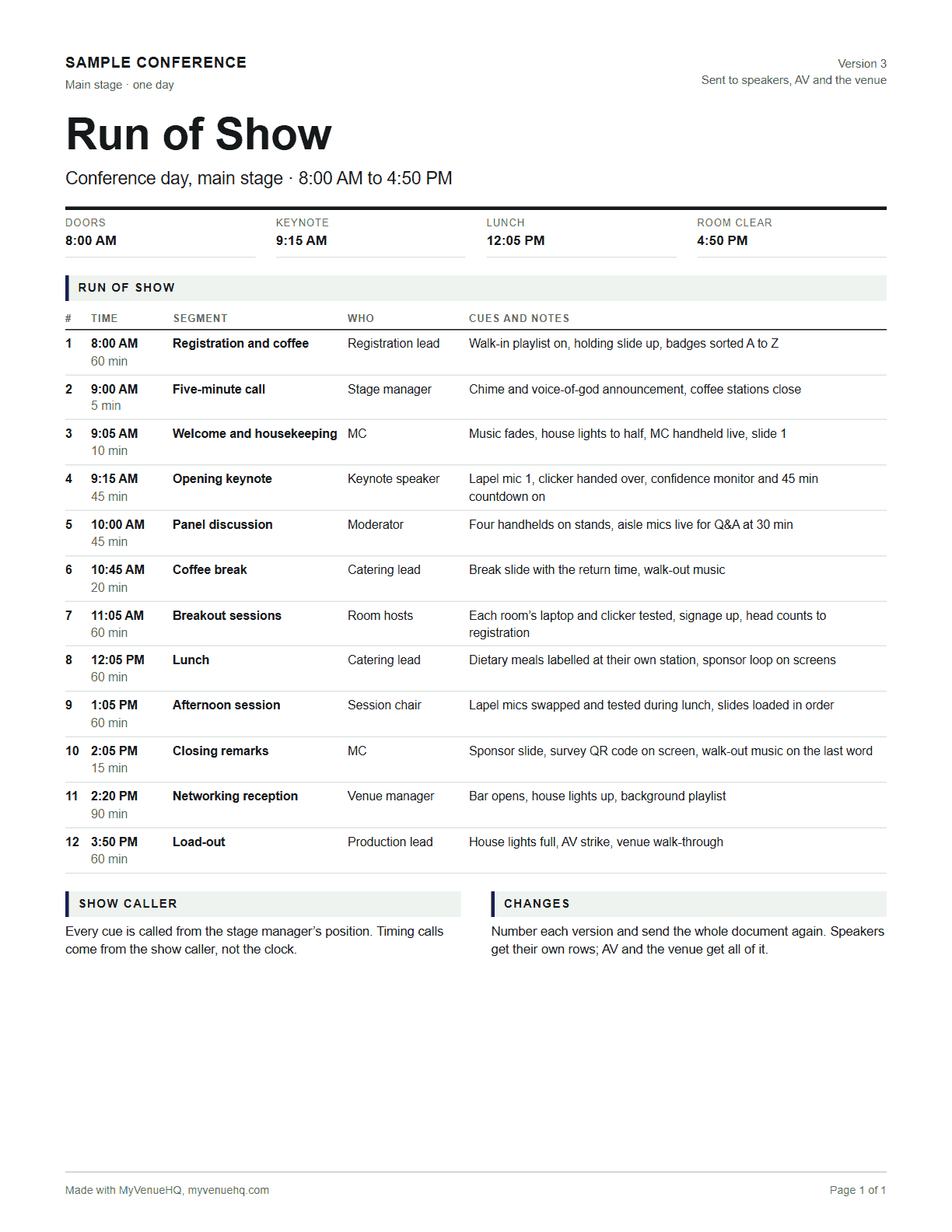
Conference day, main stage
12 segments, 8:00 AM to 4:50 PM (8 h 50 min)
- 1
- 2
- 3
- 4
- 5
- 6
- 7
- 8
- 9
- 10
- 11
- 12
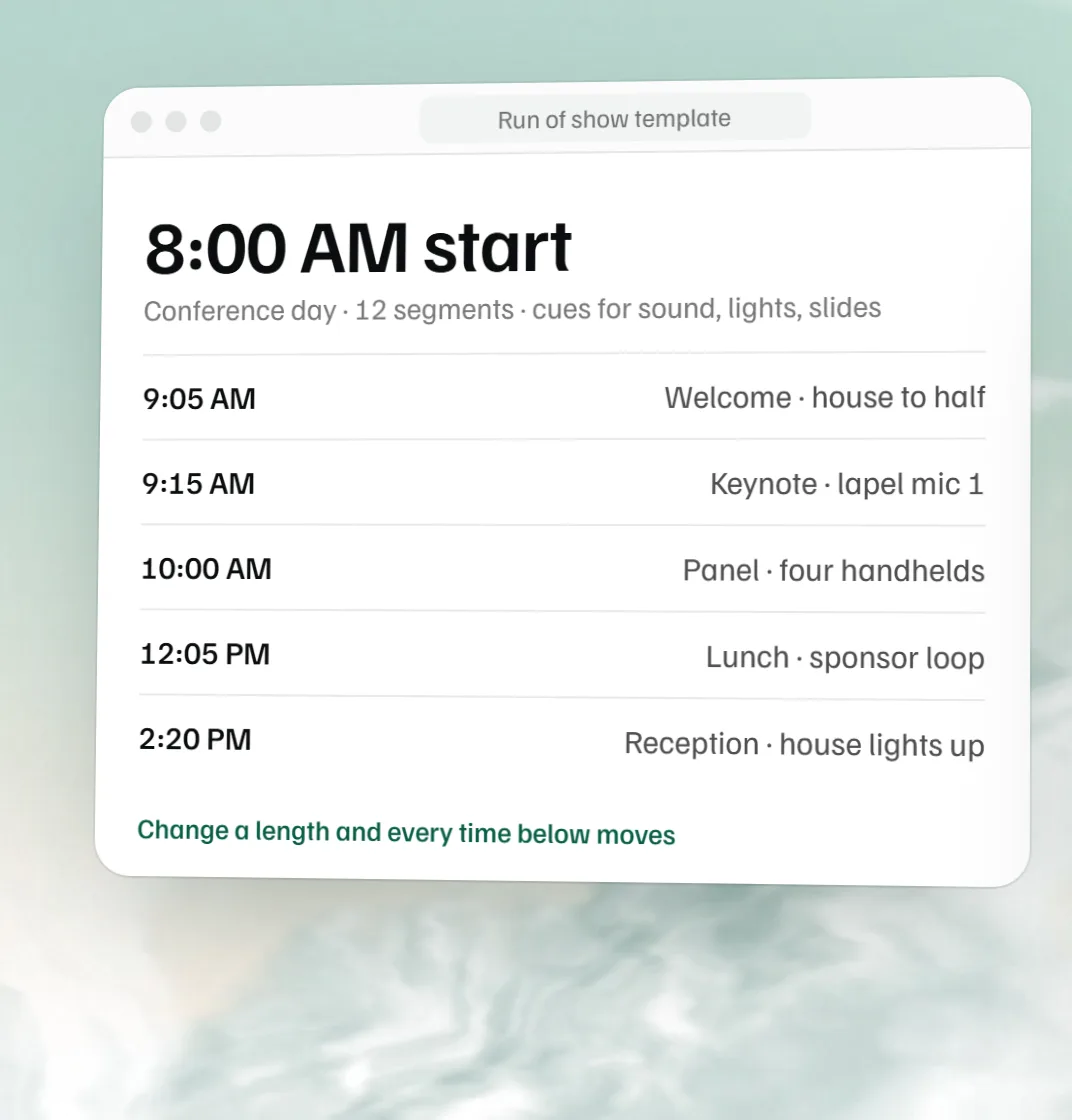
Change a length and every row below it moves. Type a time into a row to make it a hard start: the rows below follow it, and you get a warning if the rows above run past it.
| # | Time | Segment | Who | Cues and notes |
|---|---|---|---|---|
| 1 | 8:00 AM60 min | Registration and coffee | Registration lead | Walk-in playlist on, holding slide up, badges sorted A to Z |
| 2 | 9:00 AM5 min | Five-minute call | Stage manager | Chime and voice-of-god announcement, coffee stations close |
| 3 | 9:05 AM10 min | Welcome and housekeeping | MC | Music fades, house lights to half, MC handheld live, slide 1 |
| 4 | 9:15 AM45 min | Opening keynote | Keynote speaker | Lapel mic 1, clicker handed over, confidence monitor and 45 min countdown on |
| 5 | 10:00 AM45 min | Panel discussion | Moderator | Four handhelds on stands, aisle mics live for Q&A at 30 min |
| 6 | 10:45 AM20 min | Coffee break | Catering lead | Break slide with the return time, walk-out music |
| 7 | 11:05 AM60 min | Breakout sessions | Room hosts | Each room’s laptop and clicker tested, signage up, head counts to registration |
| 8 | 12:05 PM60 min | Lunch | Catering lead | Dietary meals labelled at their own station, sponsor loop on screens |
| 9 | 1:05 PM60 min | Afternoon session | Session chair | Lapel mics swapped and tested during lunch, slides loaded in order |
| 10 | 2:05 PM15 min | Closing remarks | MC | Sponsor slide, survey QR code on screen, walk-out music on the last word |
| 11 | 2:20 PM90 min | Networking reception | Venue manager | Bar opens, house lights up, background playlist |
| 12 | 3:50 PM60 min | Load-out | Production lead | House lights full, AV strike, venue walk-through |
Printing, copying, the Word file and the spreadsheet (it opens in Excel and Google Sheets) are free, and your draft stays in this browser. A free account saves the run of show as a BEO you can come back to, change and share as a PDF.
A run of show is the minute-by-minute script for an event: one row per segment, with the start time, the length, one owner and the cues that have to fire on time, like mics, lights, slides and the kitchen. The person calling the show runs the day from it, and every speaker and vendor works from the same numbered version. In the sample conference day above, doors open at 8:00 AM, the keynote starts at 9:15 AM and the reception at 2:20 PM.
Run of show vs agenda vs timeline
The same clock turns up in several documents, each for different readers. People mix them up, and that’s how a speaker ends up with the AV notes or the kitchen ends up with the attendee agenda.
| Document | Who reads it | What it holds | A typical line |
|---|---|---|---|
| Agenda | Attendees | Session titles, speakers and start times. No lengths, owners or cues. | 10:30 Panel: what changed this year |
| Run of show | The crew, speakers, AV, venue and catering | Every segment in order with its length, one owner and the cues that fire on it, changeovers included. | 10:30, 45 min, moderator: four handhelds on stands, aisle mics live at 30 min |
| Production schedule | Planner, vendors and the venue | The days before and around the event: deliveries, load-in, rehearsal, load-out. | Day before, 2:00 PM: staging delivered to the loading dock |
| BEO | The venue’s kitchen, bar and floor staff | Room setup, menu counts, bar, staffing and the schedule, for one event. | 180 guests, rounds of 10, lunch at 12:20 |
“Timeline” means different things to different planners. For a wedding it usually means the day itself, which is closer to a run of show; see the free wedding timeline template. For a conference or a launch it often means the production schedule in the weeks before.
How to build a run of show
- Put in the fixed points first. Doors, a meal the kitchen has timed, a live stream going on air, the hard out in the venue contract. Type each one’s time into its row so it becomes a hard start.
- List every segment in order, the dull ones too. Walk-in, the five-minute call, each changeover between speakers, load-out. Shows rarely run late during a talk; they run late between talks.
- Give each row a length and one owner. The template chains the start times from the lengths. If a row has two owners, neither of them will feel responsible when it slips.
- Write the cues. What sound, lights, screens, stage and catering each do when the row starts. Write them so someone who missed the planning calls could act on them.
- Leave slack before each hard start. A few spare minutes ahead of a fixed time soaks up a long introduction. The template shows the free minutes on each hard start and warns you when the rows above eat them.
- Number it and send it. Every speaker, the AV company, the venue and the caterer get the same version. Walk through it at the tech check, then send the whole document again after any change.
If you draft the list with a chatbot, ChatGPT prompts for event planners has a run of show prompt that makes it mark every length it guessed. Check the sums and the end time yourself.
The cue column, explained
The cue column is what makes a run of show more than an agenda. It says what has to happen, and who does it, at the moment the row starts. Good cues are specific enough to act on with no context: “house to half, spot on the lectern” rather than “lighting”.
| Cue | What it covers | Written like |
|---|---|---|
| Sound | Mics, music, recorded announcements | Lapel mic 1 live, walk-in music fades |
| Lights | House lights, stage wash, spotlight | House to half, spot on the lectern |
| Screens | Slides, video, countdown clocks, confidence monitors | Slide 1 on the last frame of the video |
| Stage | Furniture, props, people moving on and off | Panel chairs set, water on the side table |
| Food and bar | Kitchen fire times, bar open and close | Kitchen fires when the welcome ends |
| Doors and people | Doors, ushers, registration, cars | Doors to the ballroom open, ushers at each aisle |
Large productions split this into a column per department, and the show caller calls each cue twice: “standby” a little ahead, then “go”. For most events at a venue one column is enough, as long as each cue names what changes. Put the mic numbers and slide numbers in it; they’re what people ask about over the radio.
Example: a one-day conference run of show
This is the conference sample from the template, the main stage only. Sample times and lengths; every event is different. It starts at 8:00 AM and the room is clear at 4:50 PM.
| Segment | Time | Who | Cues |
|---|---|---|---|
| Registration and coffee | 8:00 AM to 9:00 AM | Registration lead | Walk-in playlist on, holding slide up, badges sorted A to Z |
| Five-minute call | 9:00 AM to 9:05 AM | Stage manager | Chime and voice-of-god announcement, coffee stations close |
| Welcome and housekeeping | 9:05 AM to 9:15 AM | MC | Music fades, house lights to half, MC handheld live, slide 1 |
| Opening keynote | 9:15 AM to 10:00 AM | Keynote speaker | Lapel mic 1, clicker handed over, confidence monitor and 45 min countdown on |
| Panel discussion | 10:00 AM to 10:45 AM | Moderator | Four handhelds on stands, aisle mics live for Q&A at 30 min |
| Coffee break | 10:45 AM to 11:05 AM | Catering lead | Break slide with the return time, walk-out music |
| Breakout sessions | 11:05 AM to 12:05 PM | Room hosts | Each room’s laptop and clicker tested, signage up, head counts to registration |
| Lunch | 12:05 PM to 1:05 PM | Catering lead | Dietary meals labelled at their own station, sponsor loop on screens |
| Afternoon session | 1:05 PM to 2:05 PM | Session chair | Lapel mics swapped and tested during lunch, slides loaded in order |
| Closing remarks | 2:05 PM to 2:20 PM | MC | Sponsor slide, survey QR code on screen, walk-out music on the last word |
| Networking reception | 2:20 PM to 3:50 PM | Venue manager | Bar opens, house lights up, background playlist |
| Load-out | 3:50 PM to 4:50 PM | Production lead | House lights full, AV strike, venue walk-through |
The five-minute call gets its own row, because closing the coffee and getting people seated takes real time. The breakouts are one row on the main stage sheet; each breakout room gets its own run of show. Lapel mics are swapped and tested during lunch, not during the changeover, so the afternoon starts on time.
Open a sample in the template: conference day, gala dinner, product launch, fundraiser.
Planning a wedding?
A wedding day runs on a different shape: getting ready, photos, the ceremony, then dinner and dancing. Our wedding run of show template lays out a sample wedding by who owns each block, with Word and Excel downloads, and the free wedding timeline template builds the whole day from the ceremony time.
For venues: the run of show on the BEO
At a venue the run of show and the banquet event order share a clock. Save it as a BEO and every row lands in the BEO’s schedule, with the owner, length and cues in its notes, next to the guest count, menu and room setup. The kitchen, the bar and the floor then work from the same times as the AV crew. To fill in the rest of the sheet, use the free BEO template; venues that run events every week keep all of it in one MyVenueHQ dashboard.
Add this run of show template to your website
Venues, planners and wedding blogs can put it on their own site for free. Paste this where you want it; it works in WordPress, Squarespace, Wix and plain HTML. Nothing is tracked about your visitors beyond page views.
Run of show questions.
What is a run of show?
A run of show is the minute-by-minute script for an event. Each row is one segment, with its start time, how long it runs, who owns it and the cues that have to happen on time: mics, lights, slides, video and the kitchen. The person calling the show runs the day from it, and everyone working the event gets the same numbered version.
What is the difference between a run of show and an agenda?
The agenda is for the audience: session titles and start times. The run of show is for the people producing the event, so it adds every changeover, the length of each segment, one owner per row and the technical cues. An attendee never needs to know that lapel mic 2 goes live at 10:28; the AV lead does.
What should a run of show include?
A header with the event, date, venue, the show caller’s name and phone and a version number. Then one row per segment in order: start time, length, segment name, owner, and cues and notes. Add the walk-in, the five-minute call, changeovers and load-out as rows of their own, and put a contact list for the day at the end.
Who writes the run of show, and who runs it on the day?
The event producer or planner usually writes it, with the AV company, the venue and the caterer filling in their cues. On the day one person calls the show: a stage manager at a large event, often the planner or the venue’s event manager at a smaller one. Everyone else takes timing calls from that person rather than from the clock.
When should a run of show be final?
Send a draft to speakers and vendors once the program is set, lock it about a week out, and walk through it with the AV crew at rehearsal or tech check. After that, change it only for real problems, and send the whole document again with a new version number rather than a correction by text.
What is a hard start in a run of show?
A segment that has to begin at a set time whatever happens before it: a live stream going on air, a keynote with a flight to catch, dinner the kitchen has timed. In this template you make one by typing a time into the row. The rows below follow it, and if the rows above run past it you get a warning.
Is there a run of show template for Excel, Google Sheets or Word?
Yes. Build it on this page, then press Download spreadsheet for a file that opens in Excel, Google Sheets and Numbers, or Download Word for an editable .docx with the rows and a contact list. Print gives you a clean PDF. All of it is free with no account.
Can I use this run of show template for a wedding?
You can, but a wedding day has its own shape. The free wedding timeline template builds the day from the ceremony time, and our wedding run of show template lays a sample wedding out by who owns each block.
Related free tools
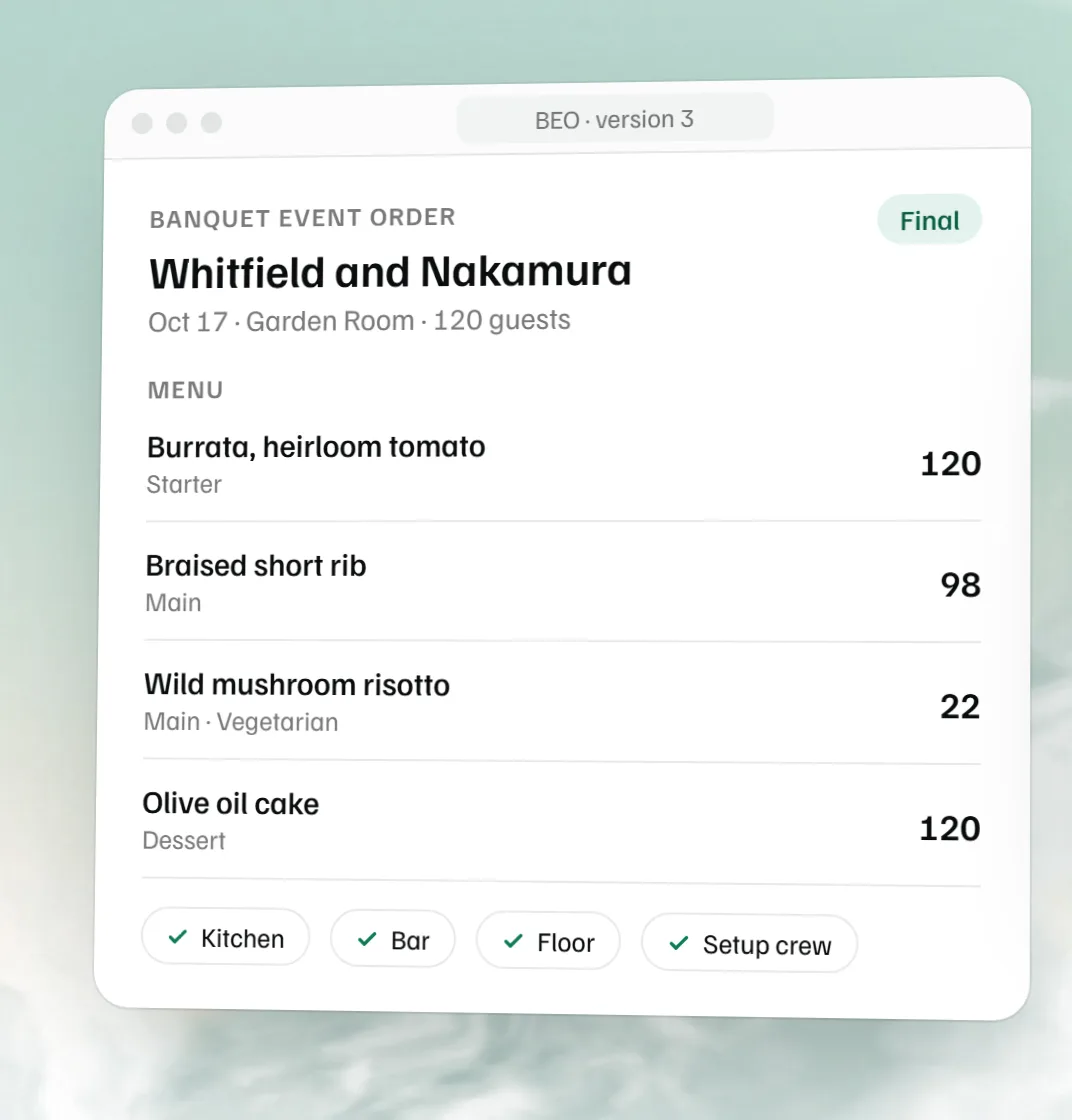 Free BEO template The banquet event order for the kitchen, bar and floor, as a Word file.
 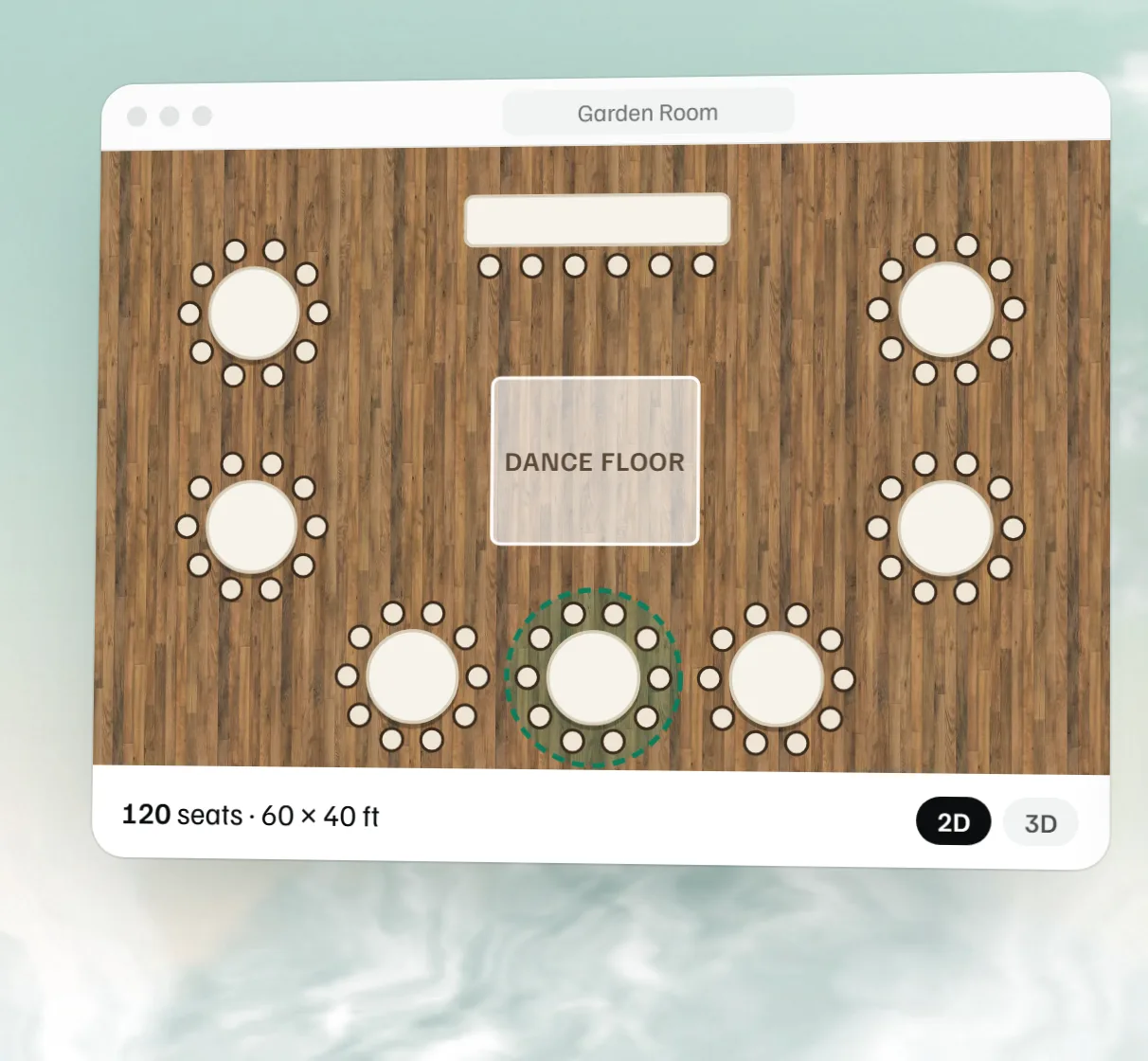 Free event floor plan maker Draw the room to scale with tables, stage, bar and dance floor, then see it in 3D.
 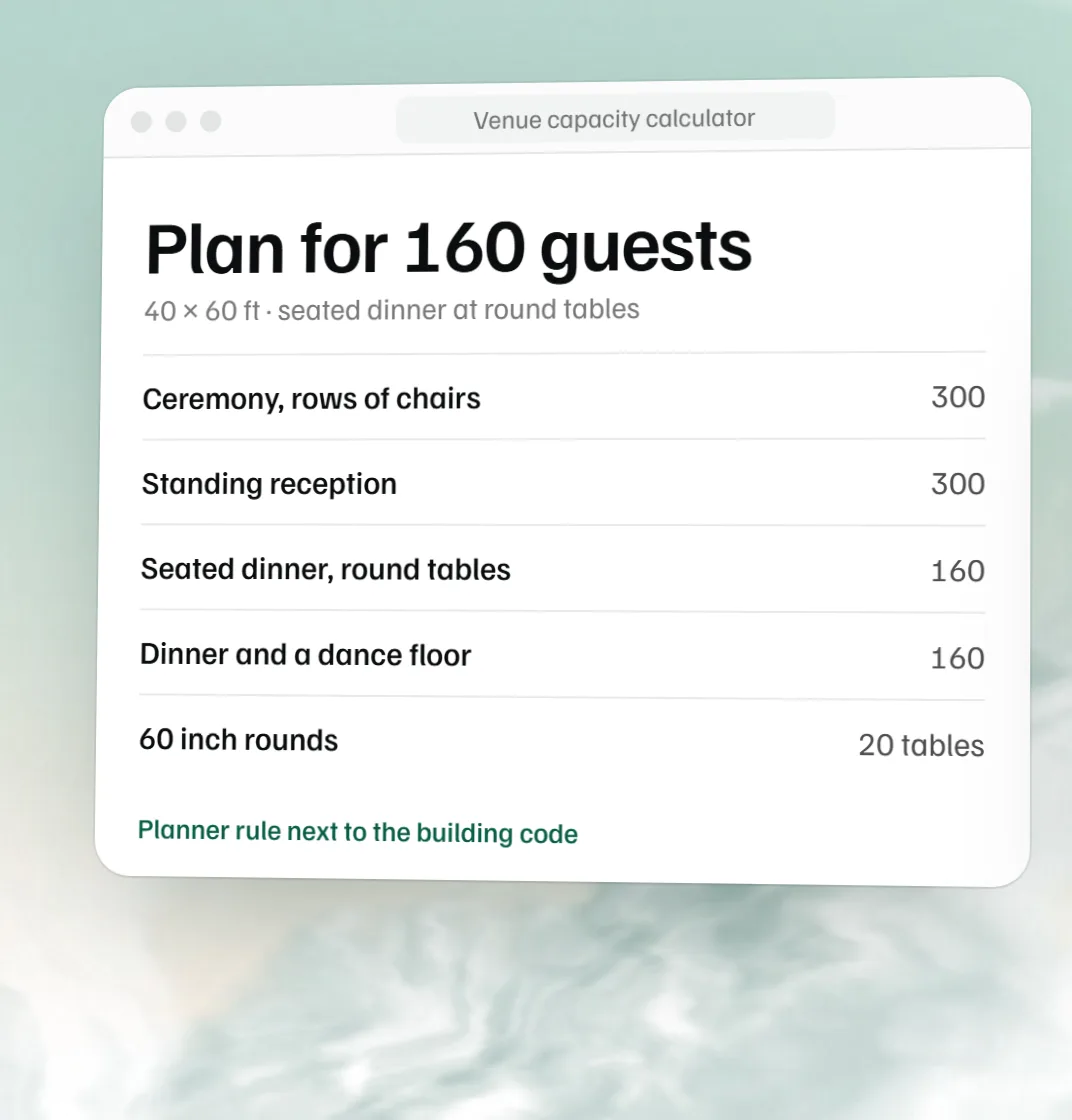 Free venue capacity calculator How many guests a room holds by setup, next to the code count.
 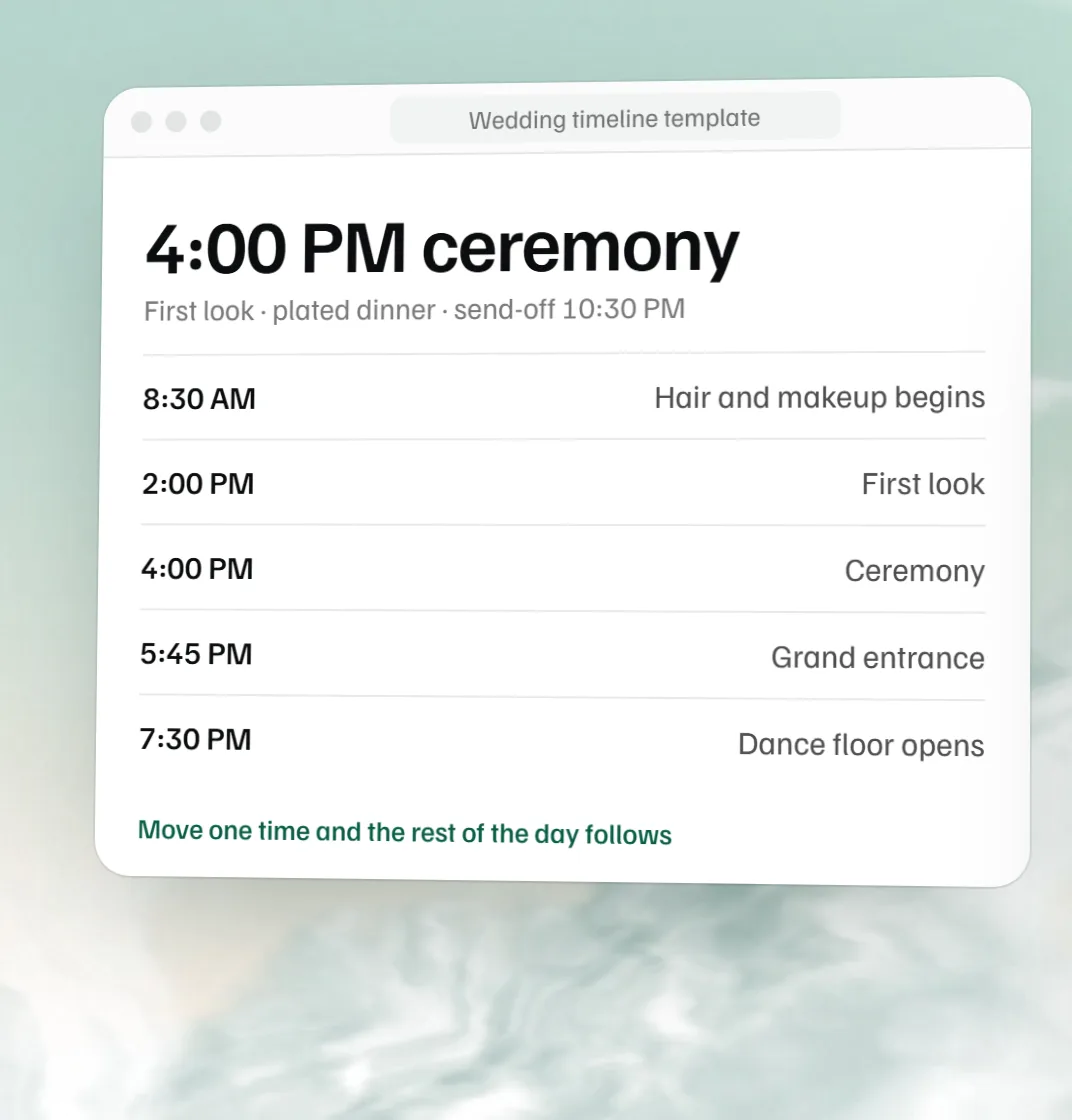 Free wedding timeline template The wedding day hour by hour, built from the ceremony time.