Free event floor plan maker
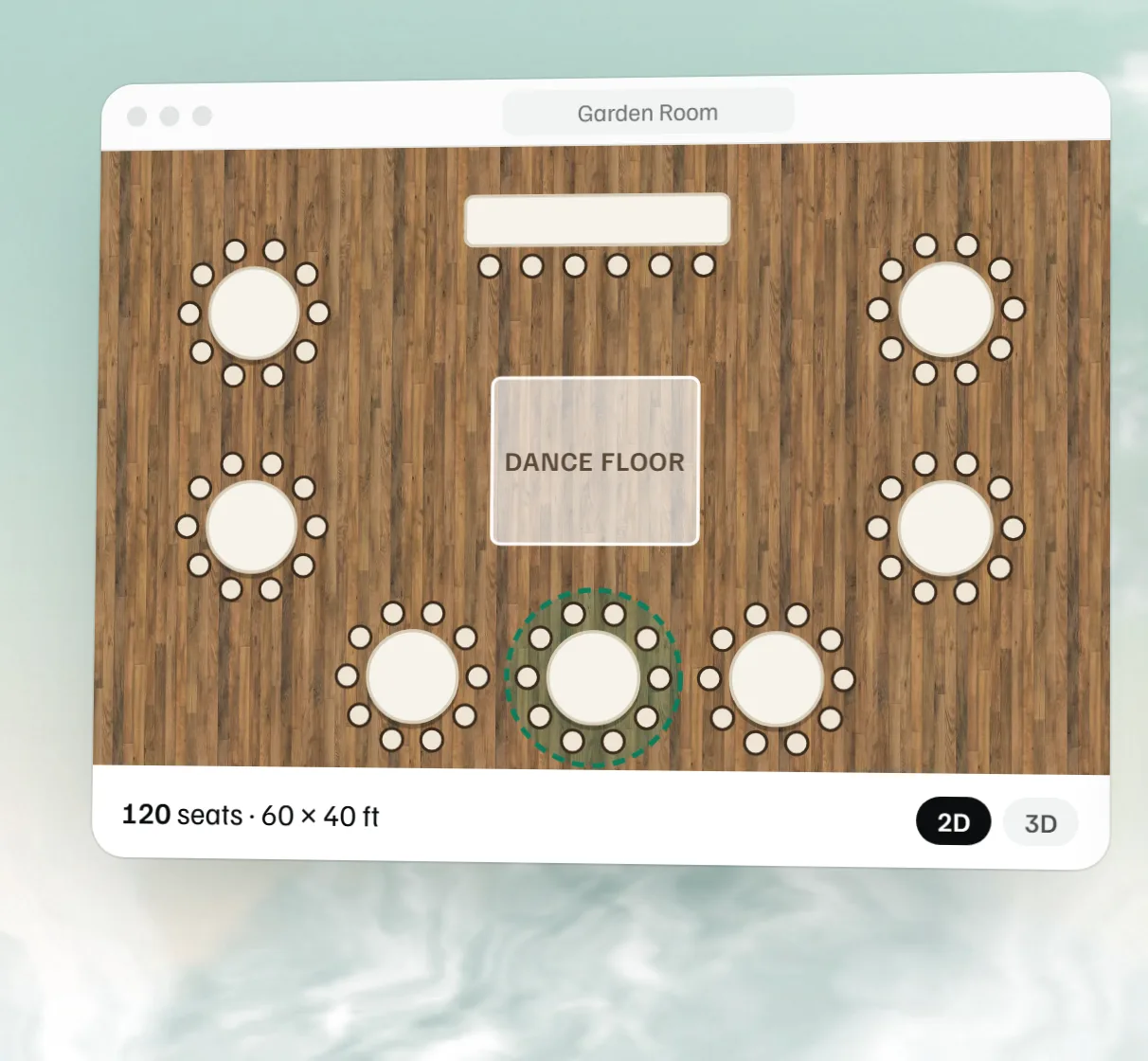
Draw your room to scale, drag in tables, a stage, a bar and a dance floor, and check it in 3D. The seat count keeps up as you go, and you don't need an account to start.
MyVenueHQ's free event floor plan maker is a layout tool that runs in your browser. It works in real feet and inches, with banquet furniture at true size: 60 inch rounds that seat 8, 72 inch rounds that seat 10, 6 and 8 foot banquet tables, stages, bars and dance floors. Build a full plan and download it as an image without signing up; a free account saves it, gives you a link to share and prints it as a PDF.
Wedding floor plan examples
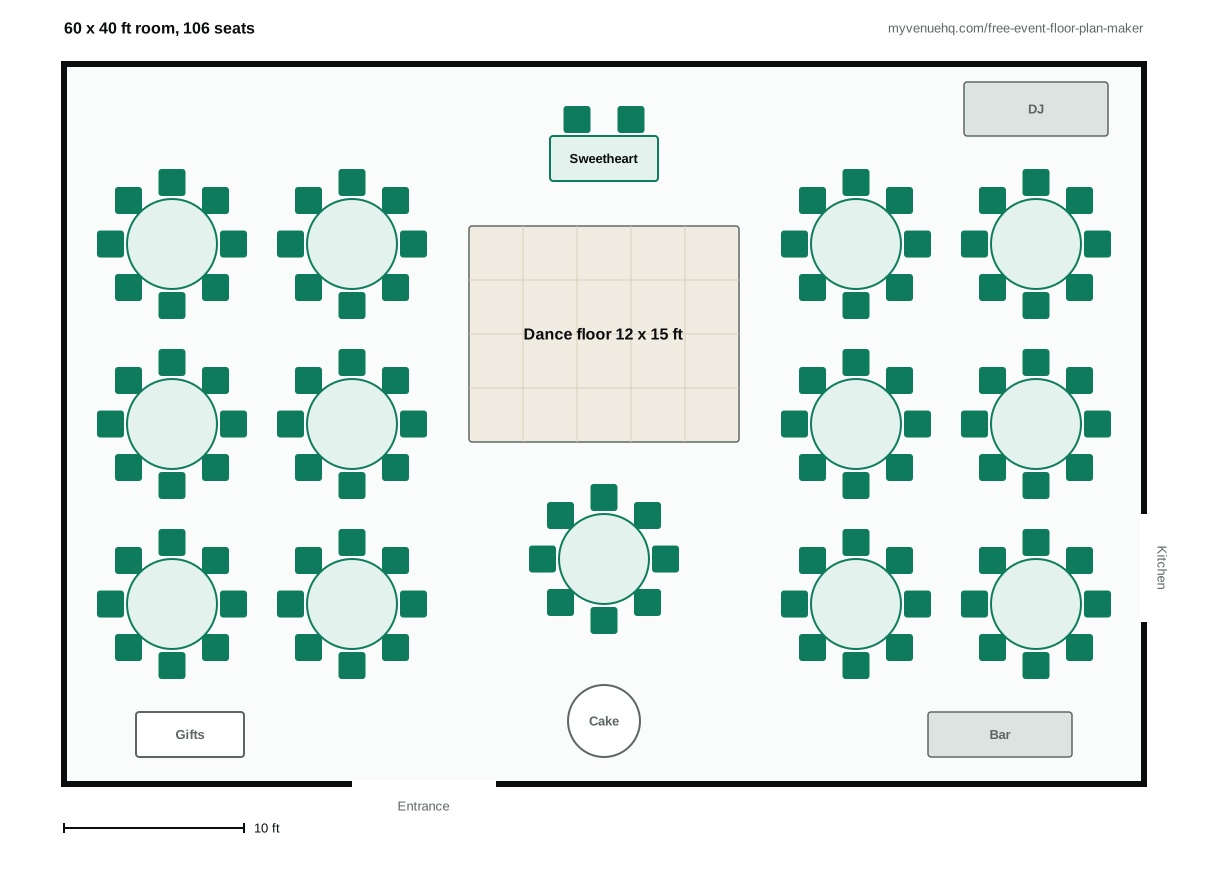
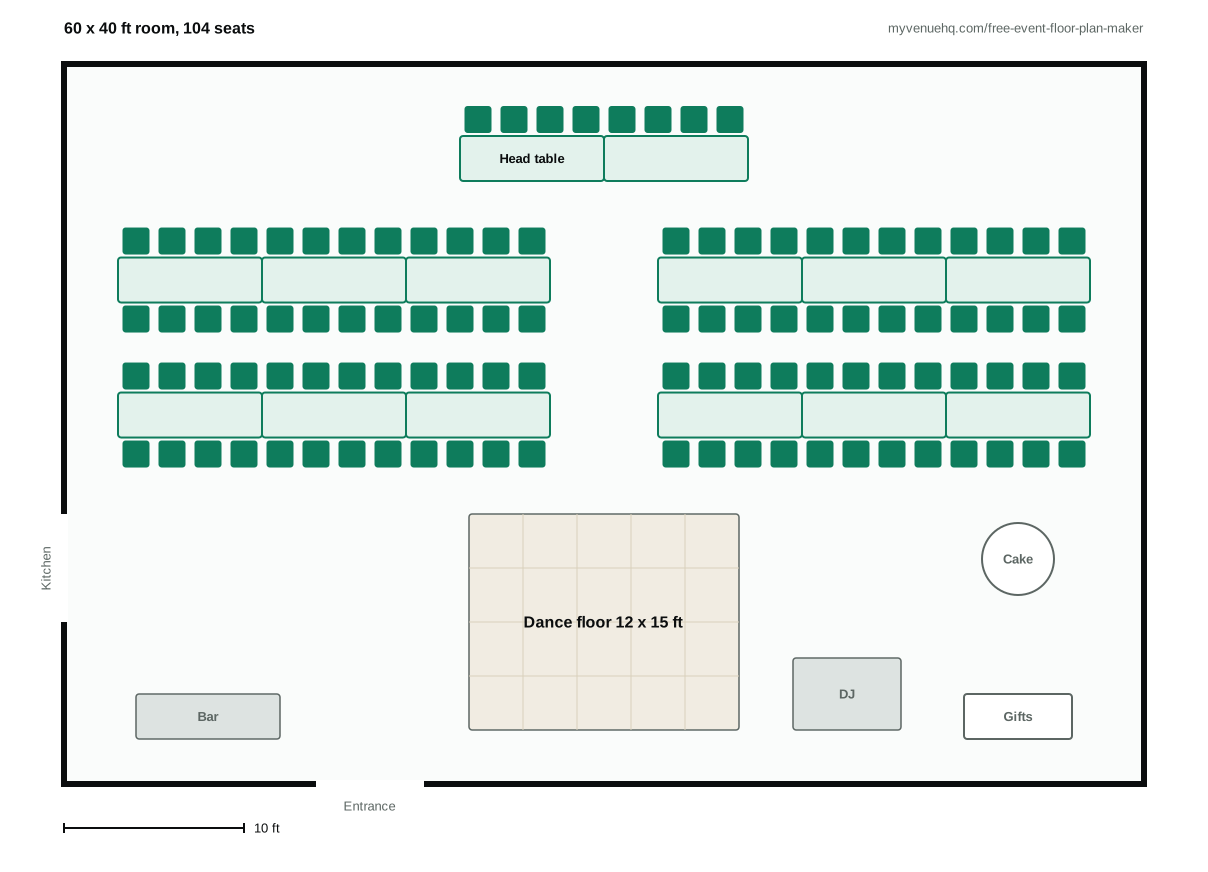
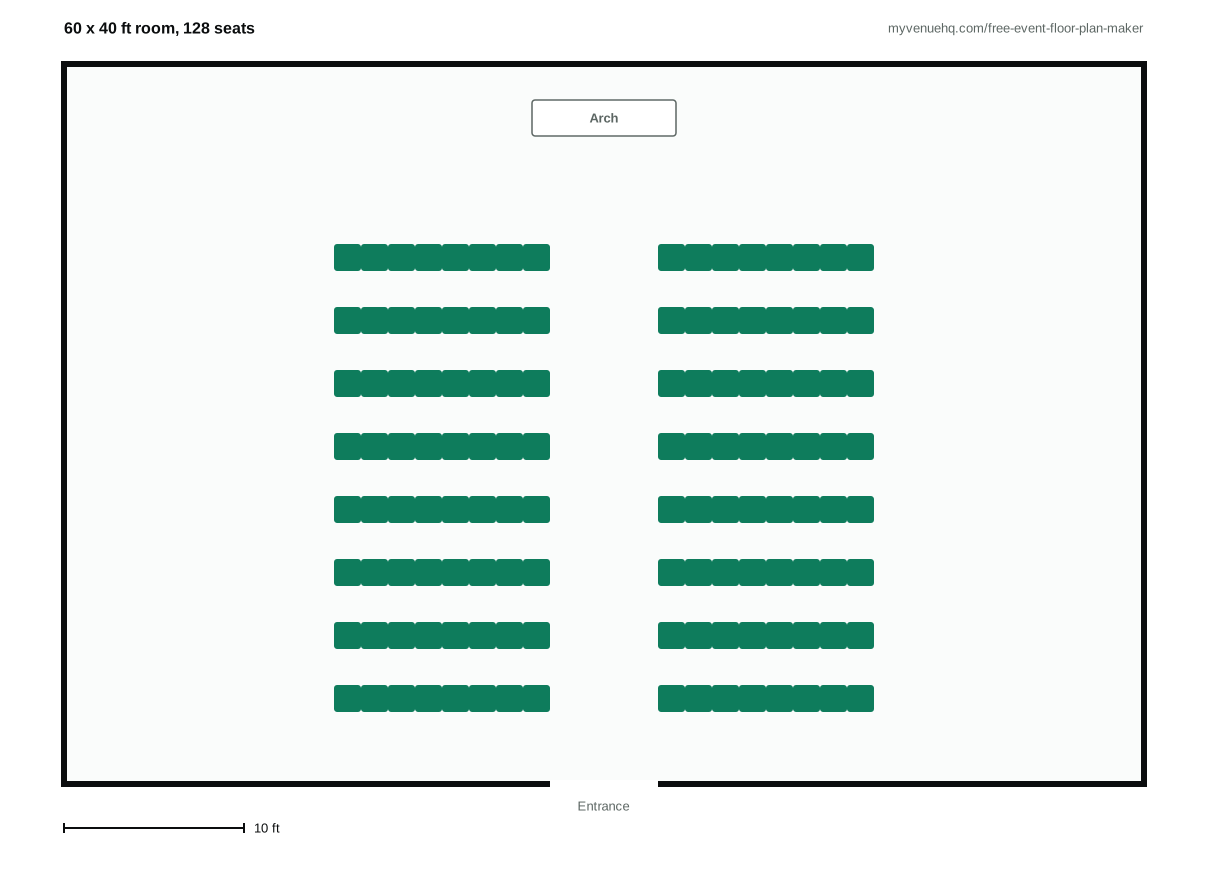
A wedding floor plan is a to-scale drawing of the room with every table, chair, the dance floor, the bar and the doors on it, so the venue, the caterer and the rentals crew set up the same room. Here are three in the 60 by 40 ft room the floor plan maker opens on, drawn to scale with rental sizes: 60 inch rounds, 8 ft banquet tables, 18 inch chairs, and 60 inches between round tables so chairs pull out and servers get through. Rebuild one in the tool above in a few minutes, then change it to fit your own room.
Ceremony layout: rows and the aisle
Leave at least 24 inches between rows of chairs and make the center aisle 5 to 6 ft wide, the figures Redwood Weddings gives, so two people can walk it side by side. Keep the first row or two for family, and leave the back clear for late arrivals. If the ceremony and dinner share a room, draw both layouts and plan who moves the chairs and how long it takes; the venue capacity calculator shows how much more a room holds in rows than at tables.
Where the big pieces go
Put the dance floor where most tables can see it and the DJ or band beside it. Keep the bar away from the dance floor's edge and the entrance so its line doesn't block either, and give the buffet a clear lane from the kitchen door. The dance floor size calculator sizes the floor for your guest count.
Drag-and-drop event layout tool, 2D and 3D
It's the same layout builder venues use inside MyVenueHQ, opened up so anyone can use it. The room it opens on is a sample, a 60 by 40 foot reception room with seats for 104. Move what's there, delete it, or change the room to your own size.
Tables, chairs, stage, bar and dance floor
Every piece has its real footprint. With Smart Tables on, a round arrives with its chairs already around it, so the seat count is right from the first drag. You can rotate pieces, line up a row of tables and space it evenly, lock the bar so it stays put, and measure any gap with the ruler.
The catalogue has 60 and 72 inch rounds, 6 and 8 foot banquets, cocktail and buffet tables, banquet and lounge chairs, a 16 by 12 foot stage with 4 by 8 foot risers, a 20 by 20 foot dance floor, a DJ booth, a podium, a 10 foot projector screen and an 8 foot bar, plus doors and windows for the room itself.
Download it free, or save and share it with a free account
Building a plan, changing it and downloading it as an image all work without an account. The image is the plan at full size with a strip along the bottom that gives its name and seat count. The plan stays in the browser you made it in. Saving it to an account, sending a link and printing a PDF need a free MyVenueHQ account, which is an email and a password. The plan you were working on comes with you when you sign up, so you don't redraw anything. Whoever gets the link can open it without logging in, so your venue or your caterer sees the same room you do.
3D event designer: see the room before it's set
Press the cube button and the plan becomes a 3D room you can turn and zoom, built from the same tables, chairs, stage and dance floor you placed in 2D. A flat drawing hides the problems that matter on the day, like a table with no view of the speeches or a bar crowding the only door, and the 3D view makes them obvious. It's also the version a couple or a client reads at a glance, so turn it with them at the tour or on a call. The 3D view is drawn from the plan itself: move a table in 2D and it moves in 3D, so there's one plan, not two.
How to use the floor plan maker
- Set the room. Type its width and length in feet, or pick a starter room from the templates tab.
- Draw the walls if the room isn't a plain rectangle, then put the doors and windows where they really are.
- Place the pieces that set everything else: the stage or head table, the bar, the dance floor and the buffet.
- Add the dining tables. Leave about 60 inches between rounds so chairs pull out and servers still get through.
- Check the seat count in the top corner against your guest list, then open the 3D view and look for tables that face away from the head table.
- Download it as an image whenever you like. To keep it, send a link or print a PDF, save it to a free account.
Wedding floor plan maker
Couples and wedding planners use it as much as venues do. A wedding has more fixed points than most events: a head or sweetheart table, a dance floor everyone can reach, a cake table, and a bar placed so its line doesn't run through dinner. Put those down first and the dining tables fill the space that's left. The wedding alcohol calculator works out what to stock the bar with.
Wedding reception layout with round or rectangular tables
Rounds are the usual choice because everyone at the table can talk to everyone else. A 72 inch round seats 10 and a 60 inch round seats 8. Rectangular banquet tables fit more people into a long, narrow room and suit family-style service; set 8 foot banquets end to end for long rows. Try both in your actual room, because the seat count settles it faster than any rule of thumb. When the tables are set, the free seating chart maker puts your guest list on them.
Check the room fits before you draw
Ten 72 inch rounds or thirteen 60 inch rounds seat a 100 person wedding, plus the head table. Whether they fit is a floor-area question: the venue capacity calculator gives the tables and the square feet for any guest count, and the banquet table sizes chart has the measurements for every table.
Banquet, conference and party layouts
Any event with tables and a room works the same way, whether it's a gala, a birthday or a company offsite.
Banquet table layout
For a seated banquet, place the head table or stage first, set the rounds in staggered rows so each table sees past the one in front, and keep a clear lane from the kitchen door for service. Select a row and the align and distribute tools space it evenly.
Corporate and conference room setups
Use 6 or 8 foot banquets for classroom rows, rows of banquet chairs for theater seating, a podium and projector screen at the front, and cocktail tables for the reception afterwards. Save each version under one free account and switch between them.
Start from a room template
The templates tab sets the room size and draws the walls for you. There are five: Small Room (20 by 15 ft), Medium Room (40 by 30 ft), Large Hall (60 by 40 ft), L-Shaped (50 by 50 ft) and T-Shaped (60 by 40 ft). Your tables stay where they are when you switch, so the same layout can be tested in a bigger or smaller space.
From floor plan to booking
If you run a venue, the plan doesn't have to end as a picture. In MyVenueHQ the floor plan sits on the event, next to the guest count, the contract and the banquet event order. When the count moves from 110 to 120, the layout and the BEO are on the same screen. The event floor plan software page covers what venues get beyond this tool, like limits for the tables you own and printing the layout on the setup sheet. All of it is on the free plan for one venue and up to 10 events a month, and the guest count change checklist lists who else needs to hear when the number changes. Opening a venue of your own? How to start a wedding venue covers the permits, the guest count and the build, in order.
Floor plan questions.
How to create a floor plan for an event?
Measure the room and mark the doors, windows, pillars and the kitchen door. Place the pieces that can't move much first (the stage or head table, the dance floor, the bar and the buffet), then fill the rest with dining tables about 60 inches apart. Check the seat count against the guest list and share the plan with the venue and caterer.
Is there a free tool for creating event floor plans?
Yes, this one. It runs in your browser, measures in feet and inches, and shows the room in 3D. You can build a whole plan and download it as an image without an account; saving it, sharing a link and printing a PDF take a free MyVenueHQ account.
How much does the free floor plan maker cost, and what does the free plan include?
The floor plan maker on this page is free and needs no account to build and download a plan. The MyVenueHQ free plan is $0, with no card: 1 venue and 10 events a month, including floor plans, BEOs and menus. The Venue plan is $49 a month for unlimited events.
How to layout a wedding reception?
Start with what can't move: doors, windows, pillars and the way in from the kitchen. Place the head table, dance floor and bar next, then fill the rest of the room with dining tables about 60 inches apart. Check the seat count against the guest list and look at the room in 3D before you sign off on it.
What are common wedding table plan mistakes?
Tables set too close for chairs to pull out, a bar or buffet line that blocks a doorway, a dance floor at the far end from most guests, and no spare seats for late RSVPs. Drawing the plan at real size catches most of them before the day.
Can ChatGPT generate a floor plan?
It can suggest a layout or sketch a rough picture, but it doesn't know your room's real size or count chairs against your guest list, so the result isn't to scale. Use it for ideas, then build the plan in a tool that works in feet and inches and counts the seats as you go.
When should you finalize a wedding floor plan?
RoomSketcher's guide suggests settling table shapes and sizes about 8 months out, the final floor plan 2 to 3 months before the wedding, and the seating assignments for the caterer and florist 2 weeks before. Keep the plan editable until then, because the guest count will move.
Is there a free app for planning wedding seating?
Yes. This tool places tables and chairs and counts the seats, free. To put guests at tables by name, use the free seating chart maker on this site: it's the same builder with a guest list you paste in and drag onto the tables.
Sources
- Redwood Weddings, The Ultimate Guide to Creating Your Wedding Floor Plan, read October 10, 2026: 24 inches between ceremony rows and a 5 to 6 ft aisle.
- RoomSketcher, Wedding Floor Plans: when to settle table shapes, the floor plan and the seating.
- Table, chair and spacing sizes in the examples are the floor plan maker's own: 18 inches of chair pull behind each seat and a 24 inch service aisle, the 60 inches between rounds that banquet guides quote.
Related free tools
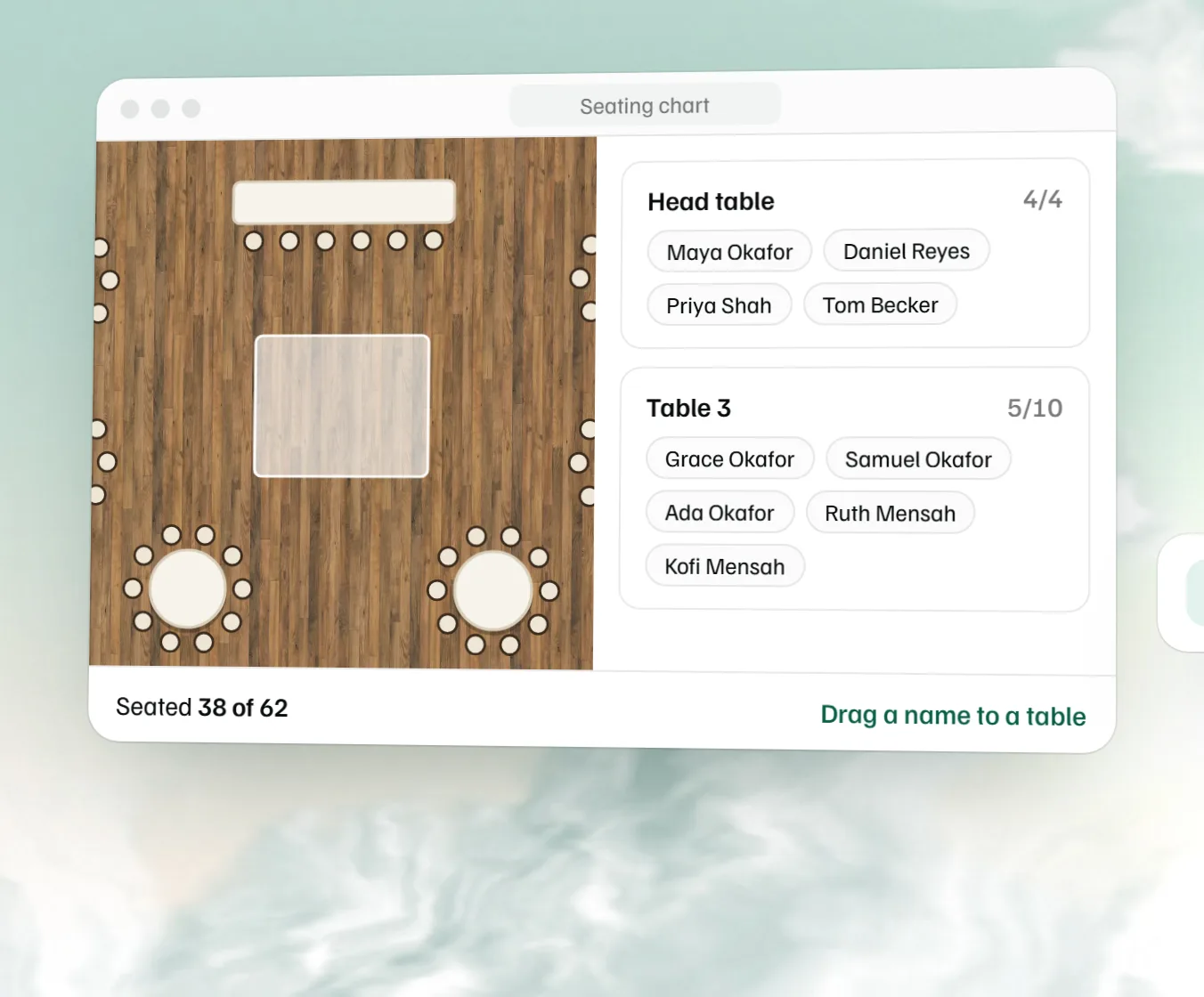 Free seating chart maker Paste the guest list, drag names to numbered tables and download the chart.
 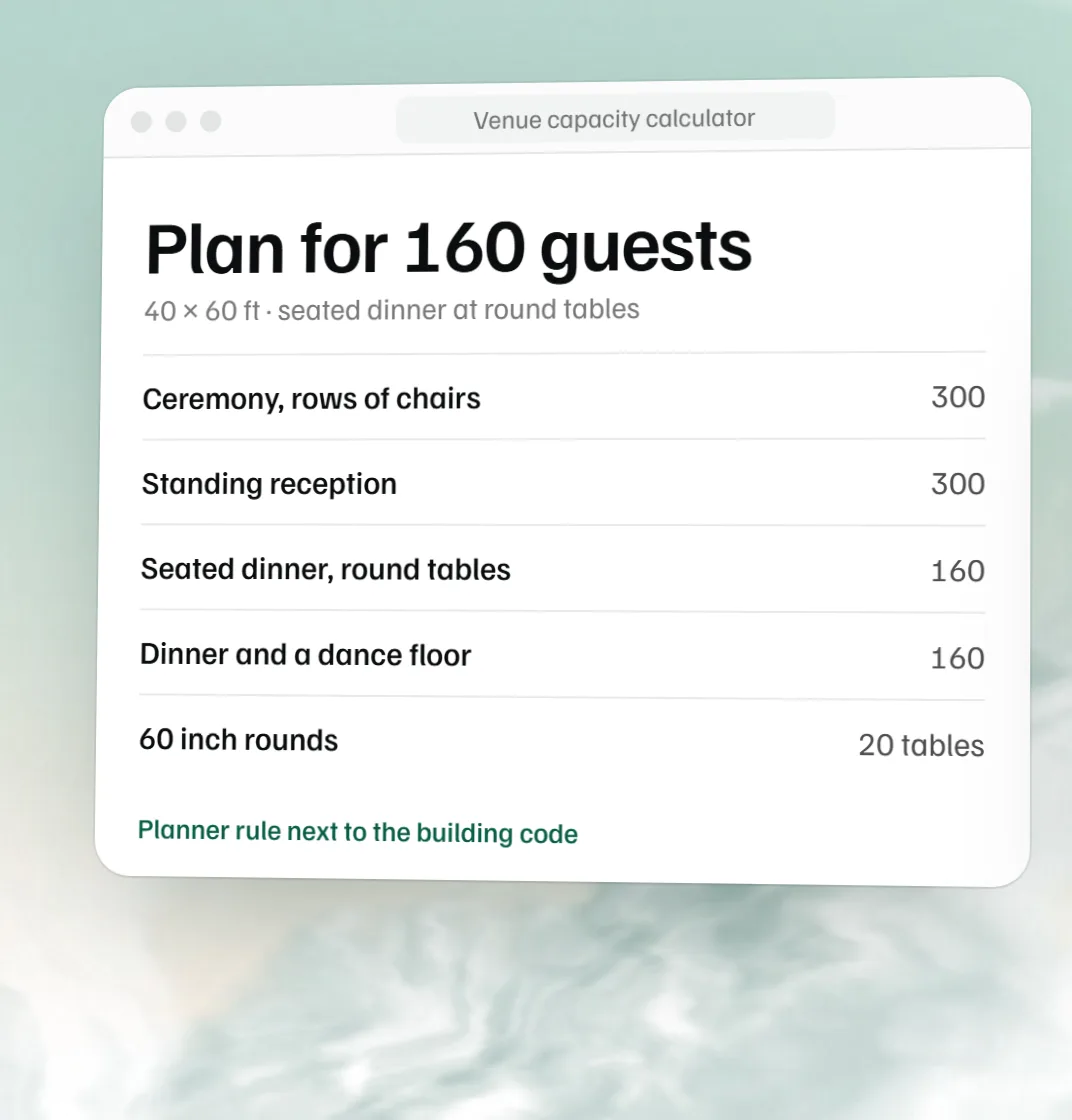 Free venue capacity calculator How many guests a room holds by setup, next to the code count.
 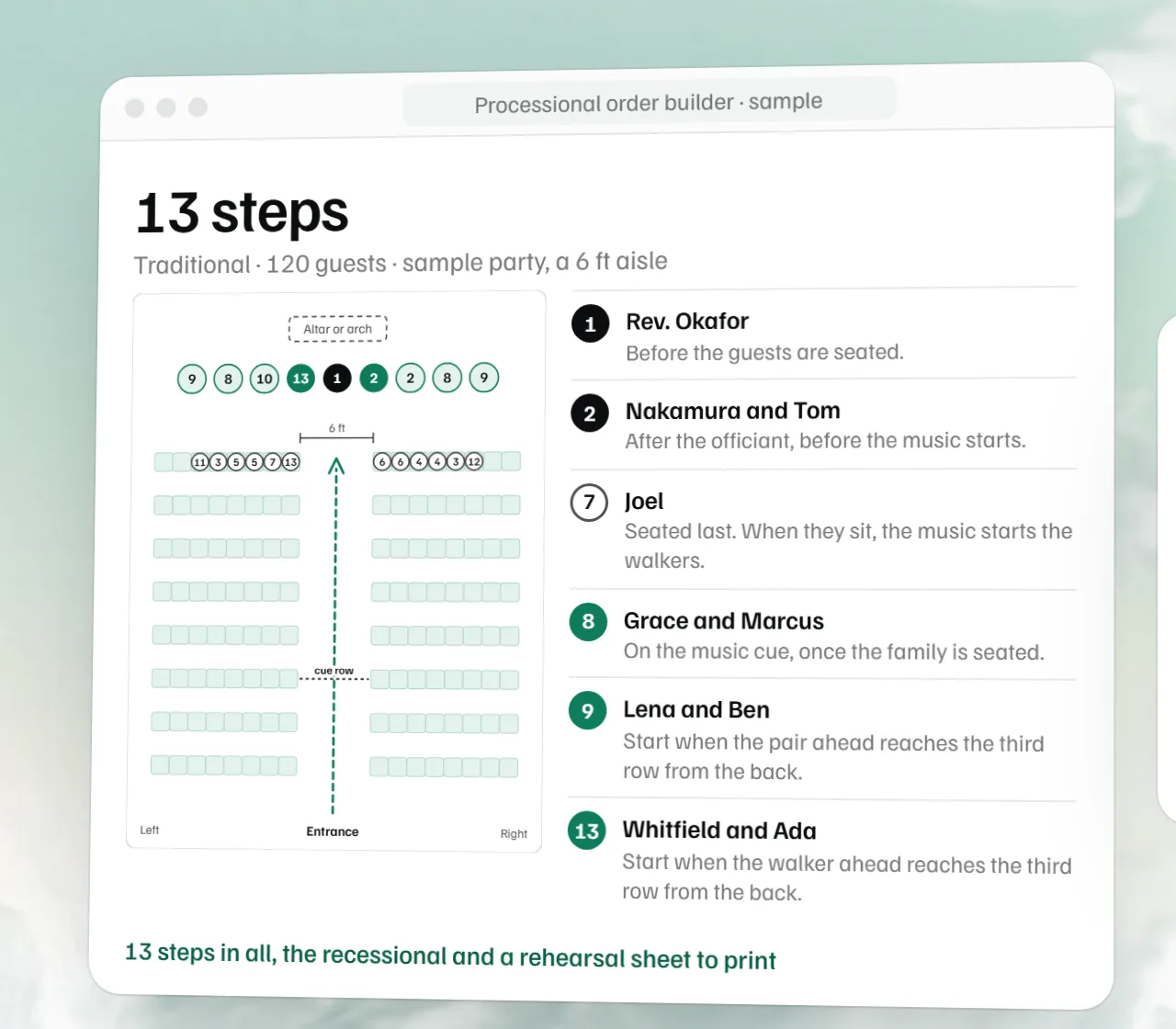 Free wedding processional order builder The ceremony order for your party, the recessional, an aisle diagram and a rehearsal sheet.
 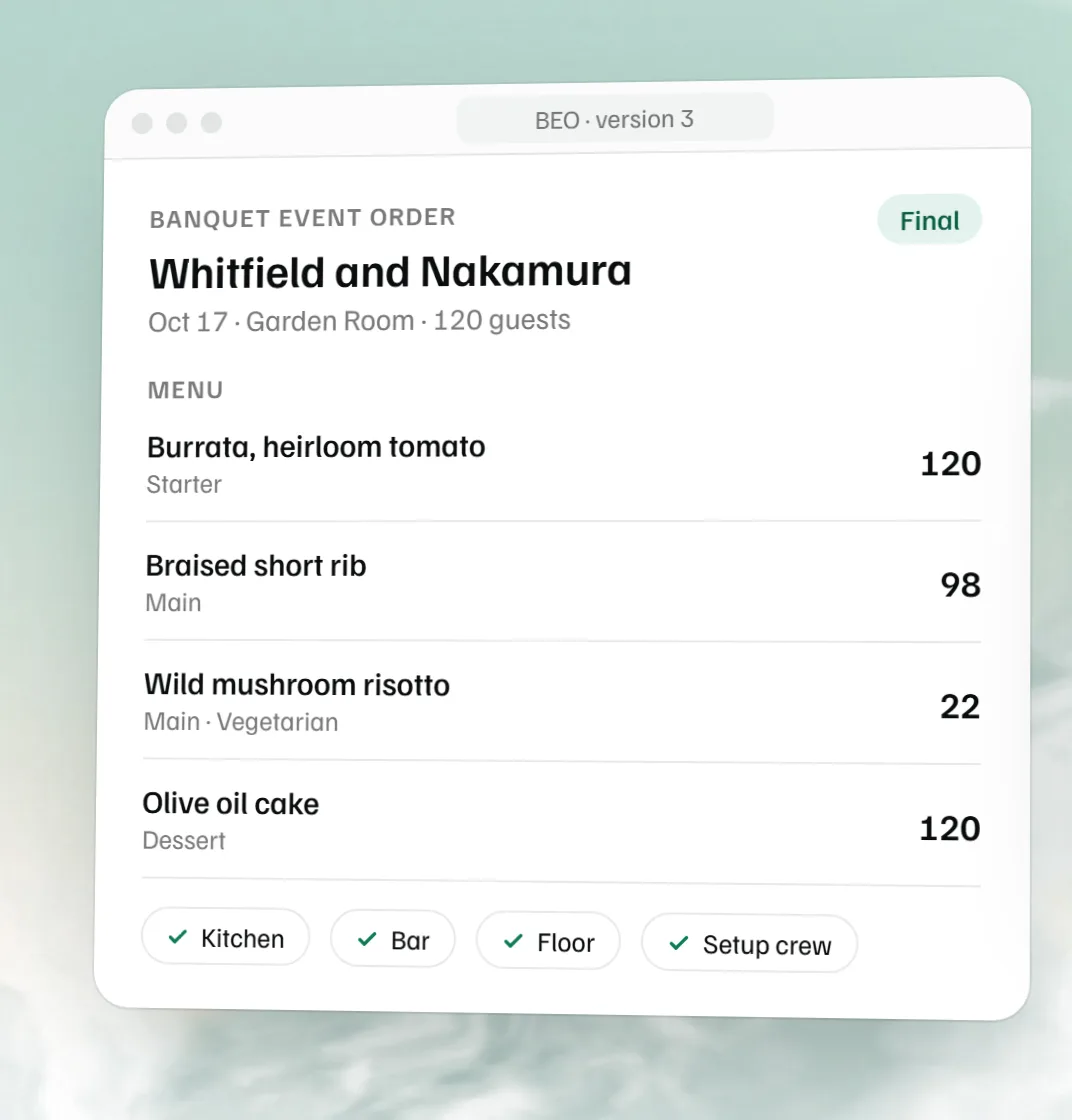 Free BEO template The banquet event order for the kitchen, bar and floor, as a Word file.