Free BEO Template: Fill In a Banquet Event Order Form, Download Word
Fill in this free BEO template below and download it as an editable Word file, or take the blank form in Word. No account. It has a slot for every part of a banquet event order: event details, timeline, menu with counts, bar, room setup and staffing.
Want a banquet event order sample first? The guide has two filled-in samples, a wedding and a corporate dinner, and explains each part.
BEO template download: Word, Google Docs, PDF or print
Free BEO template in Word
The Word button in the builder downloads your filled-in BEO as an editable .docx, free and with no account. It opens in Microsoft Word, Google Docs, Pages and LibreOffice, with one small line at the foot saying where it was made. Prefer a pen? The blank BEO template is the same layout with every section empty.
Google Docs, Excel and PDF
For Google Docs, upload the Word file to Drive and open it with Docs; the tables and headings come through. There’s no Excel version, because a BEO is mostly words and Word or Docs prints it more cleanly than a spreadsheet does. If your team works in Sheets, paste the timeline and menu tables in from the Word file.
Print or save as PDF
Print the Word file from Word or Google Docs, or save it as a PDF from there. With a free MyVenueHQ account you can also print the BEO straight from the builder or save it as a PDF, and it stays saved for the next change.
BEO template sample: what a finished BEO looks like
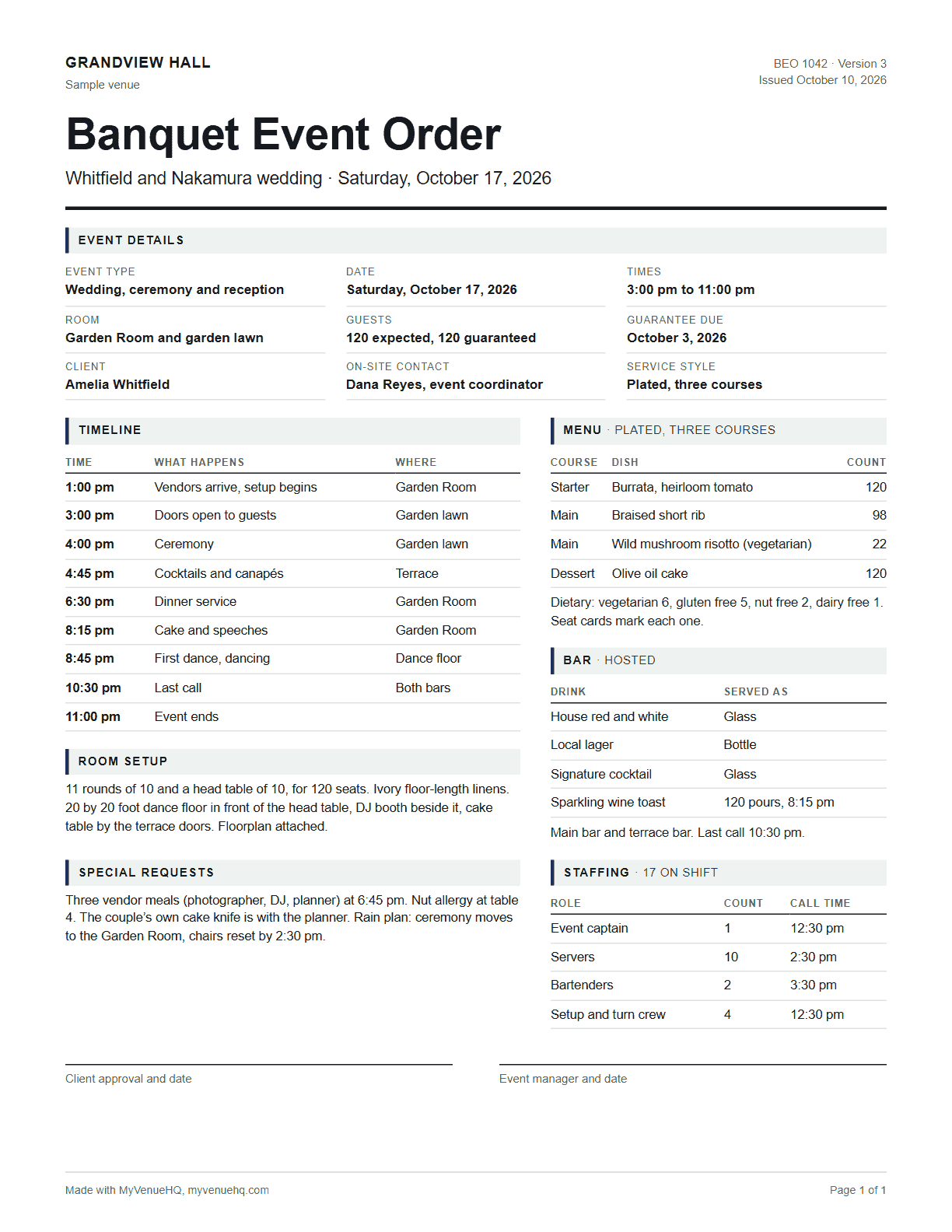
The picture is the sample wedding, filled in, as one page the kitchen, the bar and the setup crew can all work from. Entrée counts add up to the guest count, and every timeline row has a time and a place.
Fill in your free BEO template
The builder opens on a filled-in sample, a 120 guest wedding at a sample venue, the same one the banquet event order guide walks through. Change it, or press Start blank. Each section below is a part of the template, in the order a venue usually fills it in.
Event details
The event name, date, start time, room and guest count. Staff check this block first, so it has to match the contract.
Client and on-site contact
The client’s name, email and phone. If someone else makes the calls on the day, usually the planner, name them in special requests so staff know who to ask.
Guest count
The number the kitchen cooks to and the floor sets for. When it moves after the BEO goes out, the guest count change checklist lists everyone who needs the new number.
Timeline
Every moment staff act on, each with a time and a place: load-in, doors, ceremony, dinner, speeches, last call, end. The wedding run of show template goes minute by minute if you need more detail than a BEO holds. For a wedding, the wedding day timeline generator builds the schedule from the ceremony time and saves it straight into a BEO.
Menu and dietary counts
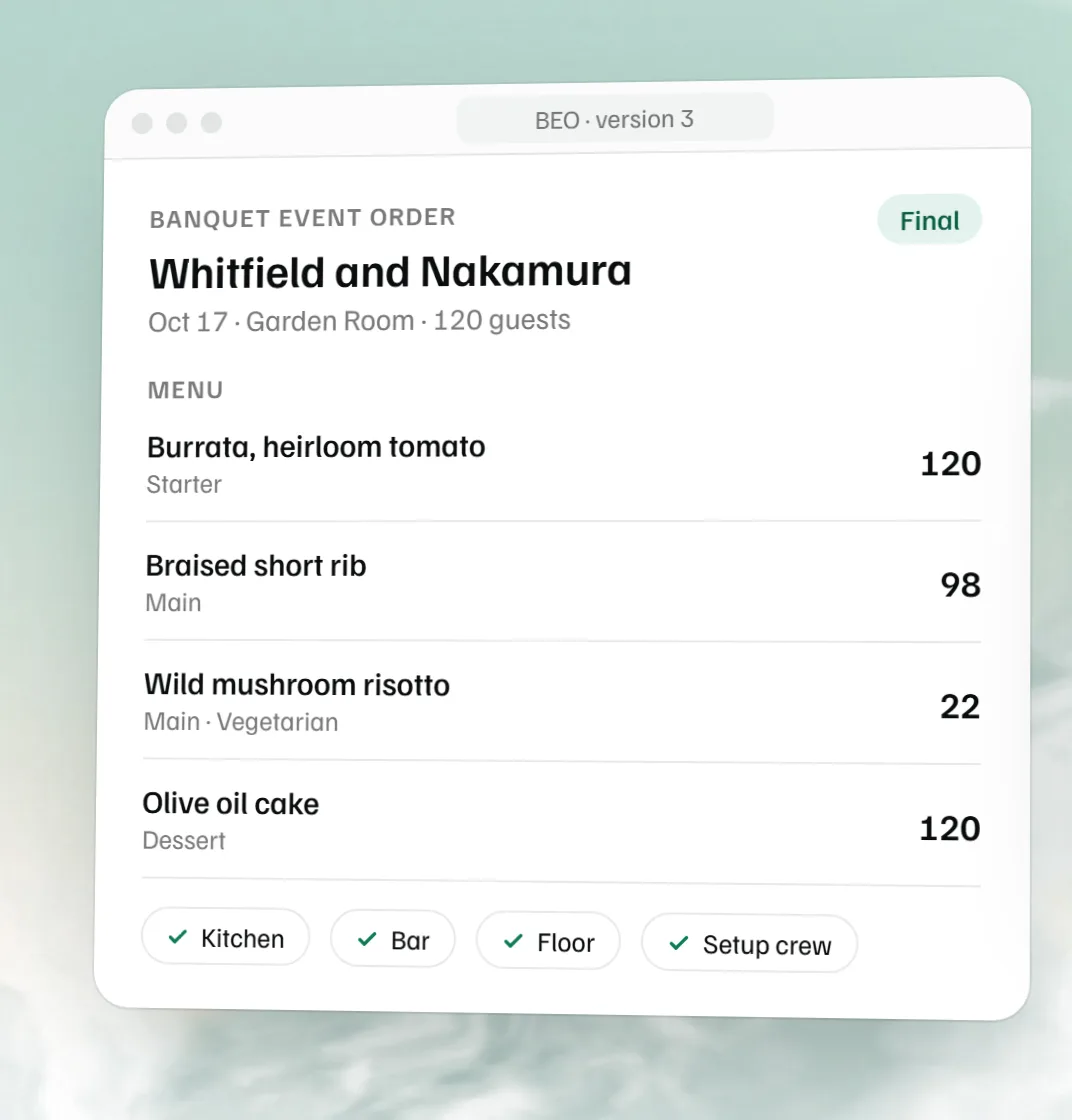
One line per dish with its dietary note and its count. A plated dinner of 98 short rib and 22 risotto adds up to 120 guests, and a BEO that does not add up gets questioned at 5 pm on the day. For the quantities behind those counts, the free catering food calculator saves its list straight into a BEO menu.
Bar and beverages
The service type (cash, open, limited, hosted, on consumption or a dry event), what is poured, the toast, and last call. To work out how much to buy, use the drink calculator; it saves its shopping list straight into a BEO.
Room setup
Tables, seats per table, linens, the dance floor, stage and AV, in words the crew can set from. To draw it to scale, use the free event floor plan maker, and to put guests at tables, the free seating chart maker; venues that want the plan on the booking use event floor plan software.
Staffing
Roles, how many of each, and call times: coordinator, servers, bartenders, security, valet, AV.
Special requests
Vendor meals, allergies by table, decor, accessibility, and anything else that fits nowhere above.
What goes on a BEO template
A BEO template has a slot for every question someone will ask on the day: what time, how many, which room, what is served, who is working. Some venues call the same document a function sheet or an event resume. Small venues merge a few parts; large ones add more, but the core stays the same: event details, client, guest count, timeline, menu with counts, bar, room setup, staffing and special requests. The banquet event order guide explains each part with a filled-in example.
This template leaves out prices and signature lines on purpose. The free templates from Tripleseat, TouchBistro and Toast list a billing or pricing section, and those three plus Event Temple’s list a signature or approval line, which lets the client sign off the counts and the bill together. If your venue works that way, add a billing summary and a line for the client’s and the event manager’s signatures at the foot of the Word file before you send it.
How to create a BEO
- Open the template above. It starts on the sample wedding: change it, or press Start blank for an empty form.
- Copy the date, room, client and guest count from the signed contract into Event details. Everything below is planned to that guest count.
- Add a timeline row for every moment staff act on, from load-in to the last guest out, each with a time and a place.
- Add each dish with its count, then the bar and the staffing. Entrées should add up to the guest count exactly.
- Describe the room, download the Word file, have the client approve it, and send every department the same copy.
Prices belong in the contract and the invoice rather than the BEO the kitchen reads, which is why this template leaves them off. The event proposal template covers that side. To write the quote, use the free event proposal template; the free venue rental agreement template covers the venue contract, the free catering contract template a caterer’s, and the free catering invoice template the bill.
Who prepares the BEO and who gets it
The event manager or catering sales manager writes it, the client approves it, and then it goes to the chef, the bar manager, the banquet captain and the setup crew. Every one of them should hold the same version, so number each revision and resend the whole BEO, not a note about what changed.
BEO templates for weddings, catering and corporate events
Wedding BEO template
Weddings run to a tight timeline: ceremony, cocktails, dinner, speeches, first dance. Put every one of those on the timeline with its room, and list vendor meals in special requests. The sample in the builder is a wedding, so it is a fast place to start. Venues that host weddings every weekend use wedding venue software to keep the BEO on the booking.
Catering BEO template
For a caterer the menu section carries the weight: every dish, its count, its dietary note, and the service style. Add the delivery and setup times to the timeline so the kitchen knows when the van leaves.
Corporate event BEO template
Conferences and company dinners lean on room setup and AV: classroom or theater rows, a podium and screen, breaks with coffee. One BEO per function is the usual rule, so a day with breakfast, lunch and a dinner in three rooms gets three.
Free BEO template or BEO software?
When a template stops being enough
A template is fine until the guest count changes twice in a week and three copies of the BEO are in circulation. That is the point where venues move the BEO onto the booking, so a change in one place reaches everyone. Tripleseat and Perfect Venue both sell that, and the Tripleseat alternative and Perfect Venue alternative pages compare them with MyVenueHQ.
What a free account adds
Save the BEO and come back to change it, print it or save it as a PDF from the builder, attach a floor plan, and, once you add your venue, fill new BEOs from the booking instead of retyping them. It is on the free plan, which covers one venue and up to 10 events a month.
Sources
- Tripleseat, Free BEO Template (no date shown; read October 16, 2026): its sections include a billing summary, terms and conditions and a client signature field.
- TouchBistro, Banquet Event Order Template (no date shown; read October 16, 2026): its fields include pricing and fees and approval signatures.
- Toast, BEO template guide, on The Restaurant HQ (published August 26, 2025, updated August 28, 2025; read October 16, 2026): a free Word or PDF template whose components include billing and payment terms and signatures.
- Event Temple, Banquet Event Orders (no date shown; read October 16, 2026): six components, the last of them contract and signature.
Free BEO template FAQs.
How to create a beo?
Start from the contract and the proposal, then fill in the event details, guest count, timeline, menu with counts, bar, room setup, staffing and special requests. Get the client to approve it and send the same version to the kitchen, the bar and the floor. The free BEO template above walks through each part.
What is a beo form?
A BEO form is the fill-in version of a banquet event order: blank fields for the date, room, guest count, timeline, menu, bar, setup and staff. Venues fill one in per event and hand it to every team that works it. This page gives you one to fill in online or print blank.
What is a beo document?
A BEO document is the finished banquet event order for one event: a few pages the kitchen cooks from, the bar pours from and the setup crew builds the room from. Some venues call it a function sheet or an event resume.
Who prepares the banquet event order?
Usually the event manager or catering sales manager. They write it from the contract and the client’s choices, have the client approve it, and send it to the chef, the bar manager and the banquet captain.
What is a banquet event order and what information does it typically include?
It is the operating plan for one event. It typically includes the date, room and times, the guest count, the client and on-site contact, a timeline, the menu with dietary counts, the bar, the room setup, staffing and special requests.
What are the benefits of using a BEO?
Everyone works from one page. The chef, the bar, the setup crew and the captain read the same counts and times, so nothing depends on someone remembering an email. Client approval gives you a record of what was agreed, and the version number tells staff which copy is current.
What is a catering event order?
A catering event order is a BEO by another name, used by caterers and restaurants. It lists the menu, counts, service style, timings and staff for one event, so the kitchen and the service team work from the same page.
Is there a free BEO template?
Yes. Fill in the free BEO template on this page and download it as an editable Word file, or download the blank BEO template in Word. No account is needed. A free MyVenueHQ account adds saving, PDF and filling a new BEO from the booking.
Is there a BEO template for Google Docs or Excel?
For Google Docs, upload the Word file to Drive and open it with Docs; the tables and headings come through. There is no Excel version, because a BEO is mostly words and prints more cleanly from Word or Docs. If your team works in Sheets, paste the timeline and menu tables in from the Word file.
Where can I see a banquet event order sample?
The banquet event order guide on this site has two filled-in samples: a wedding for 120 guests and a corporate dinner for 80. The builder above also opens on a filled-in sample wedding that you can change.
Is a BEO a contract?
Not on its own. The contract sets the price and terms, and the BEO sets how the event runs. Once the client signs a BEO most venues treat it as part of the agreement, so say in your contract which one wins if they disagree.
Can a BEO be changed after it is signed?
Yes, as a numbered revision. Change the details, raise the version number and send the whole BEO to every department again, so nobody works from an old copy. If the change moves the price or the terms, record it in writing against the contract too.
When is the guest guarantee due on a BEO?
On the guarantee date in your contract, the day the client commits to a guest count. The kitchen cooks to that number and the invoice bills for at least that many.
Related free tools
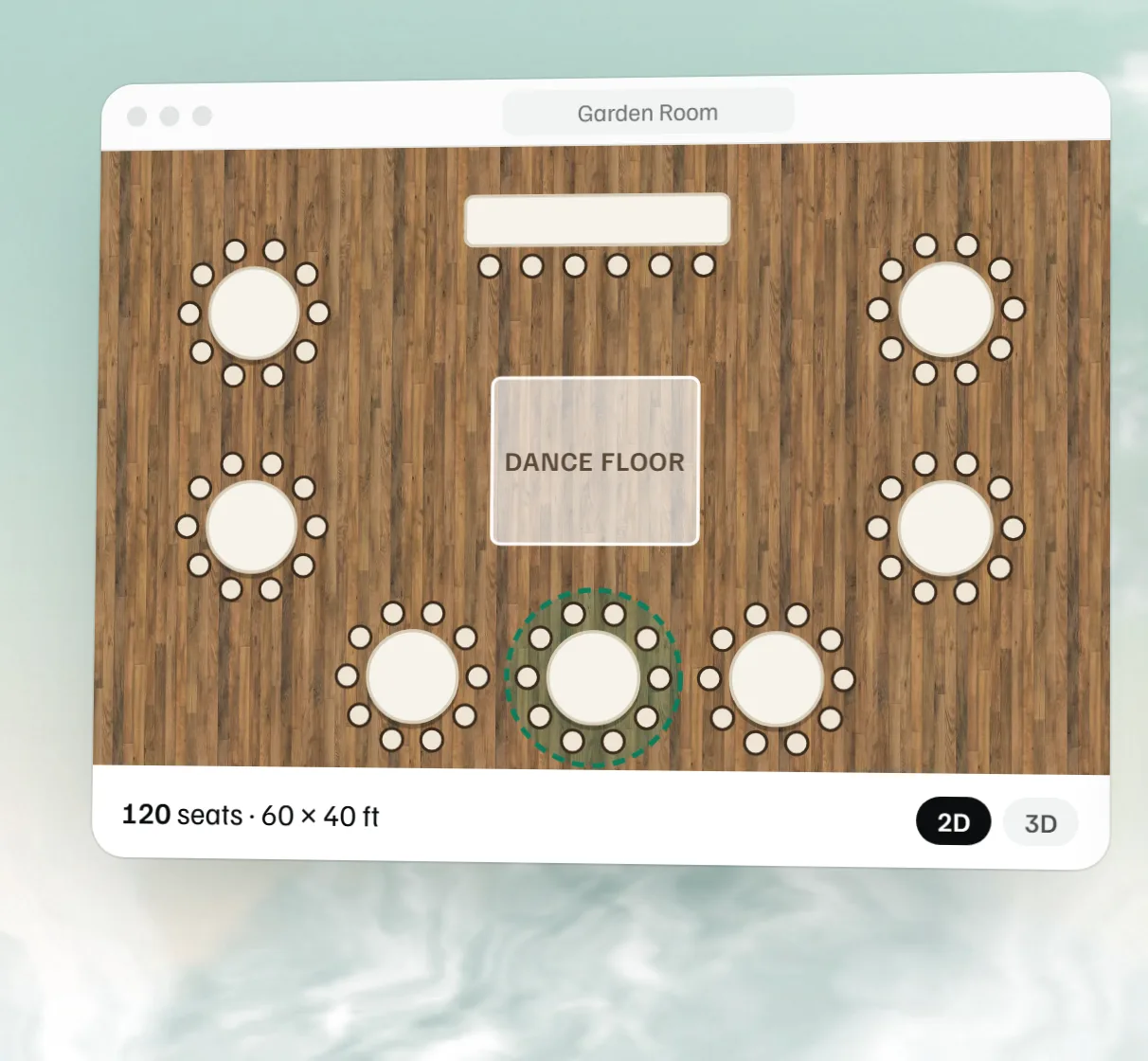 Free event floor plan maker Draw the room to scale with tables, stage, bar and dance floor, then see it in 3D.
 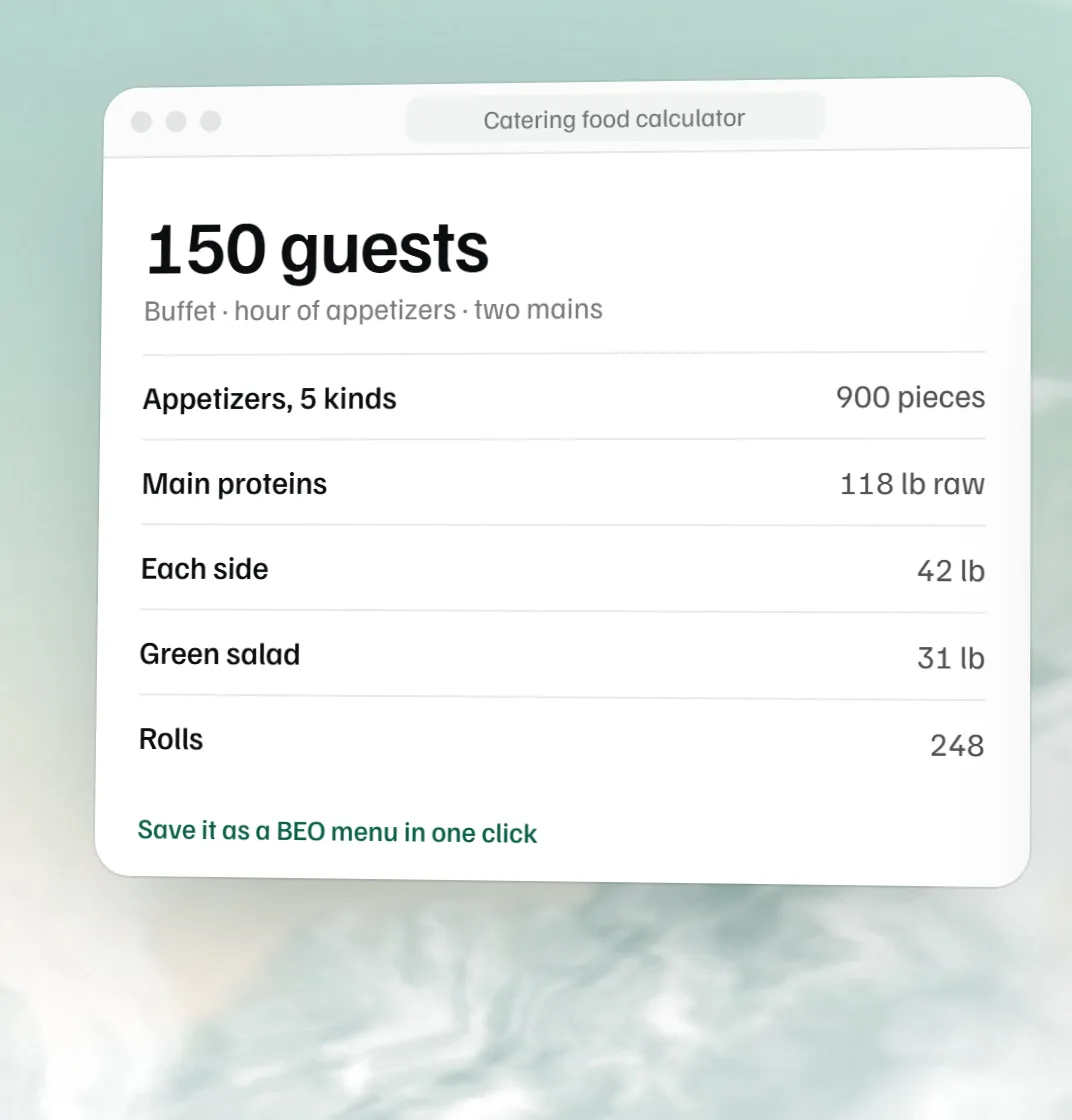 Free catering food calculator Protein, sides, appetizers and rolls per guest.
 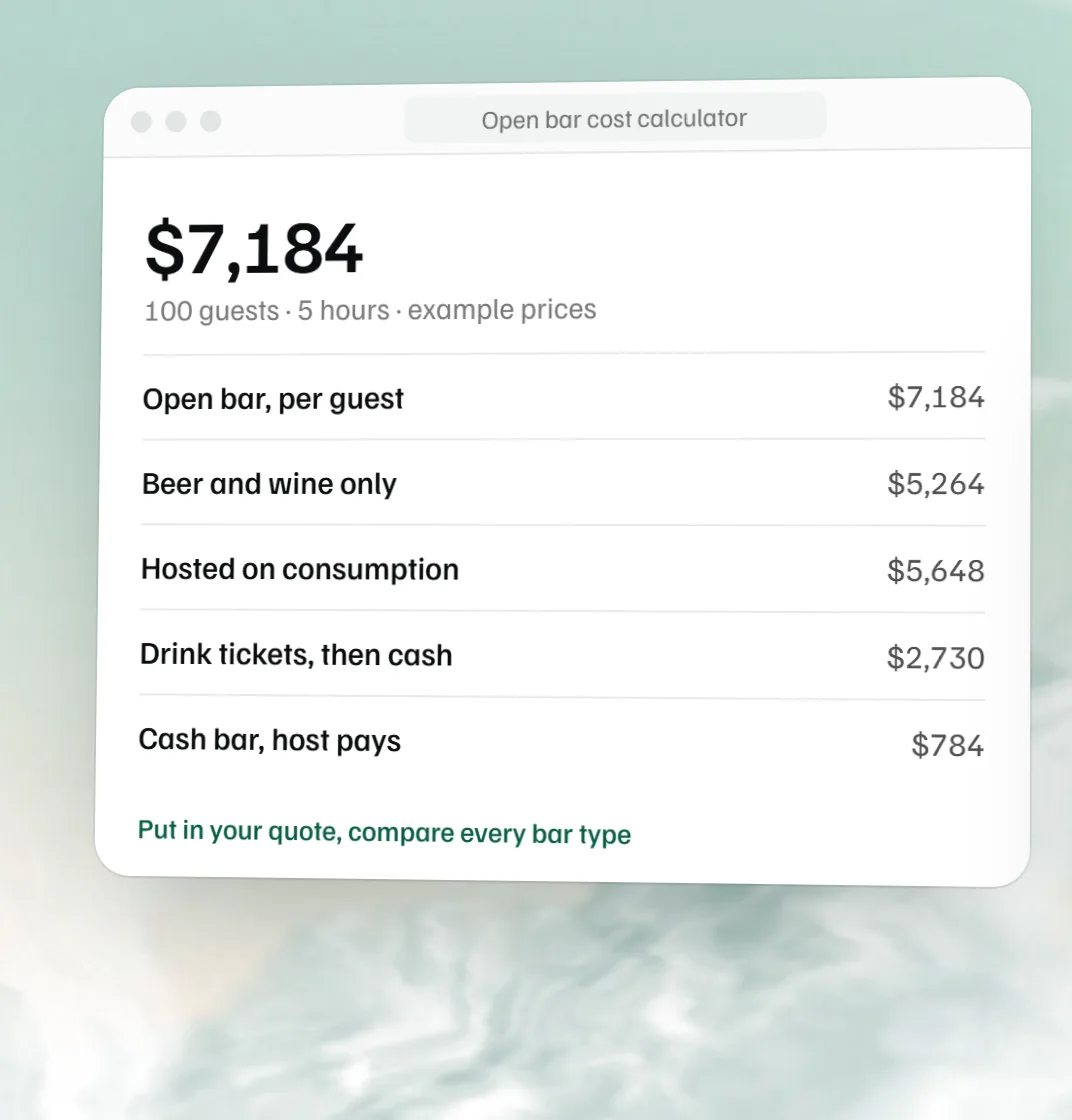 Free open bar cost calculator Open bar, consumption or cash bar: the total and cost per guest at your prices.
 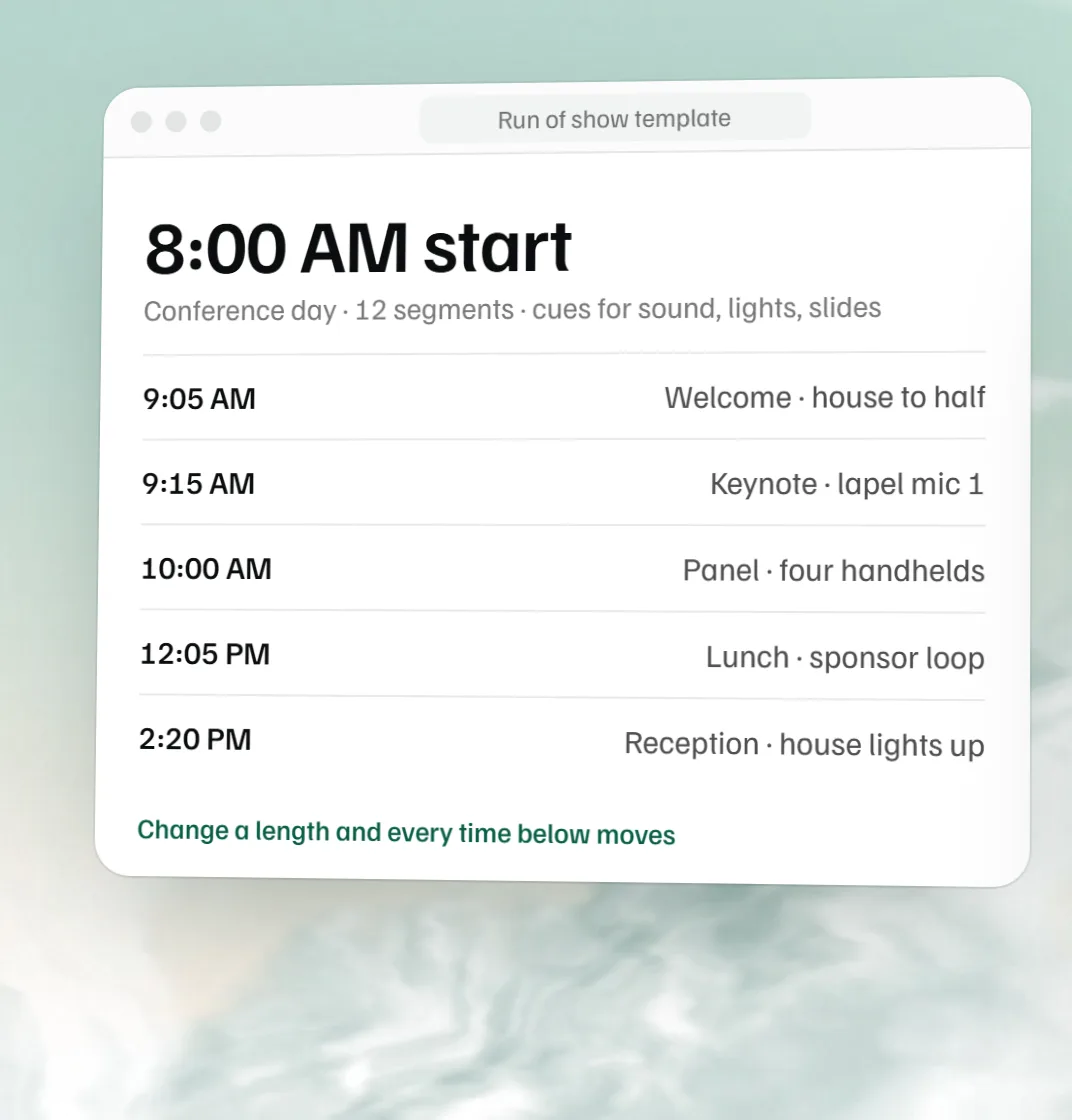 Free run of show template Every segment of a conference, gala or launch, with owners and cues.