

DateSat, Oct 17
Total$9,600
Venue management software for event and wedding venues: inquiries, contracts and invoices, plus forms, floor plans, menus, BEOs and HQ, your AI assistant.
A live demo of MyVenueHQ, venue management software, on the Today screen of a wedding day at a sample venue, Grandview Hall: the run of show moves on to dinner service, a new inquiry arrives, and the couple’s balance is paid.
Saturday, October 17
Draw the room and seat your guests. No account needed.
Make a floor plan Or make a free accountInquiries, contracts and deposits in one place. Free to start, no card.
Start free See what it costsFour jobs that eat a venue’s week, and how each one gets easier here.

The problem: Inquiries sit for days while you run events.
HQ, our AI assistant, drafts each reply from your calendar and puts the longest wait first.

The problem: The same details typed into four documents, and one gets the date wrong.
The proposal, contract, invoice and BEO fill from one booking, and the deposit is paid by card.
The problem: Floor plan PDFs emailed back and forth until nobody knows which is final.
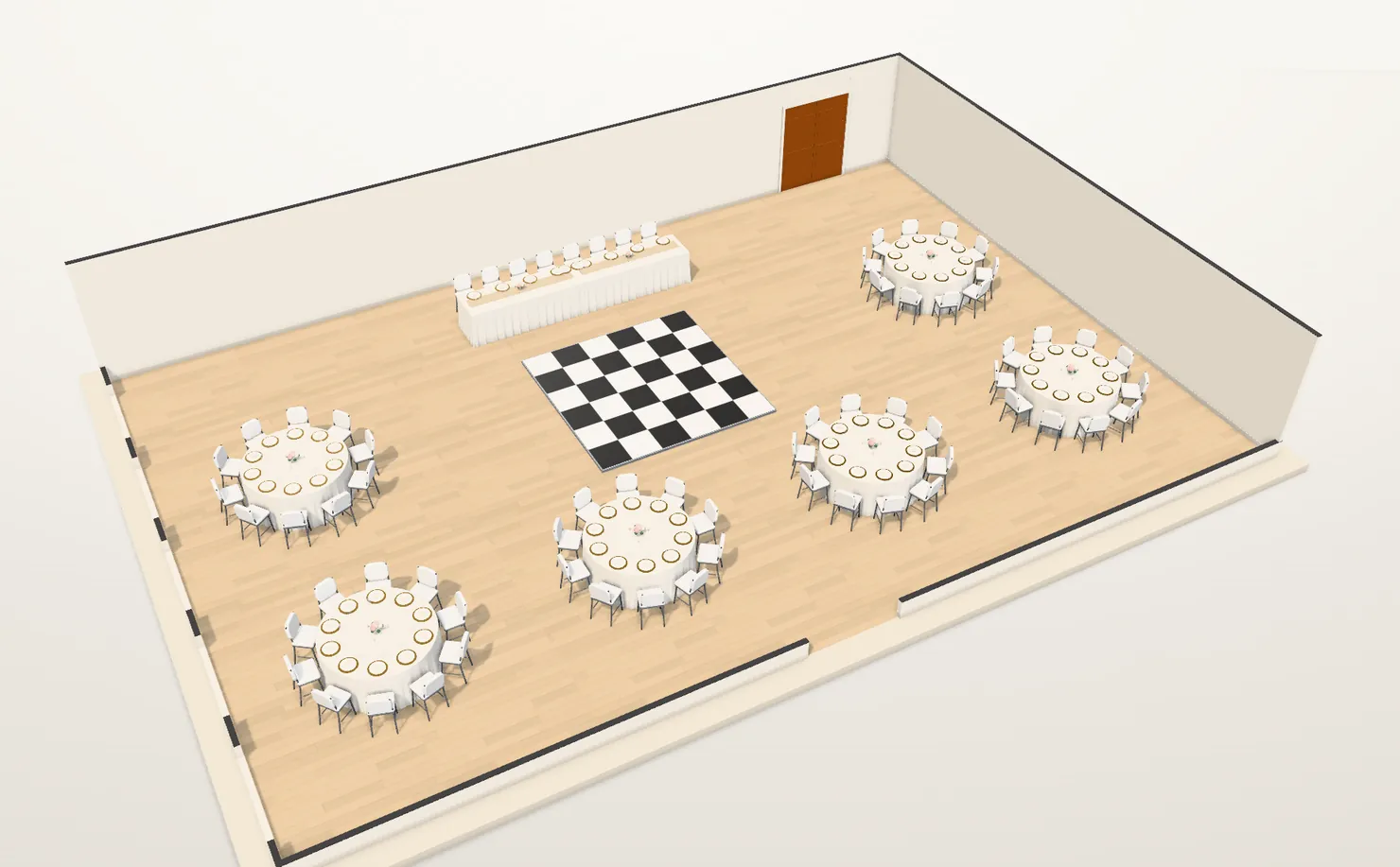
Drawn to scale with seat counts on every table, shared as a link your client comments on and approves, and in 3D for you.

The problem: Paying for ads with no idea which ones book events.
Cost per booking for The Knot, Google Ads and Instagram, worked out from what you spent.
Drawn to scale. The seat count follows every table you drag.
88of 120 seats set
Drag a table. Arrow keys move the one in focus.
Features marked Venue need the $49 plan. Everything else works on Free.
Compare Free and $49 · Each extra venue: +$15 a month, on the same bill.
The price and every term are written down here and in our terms of service. No sales call, no quote.
Questions? Email hello@myvenuehq.com
MyVenueHQ is venue management software for event and wedding venues. Inquiries, proposals, contracts, invoices, floorplans and BEOs all live in one dashboard, so the details are typed once, and POS sales sync into its revenue reports.
It runs an event space’s business: inquiries, one calendar for every room, proposals, contracts and deposits, then the floorplan, BEO and timeline staff work from on the day. Event booking software covers the booking; venue management software carries it through to the event.
Yes. One venue, two staff seats, 10 events a month and 250 contacts, with proposals, invoices and deposits, BEOs, floorplans, menus and ticketing. Tickets sold on Free carry a 5% buyer fee.
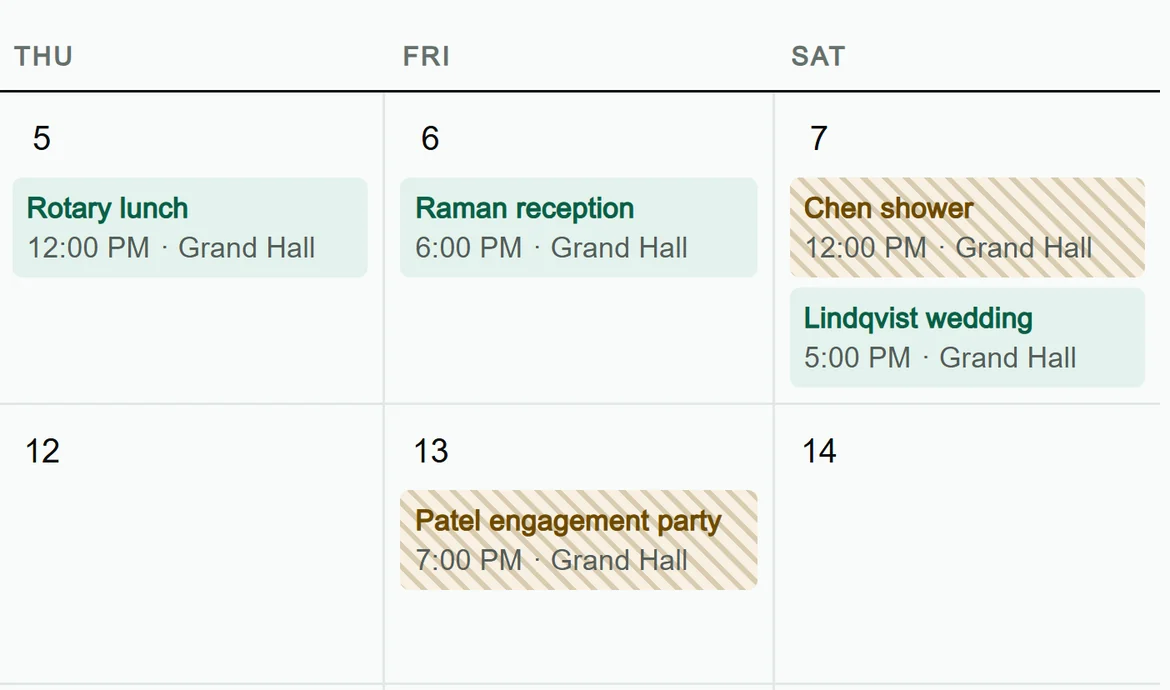
Yes. One calendar holds every room, and a booking that clashes with another in the same room is stopped before it saves.
Yes. Add your upcoming events and contacts as you go; each takes about a minute. On the Venue plan, the MyVenueHQ team spends an hour setting up your first event with you.
Not to accept a proposal or sign a contract. They open a link from their email and do it from their phone.
In the app, go to Settings, Your account, Plan and billing, and press Cancel my plan, or email hello@myvenuehq.com from the account owner’s address. A monthly plan ends at the end of the month you have paid for, a yearly plan at the end of the year. There is no annual contract.
Unlimited events, contacts and staff seats, contracts with e-signature, POS sync from Square, Clover, Toast or Lightspeed, and ticketing with no per-ticket cut. It starts with a 14-day trial.
The plan is all MyVenueHQ charges: no fee on your invoices, no per-seat or per-ticket charge on Venue, and no setup fee. One dashboard replaces the booking tool, signing app and floorplan tool most venues pay for separately.
Nothing you have booked is touched. New events pause until the first of next month, or until you upgrade. Inquiries do not count toward the 10.
Yes. An inquiry from the form on your website arrives as an inquiry, and its event moves from inquiry to tentative to confirmed, with the client’s details in the dashboard. Automations send the contract, the invoice or a follow-up when the status changes.
Yes. Venues on the Venue plan get an hour with the MyVenueHQ team to set up their first event together, and anyone can email hello@myvenuehq.com.
Yes. $490 a year for one venue, which is two months free against paying monthly, and $150 a year for each extra venue. You choose it at checkout. It starts with the same 14-day trial.
Yes. Email hello@myvenuehq.com within 30 days of your first payment, monthly or yearly, and we refund it in full.
Not for you if you subscribe in 2026: today’s price is locked for as long as you stay subscribed. Any later increase is announced at least 30 days ahead.
Square, Clover, Toast and Lightspeed. You connect one with an API token from its dashboard, then press Sync to bring in the last week of sales.
Into your own Stripe, Square or PayPal account, the one you connect.
Add each extra venue for $15 a month, or $150 a year, on the same subscription and bill. Each venue keeps its own calendar, contacts, documents and staff, and you switch between them with one login. MyVenueHQ does not combine calendars or revenue across venues.
Yes. Your data exports on request, and it stays yours.
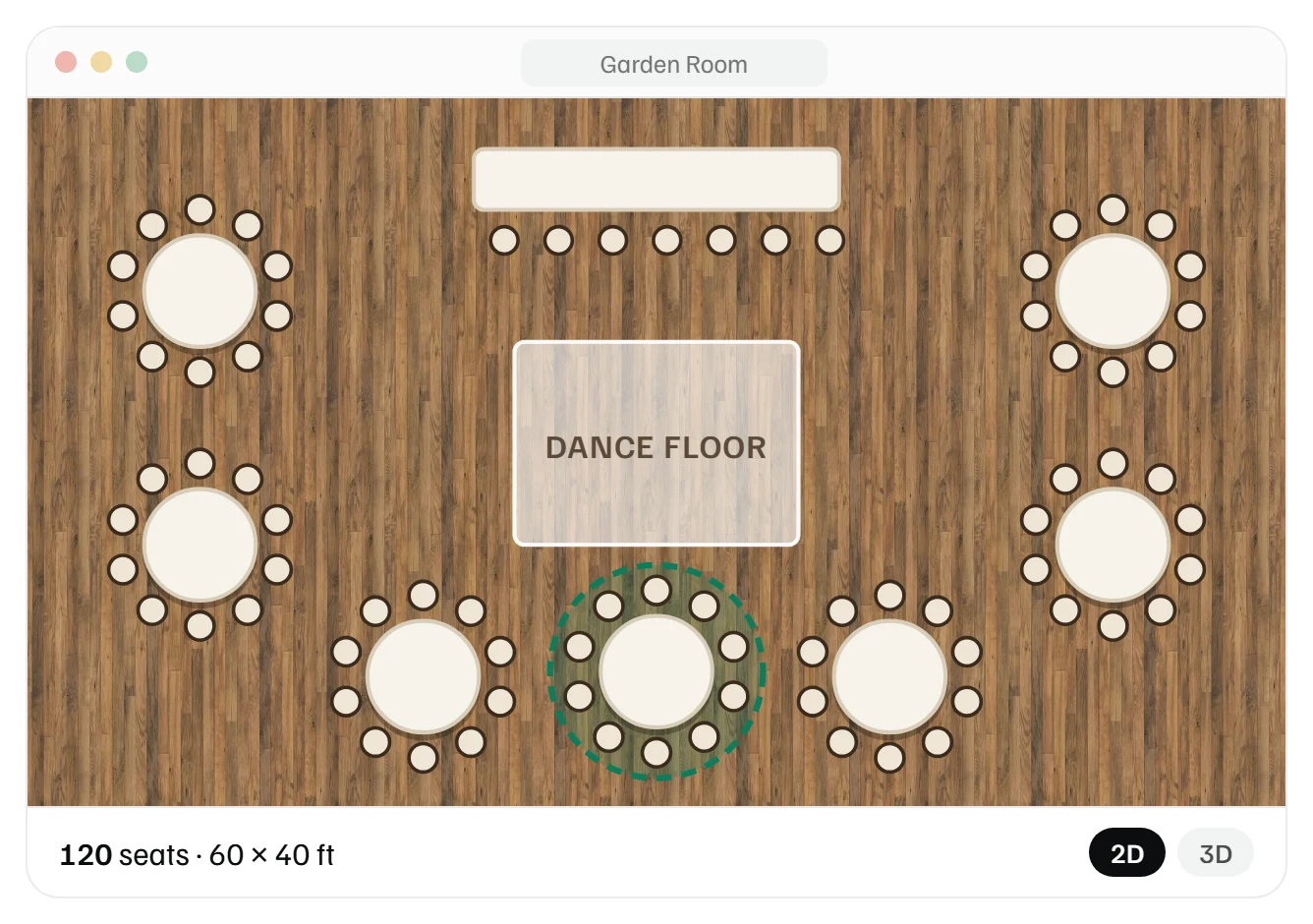 Floor plan maker
 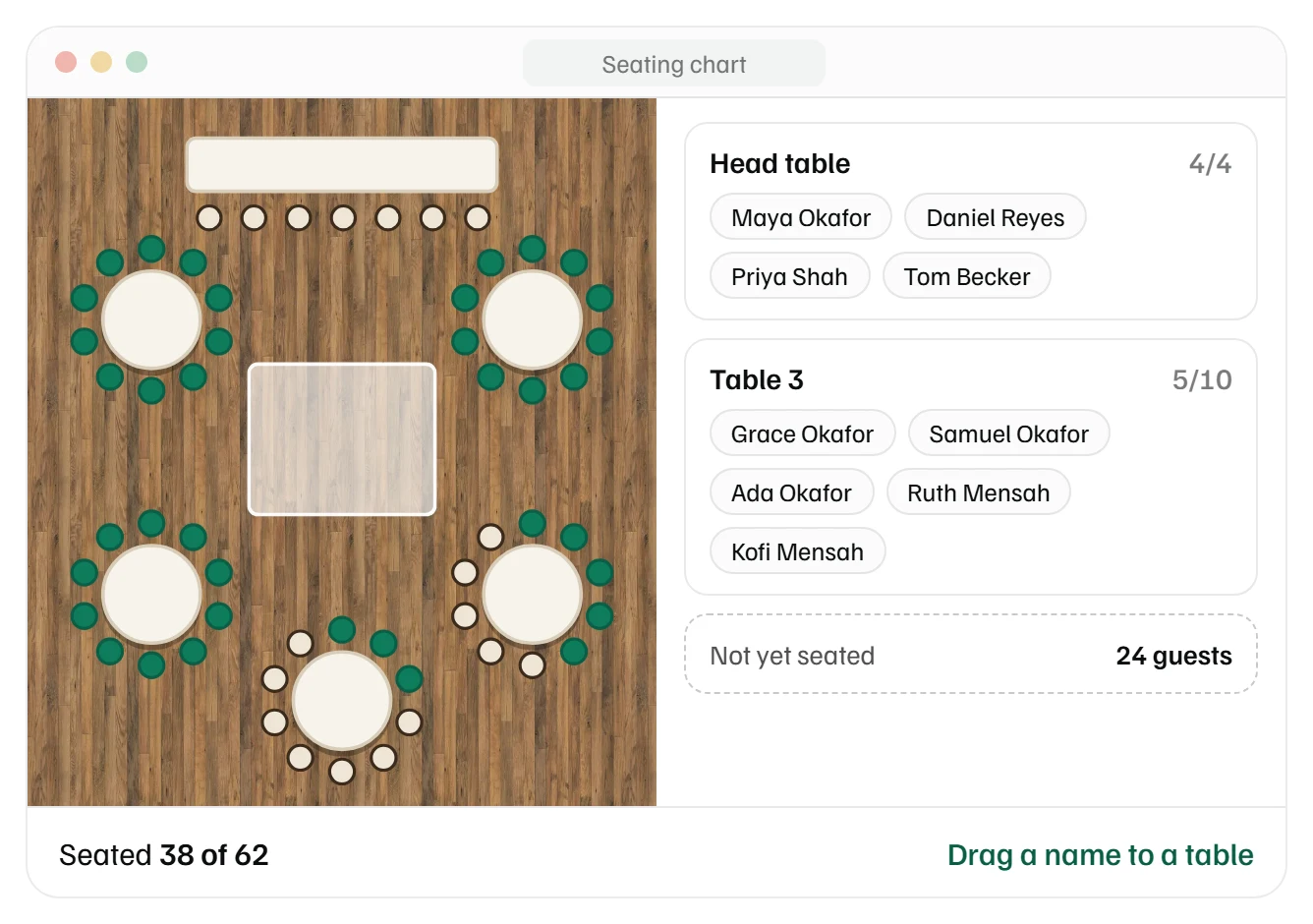 Seating chart maker