Ten event tasks, and whether to use AI for them
Use it where a wrong answer is easy to spot and cheap to fix. Skip it where the answer decides money, safety or a contract. The verdict column is how we would treat each task.
Use it3
- Event checklist
- Email and invitation wording
- Post-event survey summaries
Use it with a check5
- Run of show
- Budget lines
- Seating
- Vendor research
- Day-of changes
Do not use it2
- Venue recommendations
- Contract wording
| Task | Verdict | Why | How to check it |
|---|---|---|---|
| Event checklist | Use it | Task lists are common knowledge, and a missing item is cheap to spot. | Compare with a dated checklist, then add your venue’s own tasks. |
| Run of show | Use it with a check | It orders and spaces segments well and knows nothing about your venue’s rules. | Check times against load-in, end time and noise rules. Add the lengths up. |
| Email and invitation wording | Use it | Wording is what it does best. | Read for tone. Check the date, address and RSVP deadline character by character. |
| Budget lines | Use it with a check | Fine for listing categories; arithmetic is where it slips. | Rebuild every total in a spreadsheet. Use your real quotes, not its figures. |
| Seating | Use it with a check | It can suggest grouping rules. It doesn’t know who can’t sit together. | Confirm every guest sits once and no table exceeds its seats. Strip personal details first. |
| Vendor research | Use it with a check | Good for the kinds of vendor you need and the questions to ask; it invents specifics. | Find the actual businesses yourself and confirm every name, number and price with them. |
| Venue recommendations | Do not use it | It can name places that don’t exist, and it can’t know a date, a price or a capacity. | Use a venue’s own site and a tour. Ask in writing. |
| Contract wording | Do not use it | Legal wording depends on your state and your facts, and a wrong clause looks like a right one. | Have an attorney review the contract. Use AI, at most, to explain a clause in plain words. |
| Day-of changes | Use it with a check | It can reword an update and re-sequence the schedule once you give it the new facts. | Decide yourself. Check who the change touches before you send. |
| Post-event survey summaries | Use it | Summarising a pile of comments is a strong fit. | Read a sample of the raw comments and count the main themes yourself. Remove names first. |
For a run of show you can build without guessing, the free run of show template chains each start time from the length of the segment above it. For a checklist that is already dated, the free event planning checklist counts every task back from your event date, so you start from a list that is right and add what is yours.
A prompt pattern that works
- Give it the facts. Times, headcount, the venue’s rules, what is fixed. It can’t use a fact you kept in your head.
- Ask for a draft in a form you can check. A table with times and owners is easier to audit than paragraphs.
- Tell it what not to do. “Use only the facts I gave you. Ask me if you need something else.”
- Ask what it assumed. The list of assumptions is the first place to look for mistakes.
- Check every number, name and rule yourself.
Suppose you are planning a retirement dinner for 60 guests on a Friday. A prompt in this shape works:
“I’m planning a retirement dinner for 60 guests on a Friday. Facts: the room is ours from 4 p.m. to 11 p.m.; load-in starts at 4; doors open at 6:30; dinner is plated, three courses, first course at 7:15; there are three speeches of about five minutes each and a four-minute slideshow; the bar closes at 10:15; everyone is out by 11. Write a run of show as a table with start time, length, what happens and who is responsible. Use only the facts I gave you. If you need something I haven’t told you, list it as a question at the end. Then list every assumption you made.”
Then audit the answer. Do the lengths add up to the times? Does the schedule end by 11? Sixty guests at tables of ten is six tables; a draft that says five or seven has slipped. The assumptions list will show things like a head table or a microphone you never mentioned. Fix those, and ask again with the corrections.
Fifteen more prompts you can copy, each with what to check in the answer, are in ChatGPT prompts for event planners and venues.
Where AI event planning goes wrong
Invented venues and vendors. Ask for a florist or a venue “near me” and a chat assistant may give names, addresses and phone numbers that look real and aren’t, or that have closed. Never copy a business detail without confirming it with the business.
Wrong arithmetic. Multi-step sums, like a per-person price times a headcount plus a service charge plus tax, are where drafts go wrong. Whether tax applies to a service charge can also depend on where you are, and a tool that picks one without saying so has made a decision for you. Do the sums in a spreadsheet or a calculator.
Confident capacity numbers. “That room holds 200” is an answer it will give without knowing the room. Capacity depends on the setup and on the limit your local fire authority sets. Use the free venue capacity calculator to see a figure by layout next to the code count, and confirm the legal number with the venue.
Generic timelines. A generic wedding timeline might put the ceremony at four and dinner at six. Your venue may have a noise cutoff at ten and a vendor load-in at noon, and the draft doesn’t know. Give it the rules or edit them in.
Can AI plan a wedding?
It can help you plan one. It can’t run one. The parts it does well are the drafting parts: a task list counted back from the date, wording for save-the-dates and thank-you notes, a first draft of the day’s timeline, a list of questions for a venue tour, and a plain-English summary of quotes you paste in.
The parts it can’t be trusted with are the same as for any event: prices, which vendors are free on your date, how many guests a room holds, and the wording of a contract. Vows and toasts are yours to write; a model can help with the structure, but the words only work if they sound like you. And somebody has to be there on the day, a person who knows the run of show and can move things when the caterer is late.
If you are doing this yourself, start with the venue’s tour questions and a free wedding timeline template built from your ceremony time. Use AI to polish the drafts you build from them.
How a venue uses AI
The venue side has three jobs where a draft helps: the morning briefing, the reply to a new inquiry, and the follow-up. The same rule applies to each. The AI writes, and the facts come from your records, not from the model’s memory. For the inquiry workflow in detail, see how venues use AI to answer inquiries. For the wording of a proposal, see AI event proposal.
What a venue should automate, draft with AI, or keep for a person
Three questions sort a venue’s tasks. Is it the same every time? Can a mistake be undone? Does it commit money, a date or the venue’s name? A fixed rule fits a task that is the same every time and easy to undo. An AI draft fits a task where the wording changes and a person can read it before it goes. A person keeps any task that commits money, a date or the contract, and any exception, complaint or refund.
| Task | Handle it by | Why |
|---|---|---|
| Acknowledge a new inquiry | A rule that sends a fixed message | The message is the same every time. Write it once, say when the full answer will come and what the next step is. |
| Remind someone of a tour or a due date | A rule | The date comes from your record and the wording is fixed. |
| Reply to an inquiry | An AI draft that a person edits and sends | The wording varies, and a person must check the date and any price before it goes out. |
| Hold a date | A person approves | It blocks the calendar for everyone. An assistant can prepare it, and you press the button. |
| Send a payment reminder | A rule on a schedule you set, with wording you wrote | An email can’t be recalled once sent, and a client with a hard month needs a person. |
| Draft a proposal | An AI draft of the wording, prices set by a person | Prices come from your costs and your calendar. |
| Summarize your day | An AI summary of your own records | It only reads. A wrong summary costs a minute, and you can check it against the list. |
| Change a contract | A person, with an attorney for new terms | It commits both sides in writing. |
| Refund or settle a deposit | A person | It moves money and usually follows a disagreement. |
| Answer a complaint | A person | Tone and judgment decide the outcome, and the client wants to hear from someone accountable. |
The sorting is our view, not a study. Your own answers to the three questions may move a task up or down. Review any rule that sends email after a change in your terms, since the message goes out in your name. Our guide to reducing missed wedding venue inquiries has an example schedule for the first two rows.
What MyVenueHQ’s assistant does
MyVenueHQ has an AI assistant for venues. This is what it does, and what it doesn’t.
- A short daily briefing of today’s events, tomorrow’s events, inquiries waiting for a reply and reminders that are due.
- Questions in plain English about your own events, inquiries, open dates, who owes you money and what you have taken in a month. It answers from the records in your account and shows the records it used. Revenue answers use the same figures as your Money screen, and only the owner and people allowed to see reports can see them.
- Reply drafts for inquiries. It uses your calendar to say whether a date is open, you edit the draft, and you send it from your own email.
- Paste-an-email. Paste a client’s email into a new inquiry and it fills in the form for you to check before you save.
- Actions made ready for you, such as holding an open date, setting a follow-up reminder on an event, preparing a payment reminder email or starting a proposal draft. Nothing happens until you press the button.
It doesn’t send replies for you, price events, write proposals with prices in them, draft contracts, build a run of show or draw a floor plan. It doesn’t know a room’s capacity, and its date check works by the day rather than by room and time. It reads only your own venue’s records, works in the web app, and writes in English. Every plan has a monthly allowance of assistant actions, and the Free plan’s is small.
Each request asks its AI provider not to keep your text or use it to train models, and we don’t use your content to train any model; the privacy policy has the wording. A venue owner can turn the assistant off for the whole venue, and any team member can hide it for themselves. More on the product at AI venue management software.
Free tools that do the job without AI
Where a calculator is safer than a guess, use the calculator. Each of these gives the same answer every time and shows its working.
- The free event planning checklist for tasks counted back from your date.
- The free wedding budget calculator for totals, cost per guest and what you have paid.
- The free wedding timeline template for the day, built from the ceremony time.
- The free venue capacity calculator for how many guests fit a room by setup.
- The free event floor plan maker for tables, a dance floor and a bar drawn at their real size. Choosing between tools? See the free floor plan makers compared.
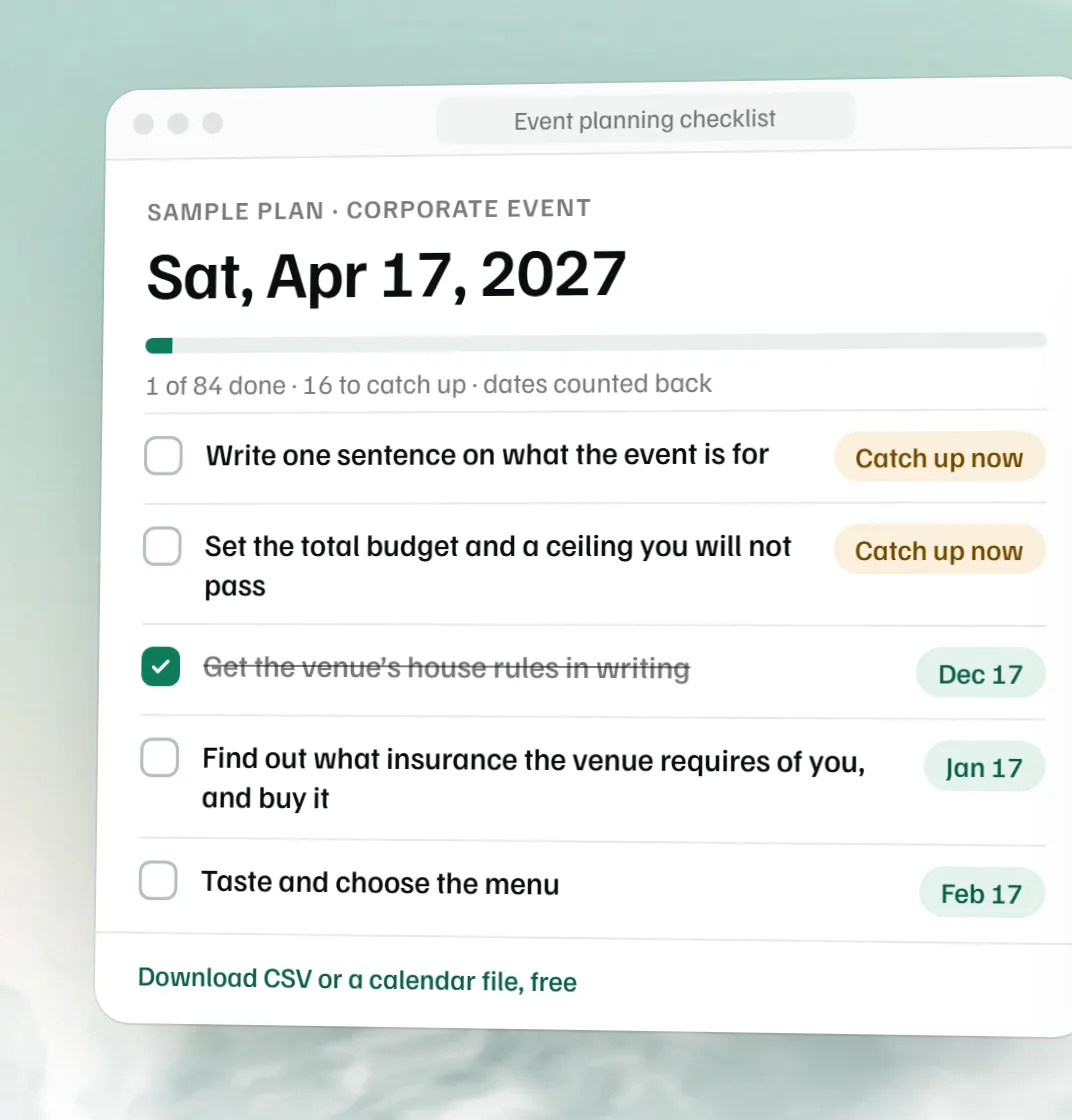 Free event planning checklist
 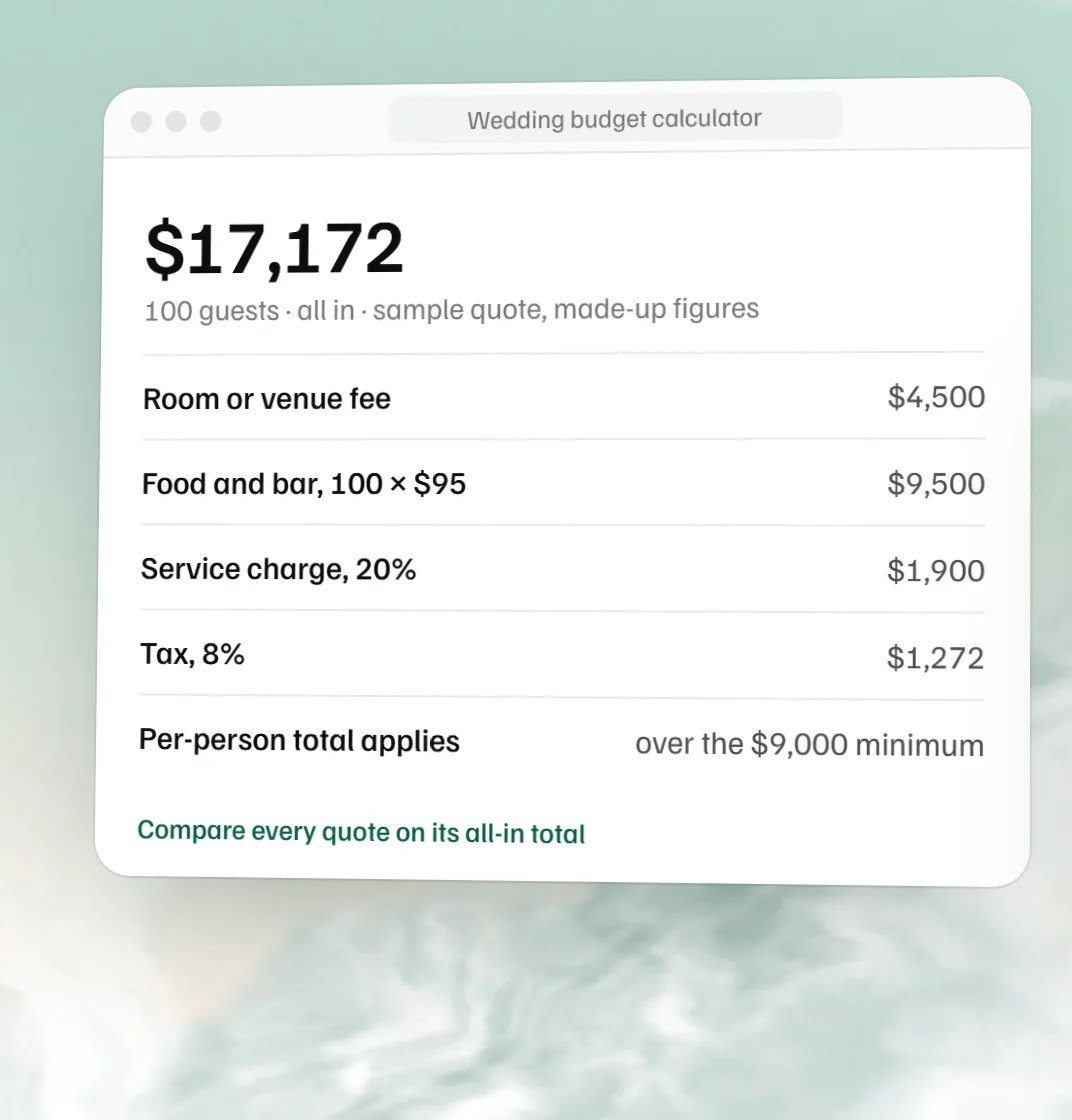 Free wedding budget calculator
 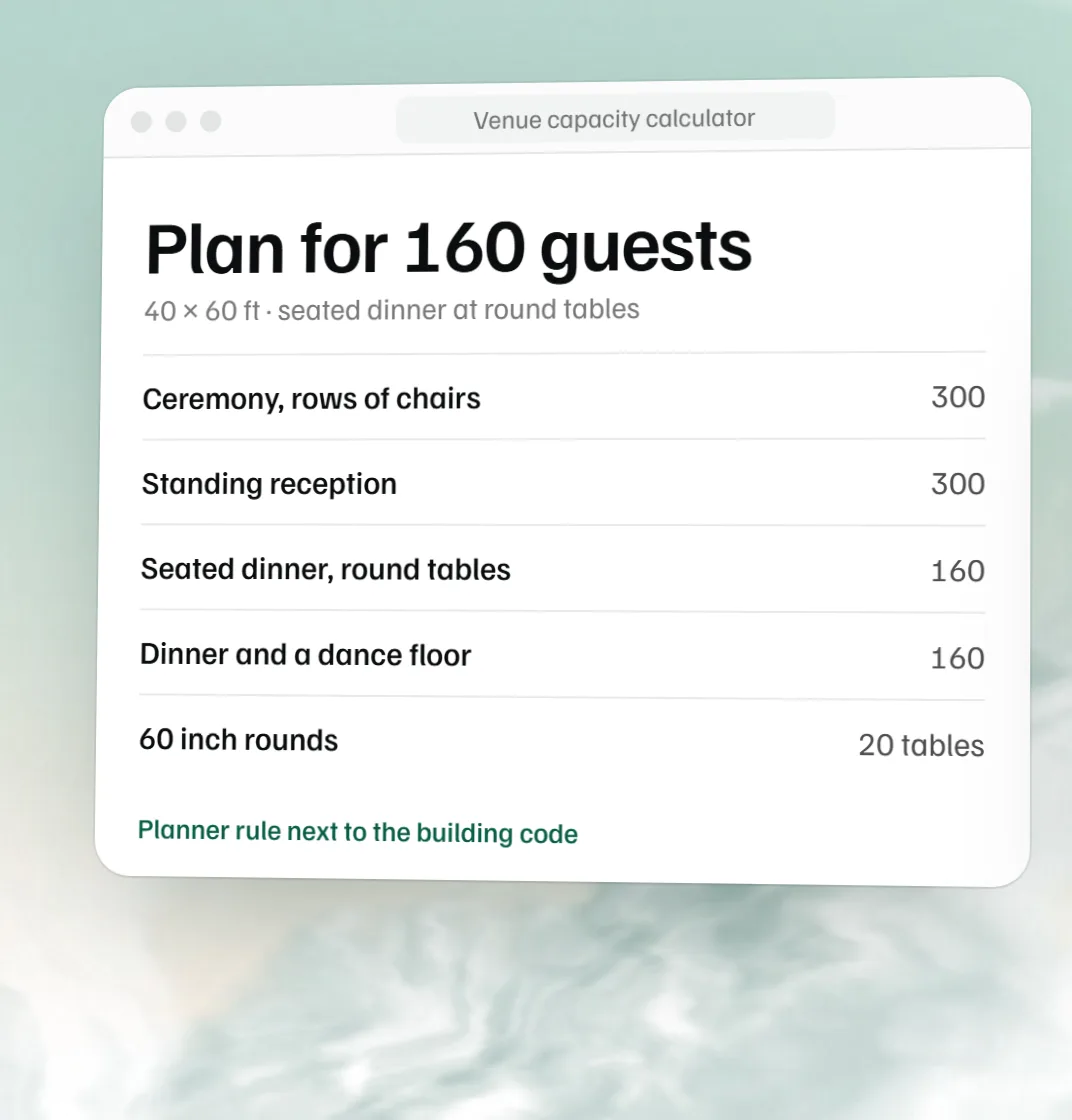 Free venue capacity calculator
 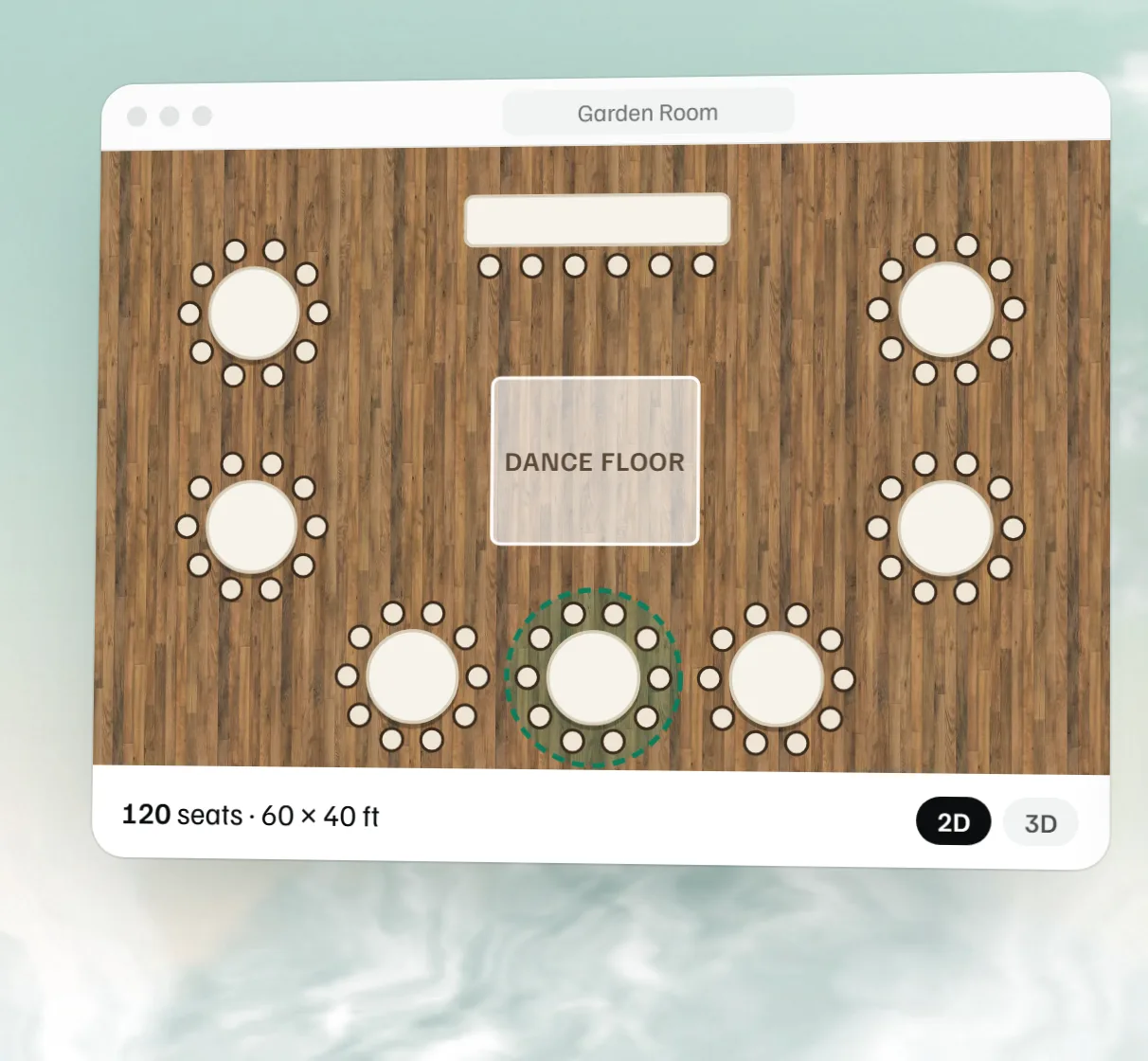 Free event floor plan maker