Venues in one group drift apart without anyone deciding to. One reply takes an hour and another takes a week, one deposit is called a retainer, and one calendar has holds that never expire. This guide gives five steps for keeping venues consistent where it matters and different where it should be: decide what must match, write one playbook, keep a master set of templates, measure the same things, and change the rules in one place. It is working practice, not research. How MyVenueHQ fits is in the last section, and it is plain about what is not shared between venues today.
1. Decide what must match and what may differ
Not everything should be the same. Make a two-column list and keep it short.
| Must match at every venue | May differ by venue |
|---|---|
| Status names: inquiry, hold, confirmed, cancelled | Prices and packages |
| The hold rule: how long, one extension, what converts it | Room names, capacities and house rules |
| The shape of the payment schedule: deposit, second payment, balance | The dates and amounts that suit that venue’s costs |
| Reply time and who owns replies | Tour days and hours |
| How a booking is named and filed | Contract wording that depends on local law |
2. Write one playbook
A playbook is one page per process. Each page names the trigger, the owner, the steps, the time limit and what done looks like. Start with the processes that cost you the most when they go wrong: handling an inquiry, running a tour, holding a date, collecting the deposit, and closing out an event. Our guides on missed inquiries, tours and follow-ups, calendars and contracts and deposits give a starting version of each.
3. Keep a master set of templates
Keep one master copy of each template: the proposal, the contract, the invoice wording, the follow-up emails. Put a version date on each. Mark the fields that are local, such as the price, the room and the dates, and let venues edit only those. A venue that rewrites the cancellation clause has made a legal decision, so send contract changes through whoever reviews your contracts. Terms can need different wording in different states, so have an attorney in each state review that venue’s version. This isn’t legal advice.
4. Measure the same things
Agree the definitions first. Does a tour count when it is booked or when it happens? Is a reply on time at the end of the business day or after 24 hours? Then count the same things each week at every venue.
| Count | Definition to agree |
|---|---|
| Inquiries received | Every channel, counted on the day it arrives. |
| Replies on time | Answered within your target reply time. |
| Tours held | The tour happened, not only booked. |
| Proposals sent | Sent with a price for their date. |
| Holds expiring this week | Holds whose expiry date falls in the next seven days. |
| Bookings | Contract signed and deposit received. |
5. Change the rules in one place
When a rule changes, change the master first, write the date and the reason at the top, and tell every venue what changed and when it starts. Review the playbook on a calendar, such as each quarter, and whenever a payment rule or a contract term changes. A rule that lives only in someone’s head will change without anyone deciding.
Where MyVenueHQ fits
This section is about our own product, so weigh it as a vendor’s description. In MyVenueHQ each venue keeps its own contract templates, event templates, packages and workflows. There is no feature today that copies them to another venue. What the venues share is one subscription and bill, one login that switches between them and a different role in each. Their calendars, contacts and revenue are separate too. To use the same wording at a second venue, copy the text across and recreate the package or workflow there, and keep your master set outside the app so the venues stay in step. Each extra venue is $15 a month on the Venue plan, which is $49 a month for the first. We don’t claim a combined view or combined reports across venues here, so ask any vendor to show you one and test it. See pricing, or what other vendors publish.
Next step
Fill in the two columns in step 1 with the people who run each venue. Anything they disagree on is the first thing to settle.
This guide is working practice, not research. Legal terms vary by state, and this isn’t legal advice.
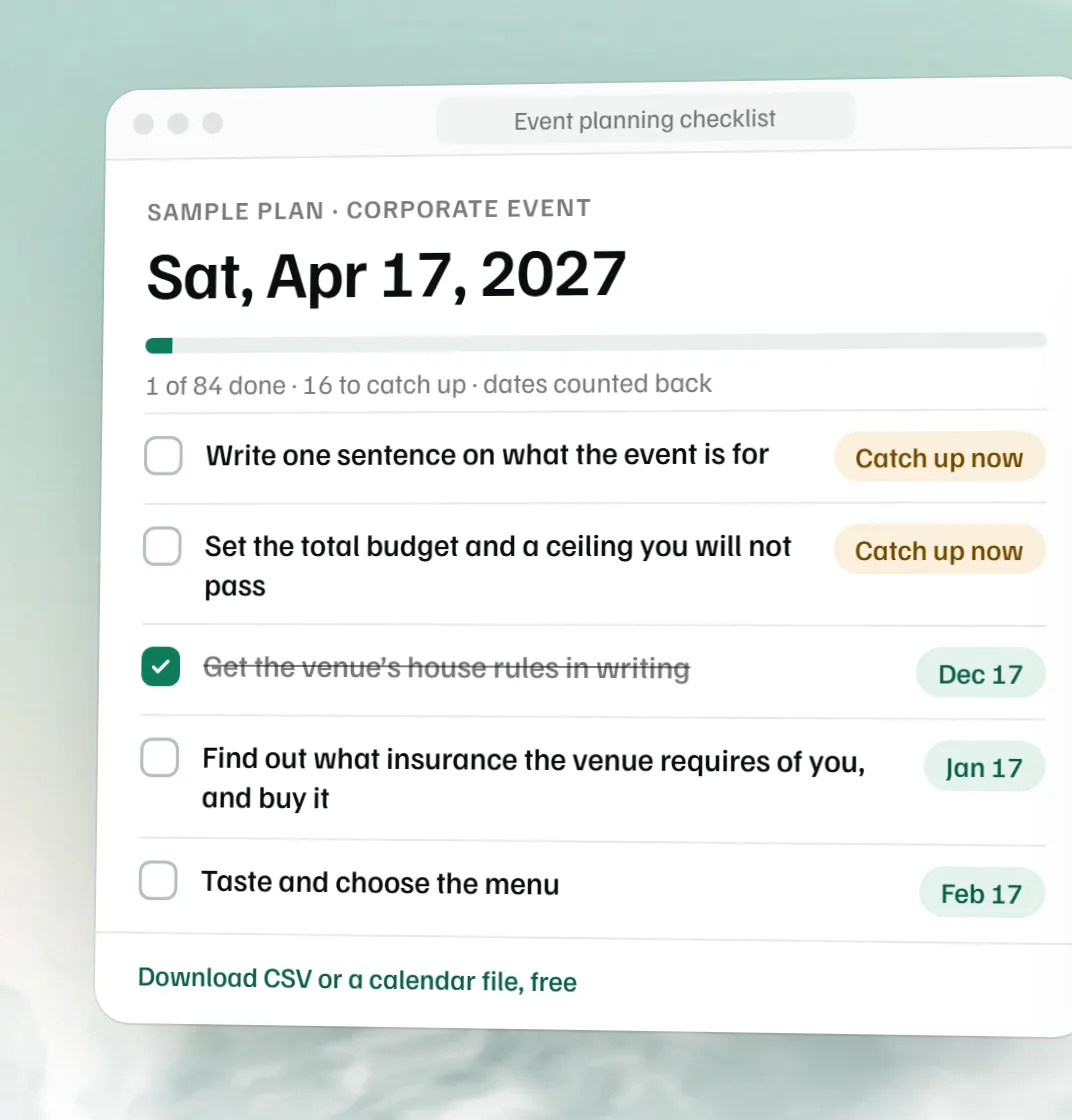 Free event planning checklist
 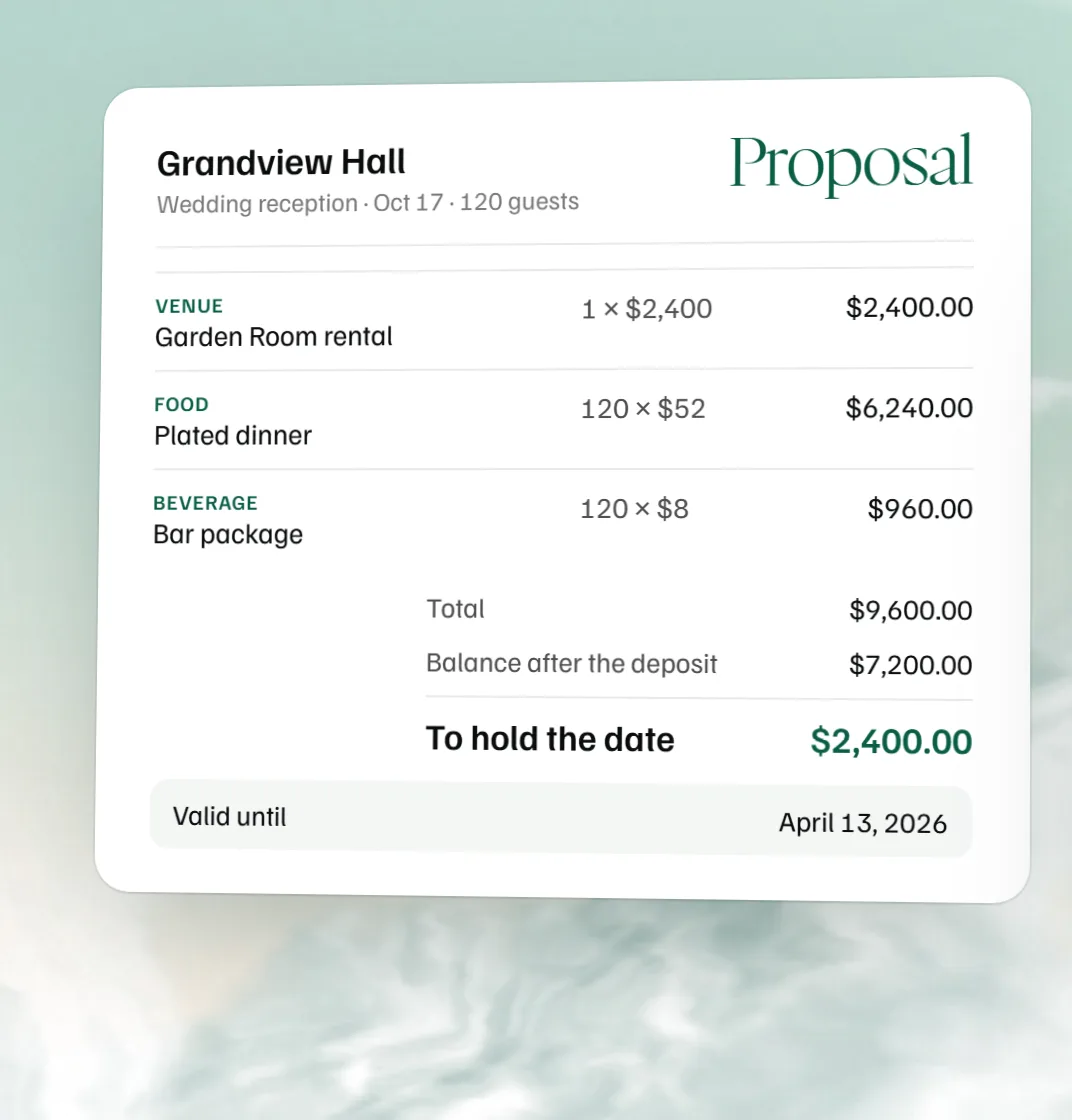 Free event proposal template
 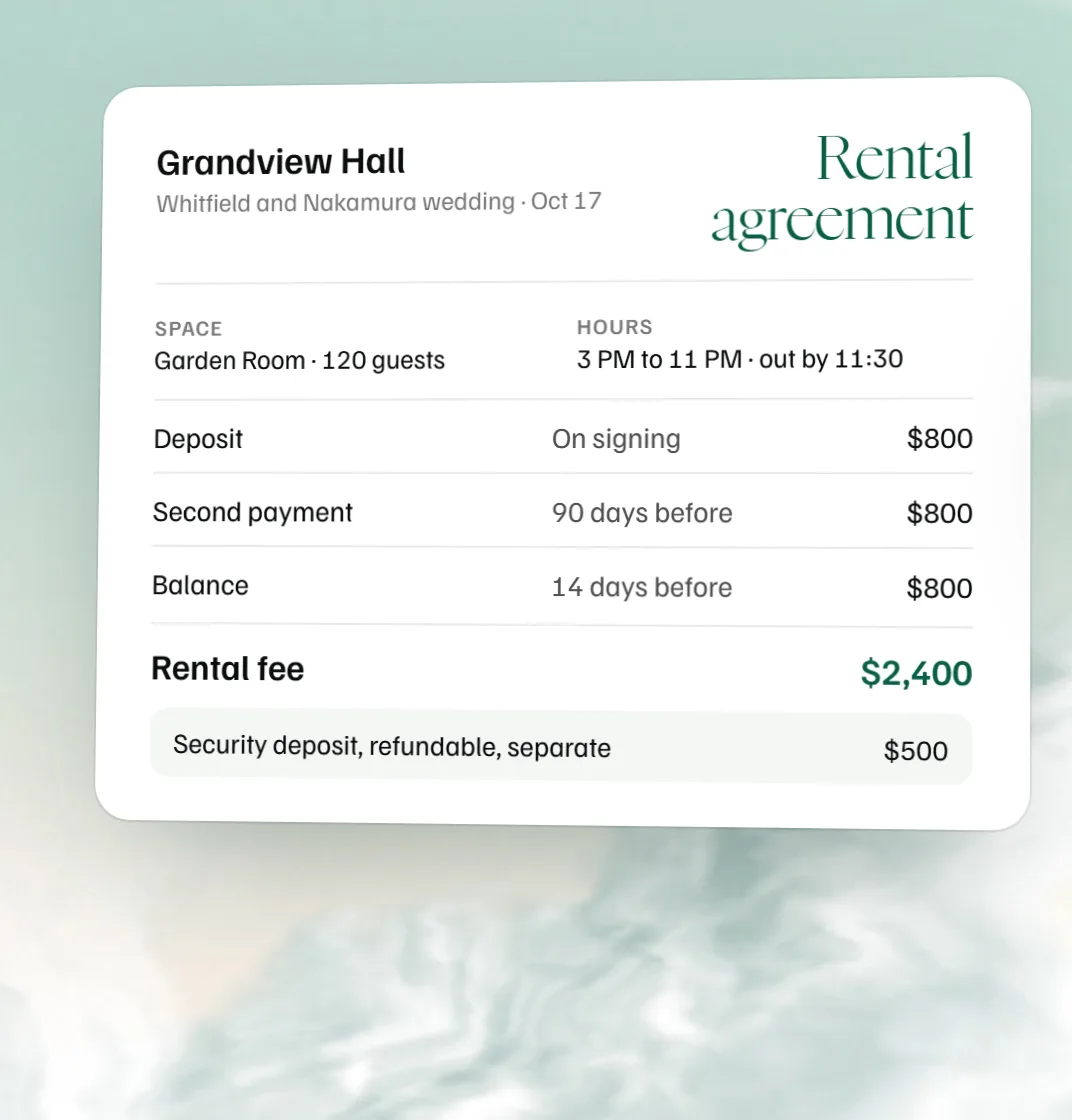 Free venue rental agreement template