Venue booking software covers the path from a couple’s first inquiry to the final payment: availability, holds, proposals, contracts, deposits and the sheet your team works from on the day. This guide gives seven steps for choosing one, a table of questions to put to every vendor, and a test to run during a trial with last month’s real inquiries. How MyVenueHQ fits is in the last section, after the general advice.
1. Write down your booking path
List every step a booking goes through, who does it, and where the information lives today. A wedding venue’s path usually runs: inquiry, tour, date hold, proposal, contract and deposit, planning (guest count, menu, layout), final balance, the event, and the follow-up. A venue that hosts corporate or ticketed nights has a shorter path and different documents.
Mark three kinds of step: where you retype, where you wait for someone, and where something has gone wrong before. Those marks are what you are buying software to fix. A feature that doesn’t touch a marked step can wait.
2. Count what the software has to carry
Write down your inquiries a month, bookings a month, rooms, venues, the people who need a login, and the account that receives card payments. Vendors price on different things, so your counts decide which price applies to you. Perfect Venue prices per location with unlimited users. Tripleseat prices per venue per month. Momentus says its quotes are based on venue count, annual event volume, workflow scope, integrations and onboarding needs. Our pricing guide lists the published figures.
3. Split the must-haves from the nice-to-haves
A must-have is a feature whose absence sends you back to the spreadsheet. Ask each vendor the question in the middle column and run the test in the last column during the trial.
| Capability | Ask the vendor | Test it |
|---|---|---|
| Calendar and holds | Does a hold block the date for everyone? What happens when it expires? | Hold a Saturday in one room, then try to book that room and date from a second login. |
| Inquiry capture | Does the form on my website create the record, or does someone copy it over? | Submit an inquiry from your own site and find it in the software. |
| Proposals | Can I price packages once and reuse them? Does the client accept online? | Send yourself a proposal with a deposit line and accept it on a phone. |
| Contracts and e-signature | Can I use my own wording? Does the client need an account to sign? | Sign a test contract on a phone and open the signed copy. |
| Payments | Whose merchant account receives the money? What does each card payment cost? Can I set a deposit and a balance date? | Pay a small test invoice and see where the money and the fee show up. |
| Event sheet (BEO) | Does it pull from the event, or do I retype? | Change the guest count and check whether the sheet changes with it. |
| Permissions | Can a part-time coordinator see events without seeing payments? | Create that login and look at what it can open. |
| Your data | Can I export everything I entered, in a format another tool can read? | Run the export in the trial and open the file. |
4. Price the first year, not the first month
The headline price is one line of the total. Add the monthly fee times the number of venues times 12, card processing on your real volume, add-ons you need on day one, any onboarding or data import fee, and any per-user charge. Ask for each line in writing. Tripleseat’s packages page says add-ons are priced individually and shows no figures, and Event Temple’s page says import fees may vary, so those two lines can only come from the vendor.
5. Read the terms before the demo
Four terms decide how hard it is to leave: the minimum term, the notice you must give to stop renewal, how and when the price can change, and how you get your data out. As one example, Tripleseat’s master service agreement (updated April 6, 2026) sets a one-year initial term in section 5.1 and renews automatically in section 5.2 unless either side gives notice at least 30 days before the term ends. Section 6.6 allows fee changes only at the start of a renewal term, with at least 60 days’ notice. Section 10.3 makes your data available in machine-readable form for 30 days after the agreement ends, at no extra cost.
Other vendors state these terms in other places, and some leave them off their public pages. Ask for the agreement itself, not the summary on the pricing page, and put the renewal and notice dates in your calendar the day you sign.
6. Test it with real inquiries
Take ten of last month’s inquiries and run them through the trial from start to finish. Pass or fail each of these:
- A second person can’t double book a held room and date.
- A hold that passes its expiry date is visible and doesn’t block the date forever.
- A client signs and pays a deposit from a phone without creating an account.
- The export opens in a spreadsheet and holds your events, contacts and payments.
- A new coordinator sends a correct proposal in their first hour, without help from you.
The last test is the one demos can’t show you. If your newest hire can’t do it, the team will go back to the spreadsheet.
7. Score it and decide
Treat the must-haves as pass or fail. A tool that fails one is out, however good the price. Among the tools that pass, compare the first-year total from step 4, then the terms from step 5. Ask each vendor for two venues of your size to talk to, and ask them what they wish they had known before they signed.
A note on e-signatures
The federal E-SIGN Act, 15 U.S.C. § 7001(a), says a signature, contract or other record relating to a transaction may not be denied legal effect, validity or enforceability solely because it is in electronic form. That covers the form of the signature. It doesn’t cover whether your contract wording works, so have an attorney in your state review your template. Our free venue rental agreement template and the guide to twelve rental agreement clauses are a starting point for that review. This isn’t legal advice.
Where MyVenueHQ fits
This section is about our own product, so weigh it as a vendor’s description. MyVenueHQ keeps each booking in one dashboard: the inquiry form for your website, a calendar that holds every room, proposals, e-signed contracts, deposit and balance invoices paid by card into your own Stripe, Square or PayPal account, 2D and 3D floor plans, and BEOs. It is free for up to 10 events a month. The Venue plan is $49 a month, with each extra venue at $15 a month, and it adds contracts with e-signature and POS sales sync for Square, Clover, Toast and Lightspeed. We have no per-seat charge and take no percentage of your invoices. Your payment processor charges its own fee.
HQ, the AI assistant, drafts replies and proposes held dates and reminders. Nothing is sent or booked until you click. A booking that clashes with another event in the same room is refused, and your data exports on request. We make MyVenueHQ for independent event and wedding venues, not hotels or large groups. If you run a hotel, Tripleseat lists a Hotels package on its packages page. See our pricing, or the pages comparing MyVenueHQ with Perfect Venue and Tripleseat. For wedding venues, wedding venue software covers the tour-to-contract path in more detail.
Next step
Write your booking path on one page tonight and mark the steps where you retype. Take that page to every demo and ask the vendor to show those steps first.
Prices and terms on other vendors’ sites change. The figures here are what each page said on October 16, 2026. Check the vendor’s page before you rely on one.
Sources
- Perfect Venue, pricing. Per-location pricing, unlimited users and the money-back guarantee. Read October 16, 2026.
- Tripleseat, packages. Per-venue starting price, add-ons priced individually, the Hotels package. Read October 16, 2026.
- Tripleseat, master service agreement. Sections 5.1, 5.2, 6.6 and 10.3. The page says it was updated April 6, 2026. Read October 16, 2026.
- Event Temple, pricing. Import fees may vary. Read October 16, 2026.
- Momentus, pricing. What a quote is based on. Read October 16, 2026.
- Legal Information Institute, 15 U.S.C. § 7001. General rule of validity for electronic signatures and records. Read October 16, 2026.
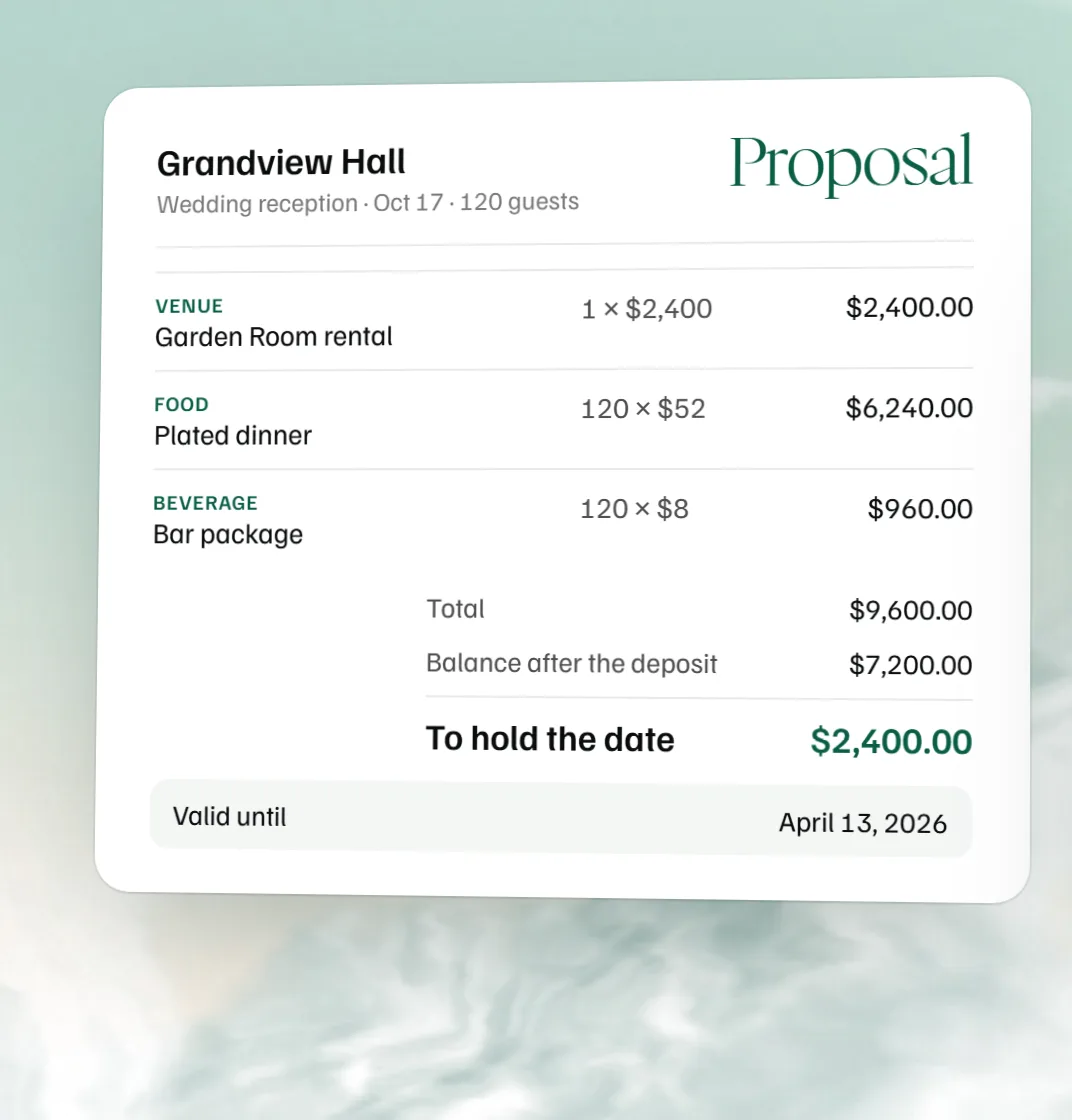 Free event proposal template
 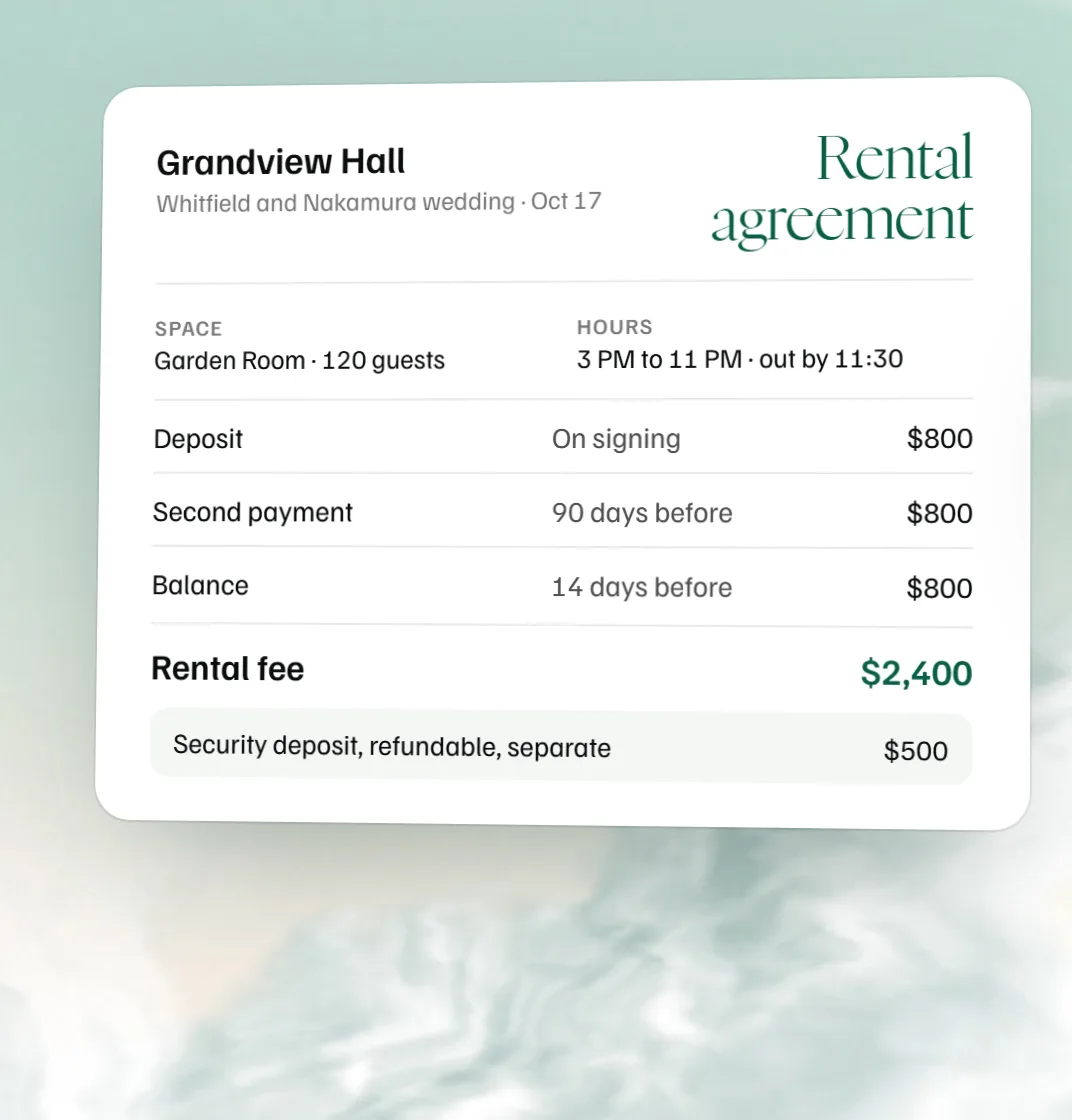 Free venue rental agreement template
 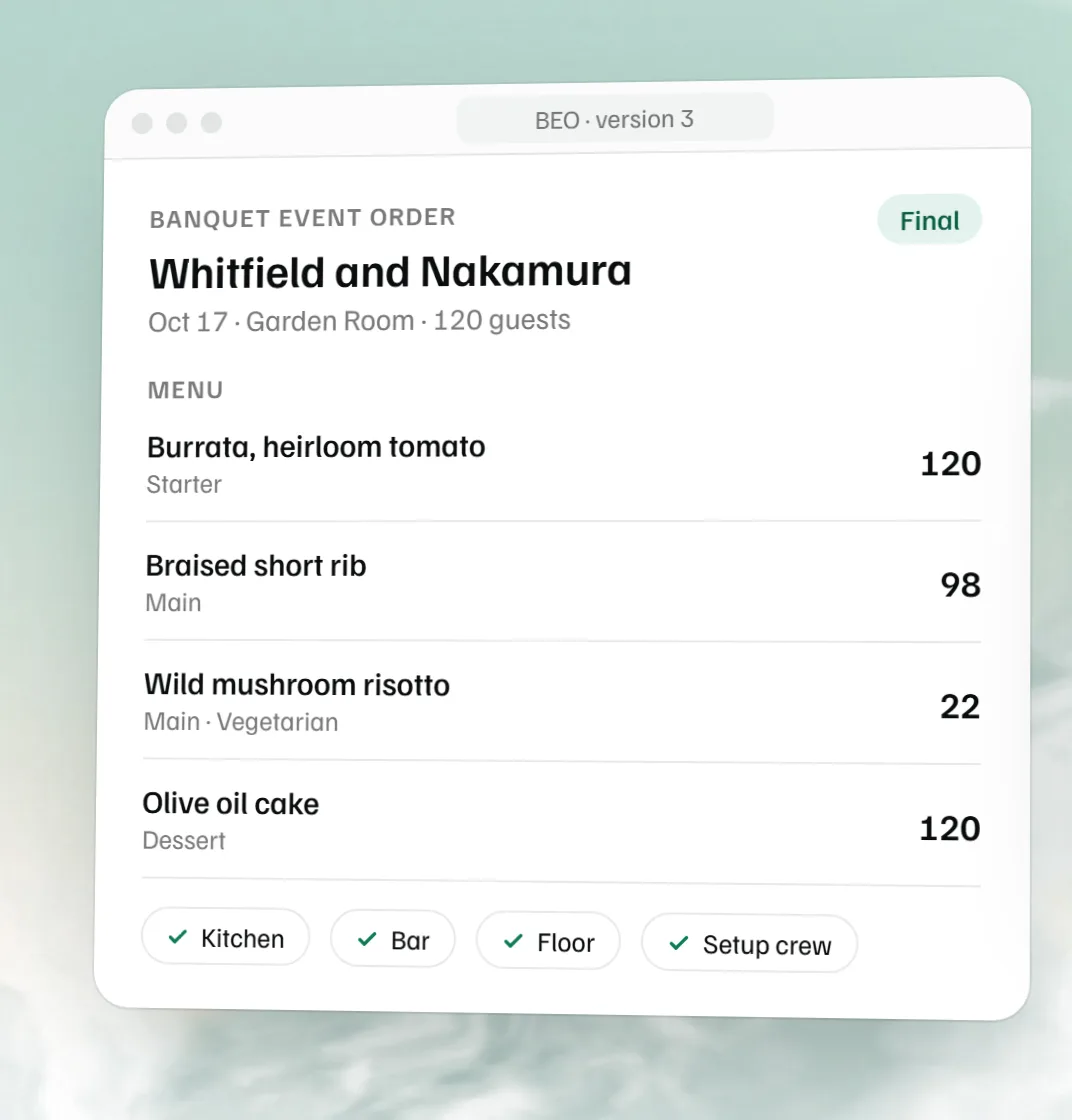 Free BEO template
 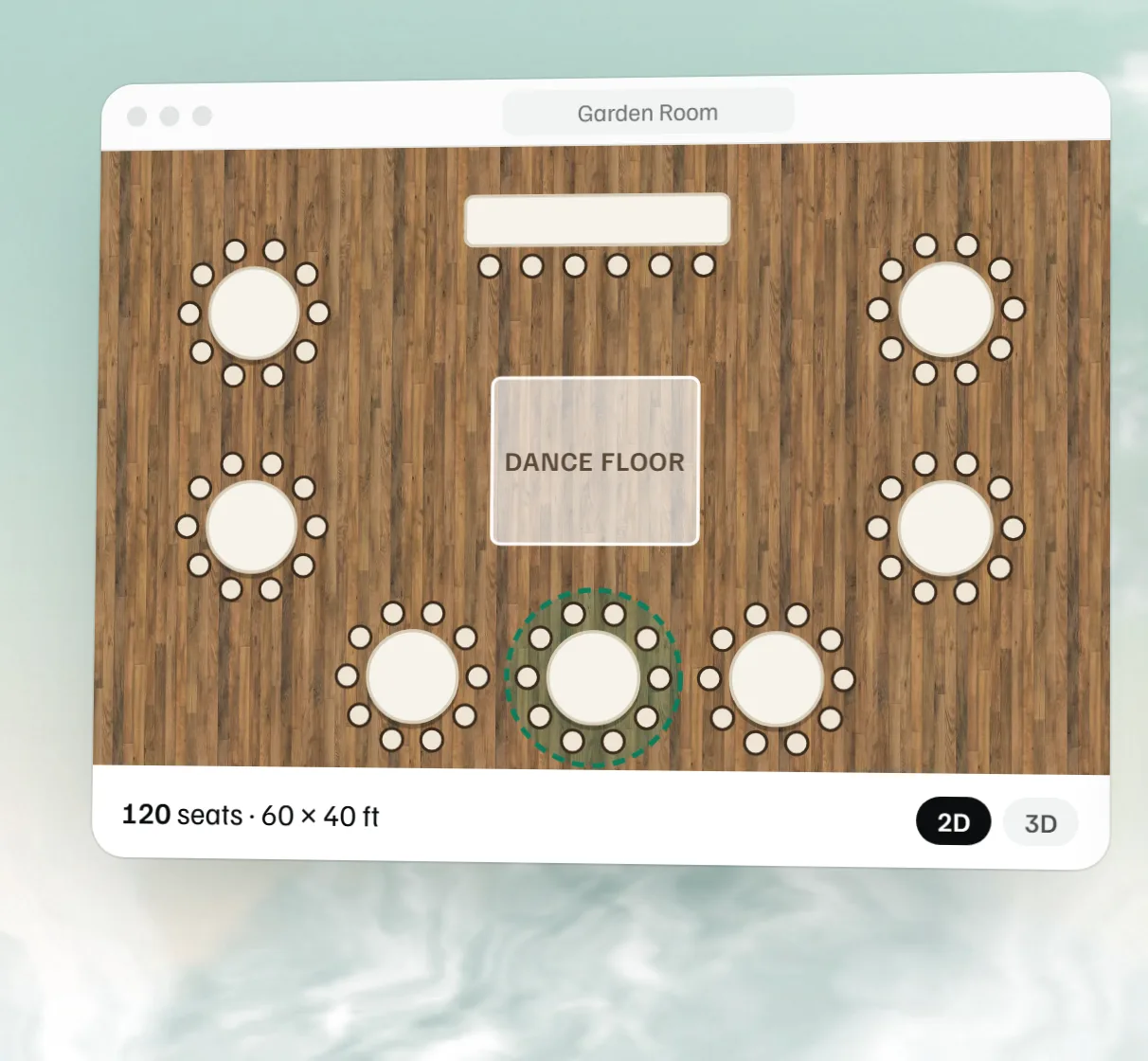 Free event floor plan maker