Free wedding guest list template
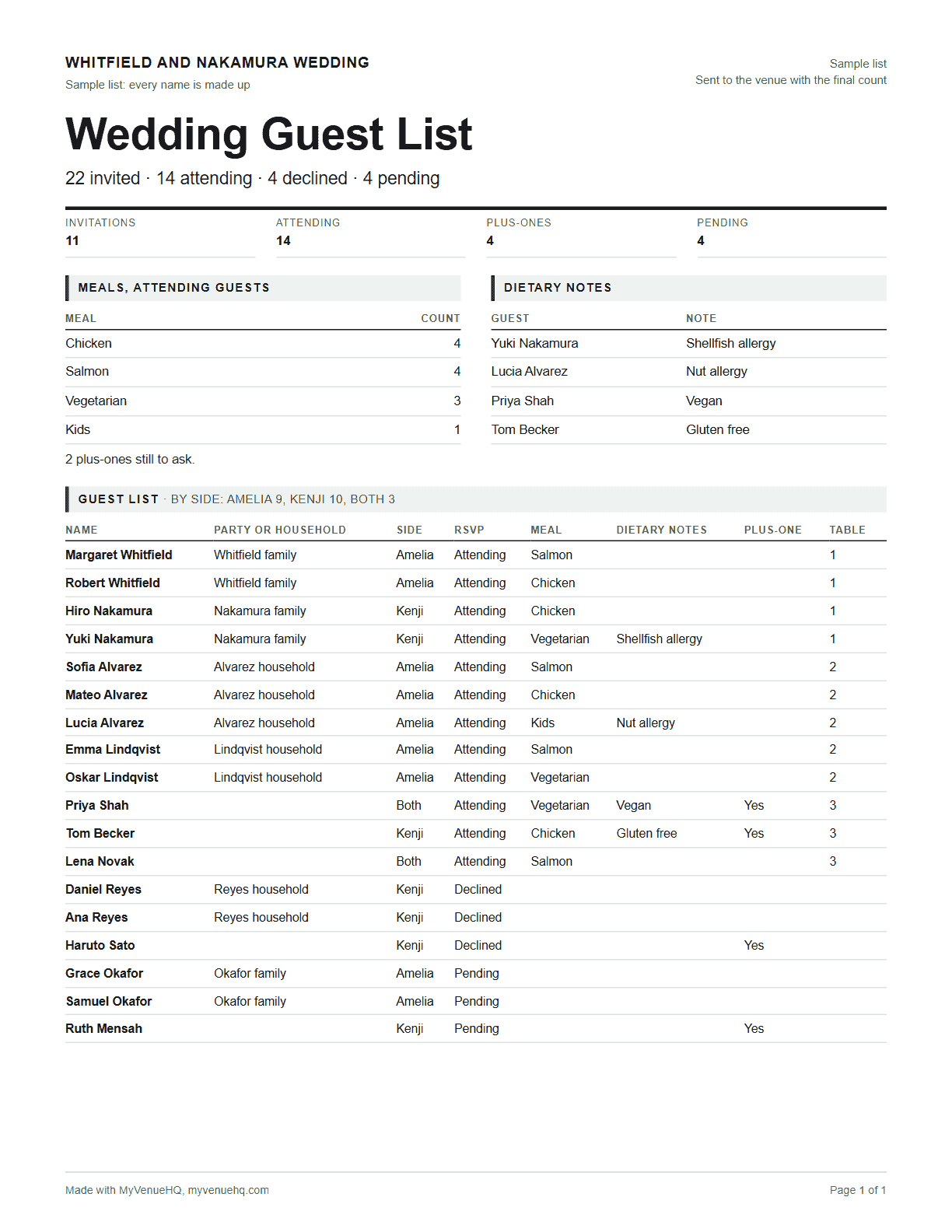
One row per guest with their household, side, RSVP, meal, dietary notes, plus-one and table. The counts update as you type, so you always know how many are coming and what the caterer has to cook. Paste in the list you already have, download it as Excel or a CSV for Google Sheets, print it, or copy the guests who said yes into the free seating chart maker. No signup.
- Invited
- 22
- Attending
- 14
- Declined
- 4
- Pending
- 4
- Plus-ones
- 4
- Invitations
- 11
- Meals
- Chicken 4, Salmon 4, Vegetarian 3, Kids 1, 2 plus-ones to ask
- Dietary notes
- Yuki Nakamura (Shellfish allergy); Lucia Alvarez (Nut allergy); Priya Shah (Vegan); Tom Becker (Gluten free)
- By side
- Amelia 9, Kenji 10, Both 3
- Tables
- 14 of 14 attending have one, at 3 tables
A sample list with made-up names. Press Start blank for your own.
- 1
- 2
- 3
- 4
- 5
- 6
- 7
- 8
- 9
- 10
- 11
- 12
- 13
- 14
- 15
- 16
- 17
- 18
Paste a list from a spreadsheet
Copy the rows from Excel or Google Sheets, header row included, and paste them here. Columns called Name (or First name and Last name), Party, Side, RSVP, Meal, Dietary, Plus-one, Table, Email and Address are read wherever they sit. A plain list of names, one per line, works too.
Whitfield and Nakamura wedding
22 invited, 14 attending, 4 declined, 4 pending. Meals: Chicken 4, Salmon 4, Vegetarian 3, Kids 1, 2 plus-ones to ask. Dietary notes: Yuki Nakamura (Shellfish allergy); Lucia Alvarez (Nut allergy); Priya Shah (Vegan); Tom Becker (Gluten free).
| Name | Party or household | Side | RSVP | Meal | Dietary notes | Plus-one | Table |
|---|---|---|---|---|---|---|---|
| Margaret Whitfield | Whitfield family | Amelia | Attending | Salmon | 1 | ||
| Robert Whitfield | Whitfield family | Amelia | Attending | Chicken | 1 | ||
| Hiro Nakamura | Nakamura family | Kenji | Attending | Chicken | 1 | ||
| Yuki Nakamura | Nakamura family | Kenji | Attending | Vegetarian | Shellfish allergy | 1 | |
| Sofia Alvarez | Alvarez household | Amelia | Attending | Salmon | 2 | ||
| Mateo Alvarez | Alvarez household | Amelia | Attending | Chicken | 2 | ||
| Lucia Alvarez | Alvarez household | Amelia | Attending | Kids | Nut allergy | 2 | |
| Emma Lindqvist | Lindqvist household | Amelia | Attending | Salmon | 2 | ||
| Oskar Lindqvist | Lindqvist household | Amelia | Attending | Vegetarian | 2 | ||
| Priya Shah | Both | Attending | Vegetarian | Vegan | Yes | 3 | |
| Tom Becker | Kenji | Attending | Chicken | Gluten free | Yes | 3 | |
| Lena Novak | Both | Attending | Salmon | 3 | |||
| Daniel Reyes | Reyes household | Kenji | Declined | ||||
| Ana Reyes | Reyes household | Kenji | Declined | ||||
| Haruto Sato | Kenji | Declined | Yes | ||||
| Grace Okafor | Okafor family | Amelia | Pending | ||||
| Samuel Okafor | Okafor family | Amelia | Pending | ||||
| Ruth Mensah | Kenji | Pending | Yes |
Free with no account. Your list stays in this browser and is never sent anywhere. The Excel file opens in Excel, Google Sheets and Numbers, with a Counts sheet that keeps counting as you edit.
Seat the guests who said yes
Copy them here, then open the free seating chart maker, take out its sample names (the × beside each), paste into Add guests on the Guests tab and press Seat everyone. Each household stays together and every plus-one sits with the guest who brings them.
A wedding guest list template is a spreadsheet with one row per guest: their name, household, side, RSVP, meal choice, dietary notes, plus-one and table. It answers three questions as replies come in: how many invitations to send, how many people are coming, and how many of each meal the caterer should make. In the sample list, 11 invitations go to 22 people; 14 are coming, 4 haven’t replied and 4 can’t make it.
What goes on a wedding guest list
These are the template’s columns, in order, and who ends up reading each one. The spreadsheet download has all of them; on the page, email and address stay hidden until you switch them on.
| Column | What goes in it | Who reads it |
|---|---|---|
| Name | One person per row, as it goes on the envelope or the place card. | You, the stationer |
| Party or household | The family or couple they’re invited with. One invitation per party. | You, the stationer |
| Side | Whose guest they are. The template names the sides after the two of you. | You, the seating chart |
| RSVP | Pending until they reply, then Attending or Declined. | You, the venue |
| Meal | Their choice from the menu the caterer offers. | The caterer |
| Dietary notes | Allergies and diets, in the guest’s own words. | The caterer |
| Plus-one | Whether their invitation includes a guest. | You, the venue |
| Table | The table number or name, once you’ve seated them. | The venue, the stationer |
| Email and address | For save the dates, invitations and thank-you cards. Hidden until you switch them on. | You |
How to use the guest list template
Start with households, not names
List each family or couple together and give them the same party name. Invitations go one per party, so the Invitations count is the number of envelopes to address. Guests with no party count as one invitation each.
Name the sides and the meals
Put your two names in Partner 1 and Partner 2 so the Side column reads as your names, and type the caterer’s meal choices separated by commas. New meals you paste in join the list on their own.
Mark replies as they arrive
Every guest starts as Pending. Change the RSVP to Attending or Declined as replies come in, and the counts move with you. The Pending button above the list shows only the people you still need to chase.
Send the final numbers
When the RSVP deadline passes, the Meals line is the order for the caterer and Dietary notes is the list of allergies and diets to go with it. Download the Excel file and send it to your venue with the attending count.
Open the guest list in Google Sheets or Excel
The download is a real Excel workbook (.xlsx) with two sheets. Guest list has your guests, the header row frozen and drop-downs for side, RSVP, meal and plus-one. Counts has the totals as formulas, so they change when you edit the list in the spreadsheet.
Google Sheets
Open Google Drive, choose New, then File upload, and pick the .xlsx. Open it, then choose Open with Google Sheets. To keep it as a Google Sheet, use File, then Save as Google Sheets. A CSV works too: in a new sheet choose File, then Import, then Upload.
Excel and Numbers
Double-click the .xlsx to open it in Excel. Numbers on a Mac opens it as well. The CSV opens in any spreadsheet app, with the same columns but no Counts sheet.
Want an empty one?
Blank Excel template downloads the same workbook with the headers, drop-downs and Counts formulas and no guests, if you’d rather fill it in offline.
Paste in a list you already have
If your guests are already in a spreadsheet, an RSVP site export or a notes app, you don’t have to retype them. Copy the rows, header included, open Paste a list from a spreadsheet and press Add to the list. The template reads columns by name: Name, or First name and Last name, plus Party or Household, Side, RSVP, Meal or Entree, Dietary or Allergies, Plus-one, Table, Email and Address. Without a header it takes the columns in the template’s order.
A few things it works out for you. RSVP answers like Yes, Accepted, No or Regrets become Attending or Declined, and anything else stays Pending. The first two side names it hasn’t seen, like Bride and Groom, become your two sides. A plus-one cell with a name in it becomes a row of its own, right after the guest who brings them. The list holds up to 2,000 guests.
From the guest list to the seating chart
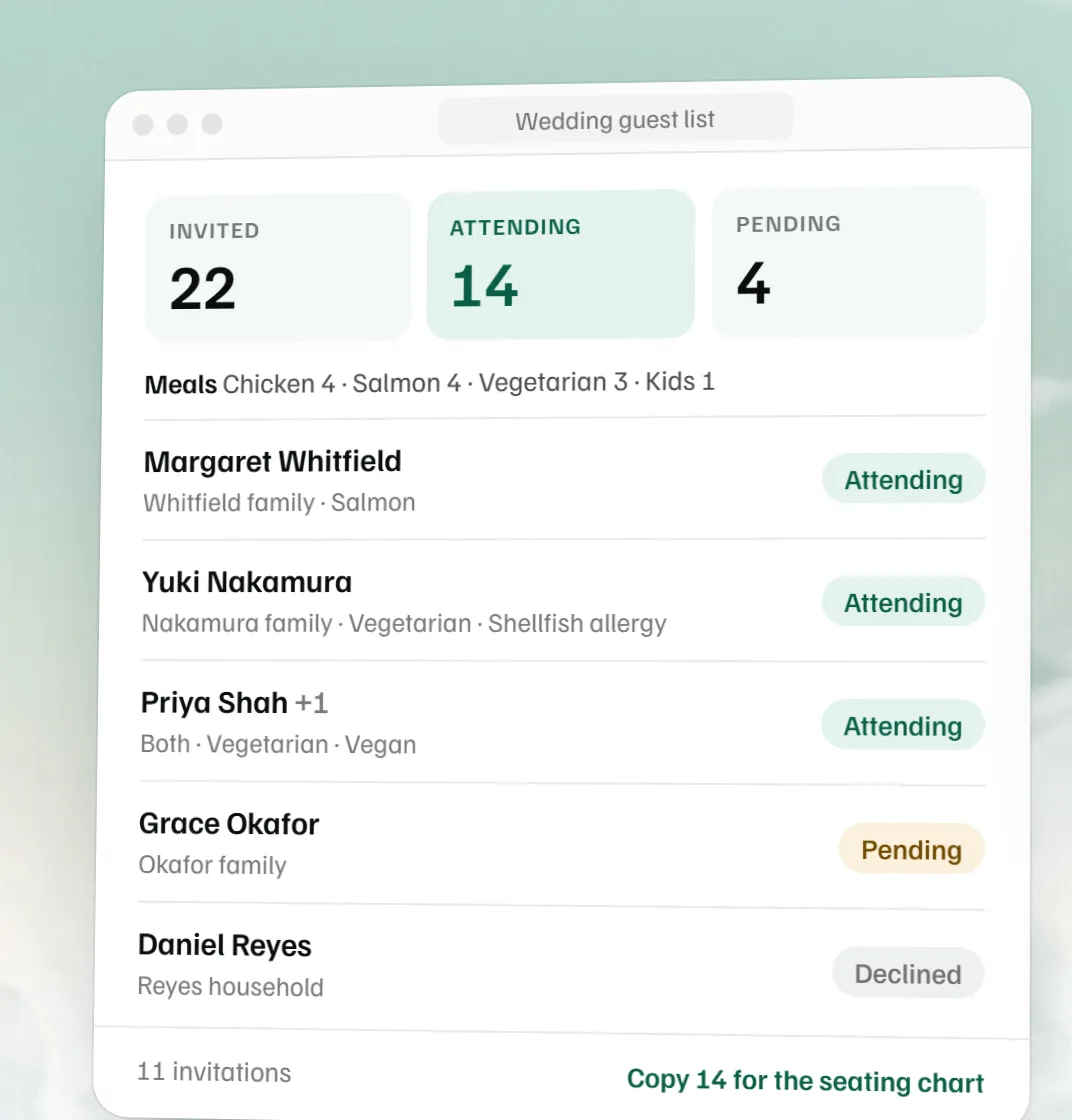
The seating chart starts from the people who said yes. Copy for the seating chart puts every attending guest on your clipboard, one name per line, which is the format the free seating chart maker takes in its Add guests box. Households stay together and each plus-one comes straight after their guest as “Guest of” and the name, so when you press Seat everyone there, families land at the same table.
The seating chart maker opens on a sample wedding, so take its sample names out first with the × beside each name. If you’d rather upload a file, Seating list (CSV) downloads the same names with a Guest column, which its Upload CSV button reads. After you seat everyone, type the table numbers back into the Table column here, so the spreadsheet you send the venue says who sits where.
Send it to your venue
Your venue and caterer need three things from the list, usually by the final count date in your contract: how many are coming, how many of each meal, and every allergy and diet. The Excel download has all of it, with the totals on the Counts sheet. Send the seating list as well if the venue is setting up the tables, so they don’t have to type the names in.
To work out how many tables your yes list needs, the banquet table sizes guide shows how many guests a 6 or 8 foot table or a 60 inch round seats.
If your venue runs on MyVenueHQ, upload the Excel file in your client portal and file it under Guest List. It’s attached to your booking, so the venue team sees it on your event. The venue can paste or upload the seating list straight into your event’s floor plan, seat the guests at the real tables in the room, and put the meal counts on the banquet event order the kitchen works from.
For venues
Send couples this page when you send the contract, and ask for the Excel file back by the final count date. Every list then comes in the same columns, so the meal counts, the dietary notes and the names for the floor plan are in the same place every time. In MyVenueHQ’s wedding venue software the floor plan, the BEO and the guest count sit on the same booking, and floor plans and BEOs are on the free plan.
A guest list template for any event
Nothing in the template is wedding-only. For a birthday, a rehearsal dinner, a gala or a company party, rename the two sides to the hosts or to two teams, set the meal choices to the menu, and use the party column for each family, table or department. The counts work the same way, and the free catering food calculator and the alcohol calculator take the attending count from there. For the order of the day itself, the free wedding timeline template builds the schedule from the ceremony time.
Guest list questions.
What should be on a wedding guest list spreadsheet?
One row per guest with their full name, the party or household they belong to, whose side they’re on, their RSVP, meal choice and any dietary notes, whether they can bring a plus-one, and their table once you seat them. Add mailing addresses for the invitations and emails for reminders. This template has all of those columns, and the counts sit on their own sheet.
Is there a free wedding guest list template for Google Sheets?
Yes. Download the Excel file from this page, upload it to Google Drive and open it with Google Sheets. The drop-downs and the Counts sheet keep working there. The CSV also opens in Sheets through File, then Import.
How do I make a wedding guest list in Excel?
Download the blank template or your filled-in list as an .xlsx. It opens with a Guest list sheet (the header row frozen, drop-downs for side, RSVP, meal and plus-one) and a Counts sheet of formulas, so the totals change as you edit. Or fill it in on this page first and download it when you’re done.
How do plus-ones work on the guest list?
Tick Plus-one on the guest whose invitation includes one. They count as invited straight away and as attending once that guest says yes. When you learn the plus-one’s name, give them their own row in the same household and untick the box, so their meal and table count too.
When should the guest list be final?
Before your venue’s or caterer’s final count is due, which is written in your contract. Set the RSVP deadline a week or two ahead of that, so you have time to chase the Pending list and still send the venue one number.
How do I send the guest list to my venue?
Send the Excel file, which has every meal and dietary note, and say how many are attending. For the floor plan, send the seating list CSV or paste the copied names into an email. If your venue runs on MyVenueHQ, upload the file in your client portal under Guest List on your event.
Can I use it as a guest list template for a party or a work event?
Yes. Rename the two sides to the hosts, or to two departments or companies, set the meal choices to whatever the caterer offers, and use the party column for each family or team. The counts work the same way.
Is my guest list saved?
In this browser, on this device, until you clear your browsing data. It is never sent to us. A private window forgets it when you close it, so download the Excel file to keep a copy.
Related free tools
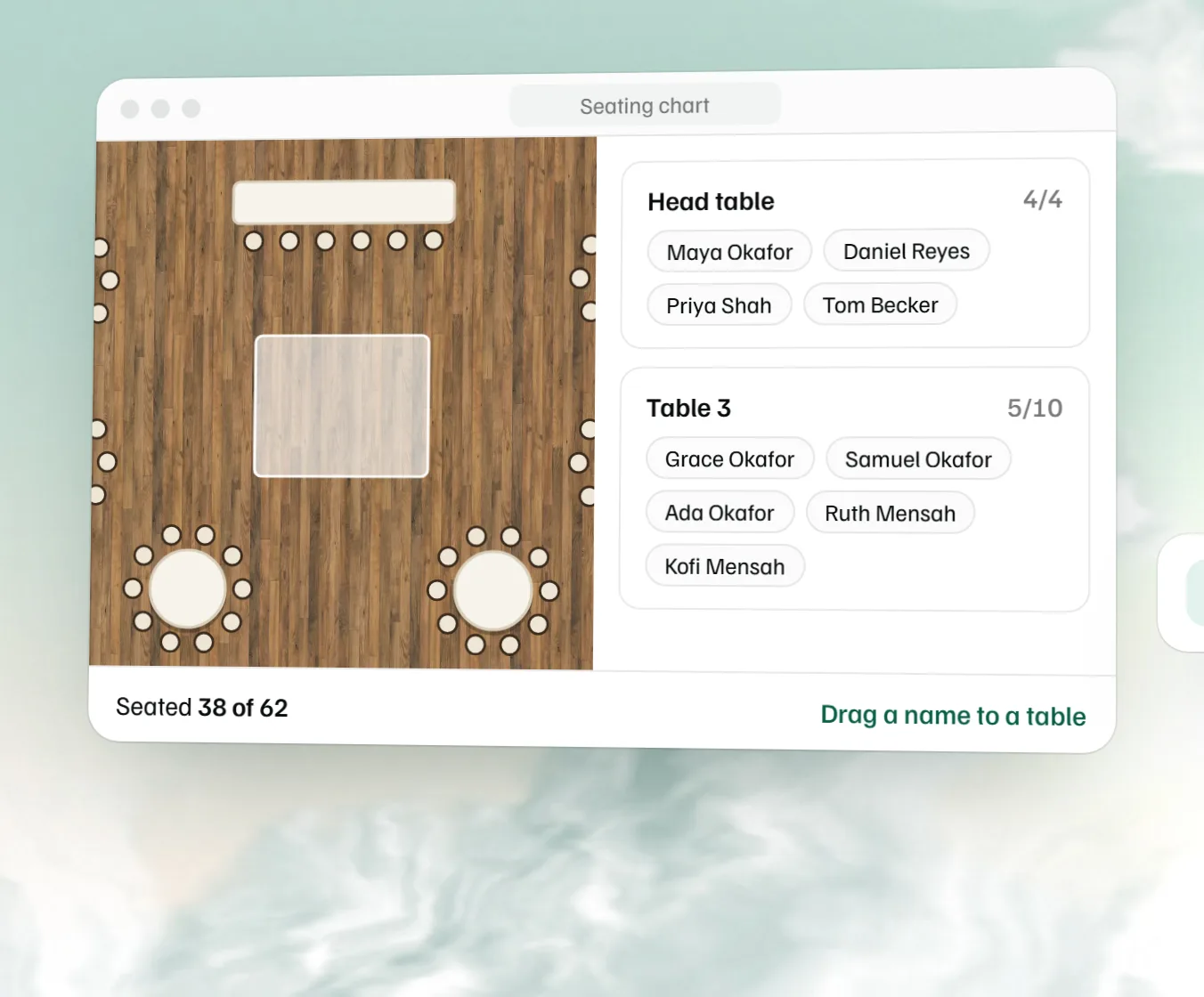 Free seating chart maker Paste the guest list, drag names to numbered tables and download the chart.
 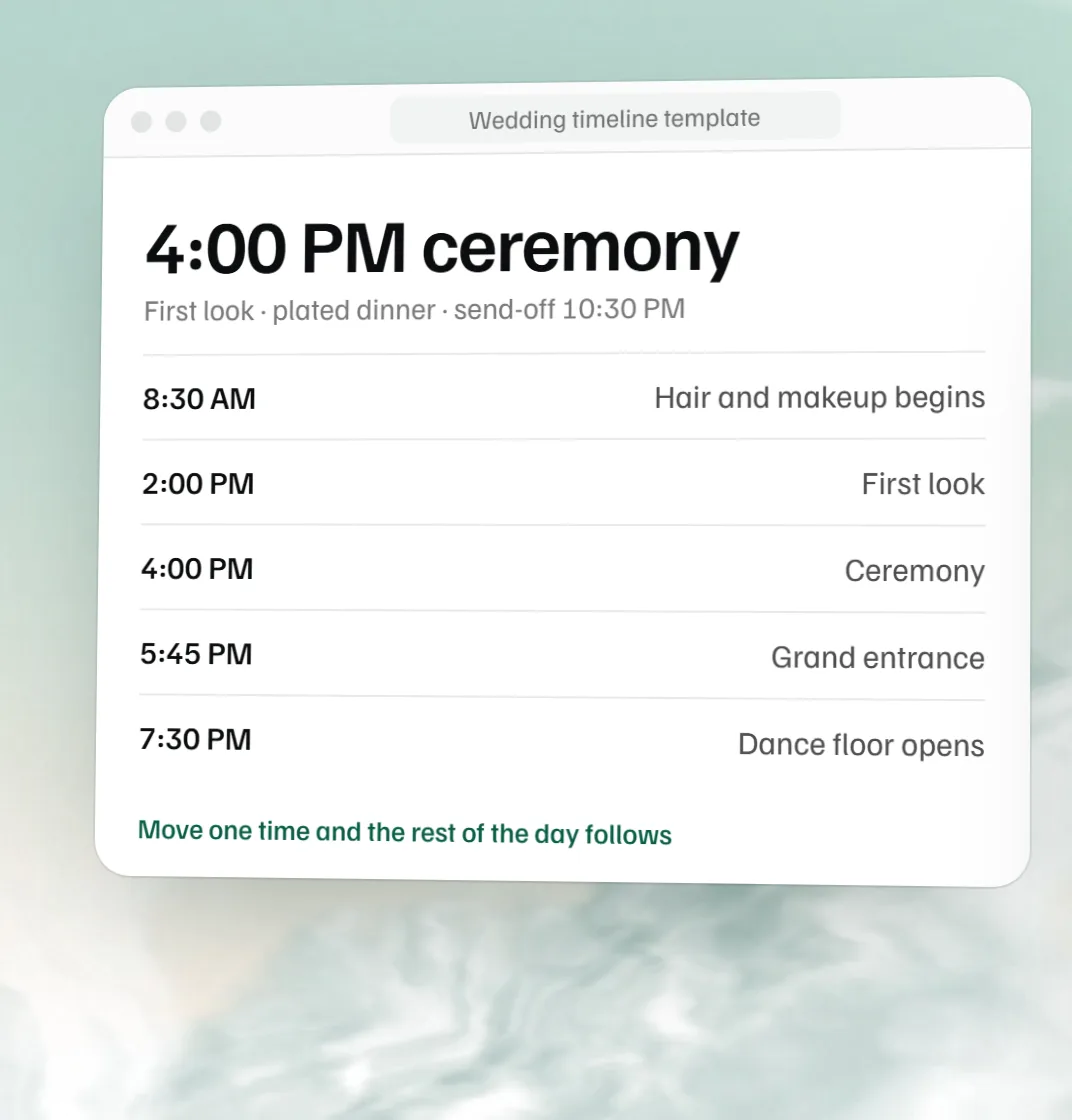 Free wedding timeline template The wedding day hour by hour, built from the ceremony time.
 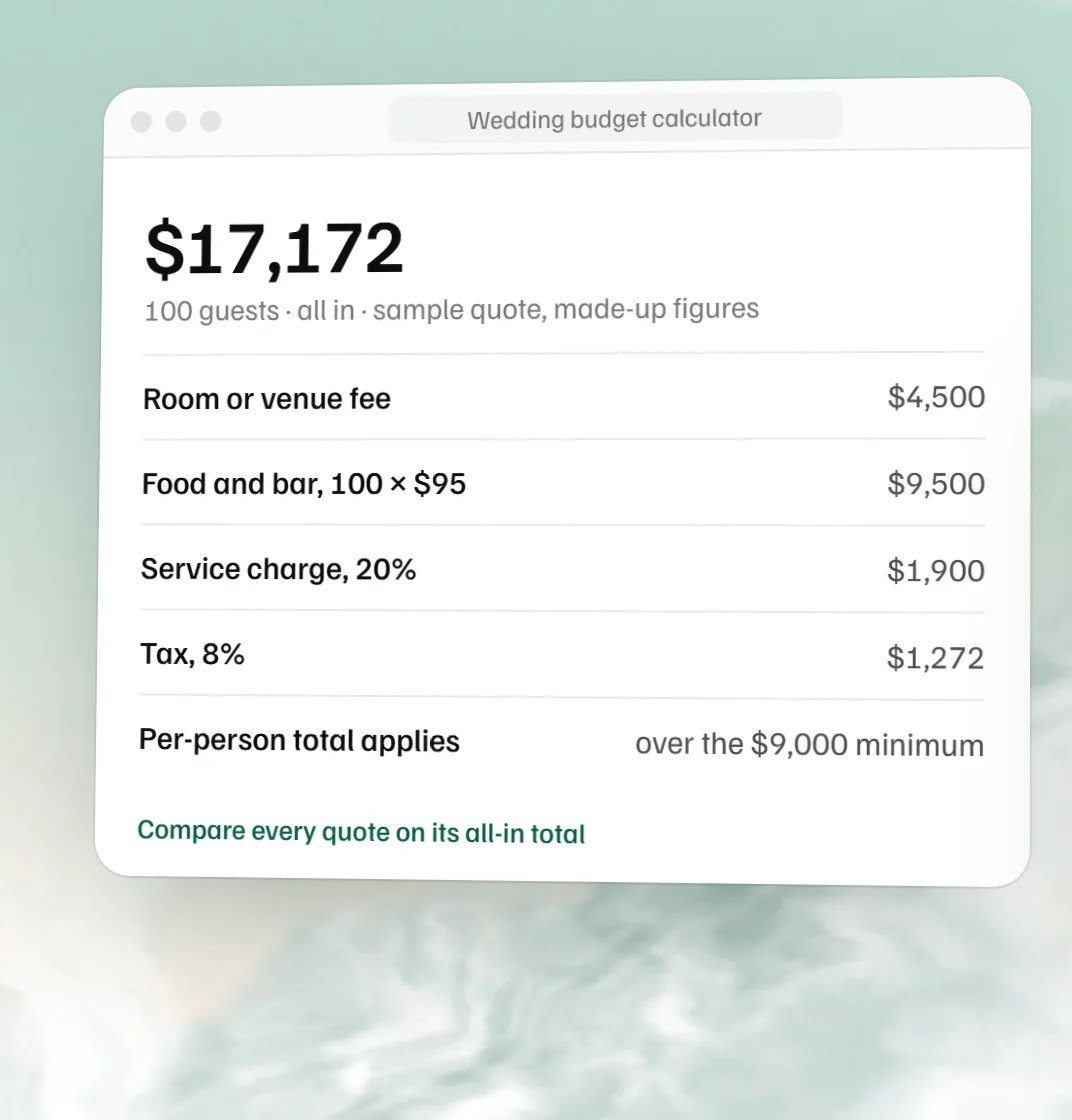 Free wedding budget calculator Start from the venue quote, then budget every other line and track what you have paid.
 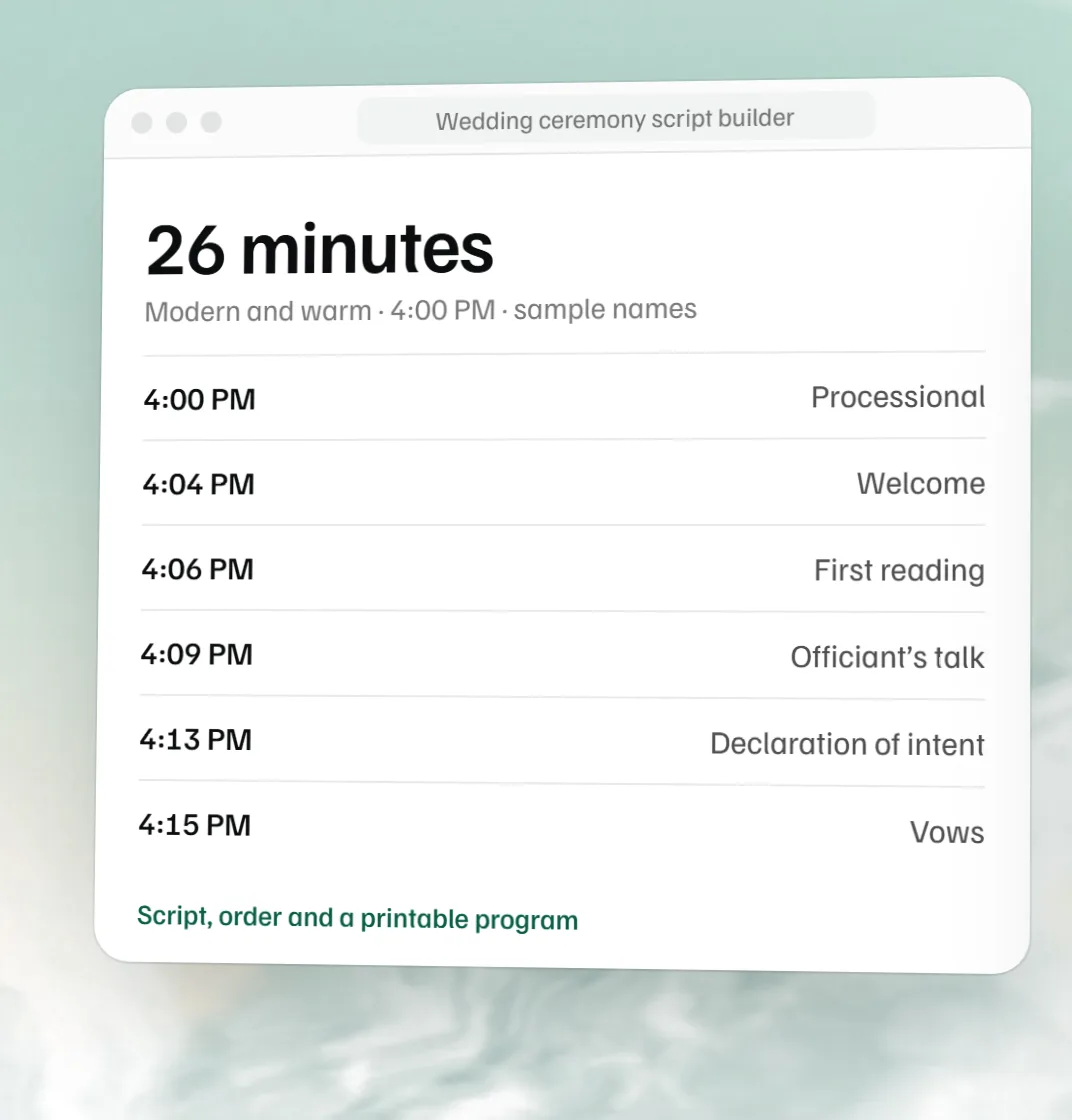 Free wedding ceremony script builder The officiant’s script, the order with minutes and a printable program.