We make one of these tools (MyVenueHQ). We checked each vendor’s own pages on October 15, 2026, and list our limits too. Zola and Canva also offer seating charts, but their pages blocked our automated checks, so we rate neither.
Pick by job
| Job | Start with | Why |
|---|---|---|
| Export in several formats, no account | Wedding Studio | PNG, PDF, CSV and a JSON backup, all without an account. |
| Seat guests on a to-scale room plan | MyVenueHQ | The chart sits on a floor plan in real feet and inches. We make it, and its limits are below. |
| A quick PDF for a small party | SeatPlanning | Up to 5 tables and 40 seats, with a watermarked PDF and no account. |
Free seating chart makers compared
Alphabetical. Every row was read on October 15, 2026, from the vendor’s own pages. Plans change, so check before you build a big chart.
| Tool | Built for | Free limit | Account to start? | Free exports | First paid tier | Checked |
|---|---|---|---|---|---|---|
| MyVenueHQ | Venues and event pros, with a floor plan under the chart | Guest list of up to 2,000 names, no limit on tables. Guests go to tables, not numbered chairs. The chart stays in your browser until you download or save it. | No | PNG and guest list CSV. PDF with a free account. | Venue, $49 a month (the whole venue suite) | 2026-10-15 |
| SeatPlan.io | Weddings, events, venues, schools | Unlimited tables and guests, with CSV guest import. Free designs are not saved between sessions. | No, to design | None. Its page says free designs “can’t be exported”. | One-time Pro pass that saves for 90 days and unlocks PDF (8 GBP when we looked) | 2026-10-15 |
| SeatPlanning (seatplanning.com) | Seating charts | 5 tables and 40 seats | No | PDF with a watermark. PNG with a free account. | Event Pass, $29 one time, 90 days; removes the watermark and adds Excel | 2026-10-15 |
| Wedding Studio (wedding.studio) | Weddings; its free seating chart sits beside a guest photo-sharing product | Its page says no guest limit | No. A free account adds cloud backup. | PNG, PDF, CSV and JSON backup, all without an account | None for the tool. Printing is paid. | 2026-10-15 |
| WeddingWire | Weddings | “Totally free”. Table and guest caps are not stated. | A sign-up form (name and email) is on the page | “Print, email or export”, in a visual or list format. File types not named. | None listed | 2026-10-15 |
| Tool | PNG | CSV | Other | |
|---|---|---|---|---|
| MyVenueHQThe CSV is the guest list | Free, no account | With a free account | Free, no account | Not on the free plan |
| SeatPlan.ioFree designs “can’t be exported” | Not on the free plan | Not on the free plan | Not on the free plan | Not on the free plan |
| SeatPlanningExcel comes with the paid Event Pass | With a free account | Free, watermarked | Not on the free plan | Not on the free plan |
| Wedding StudioOther is a JSON backup | Free, no account | Free, no account | Free, no account | Free, no account |
MyVenueHQ
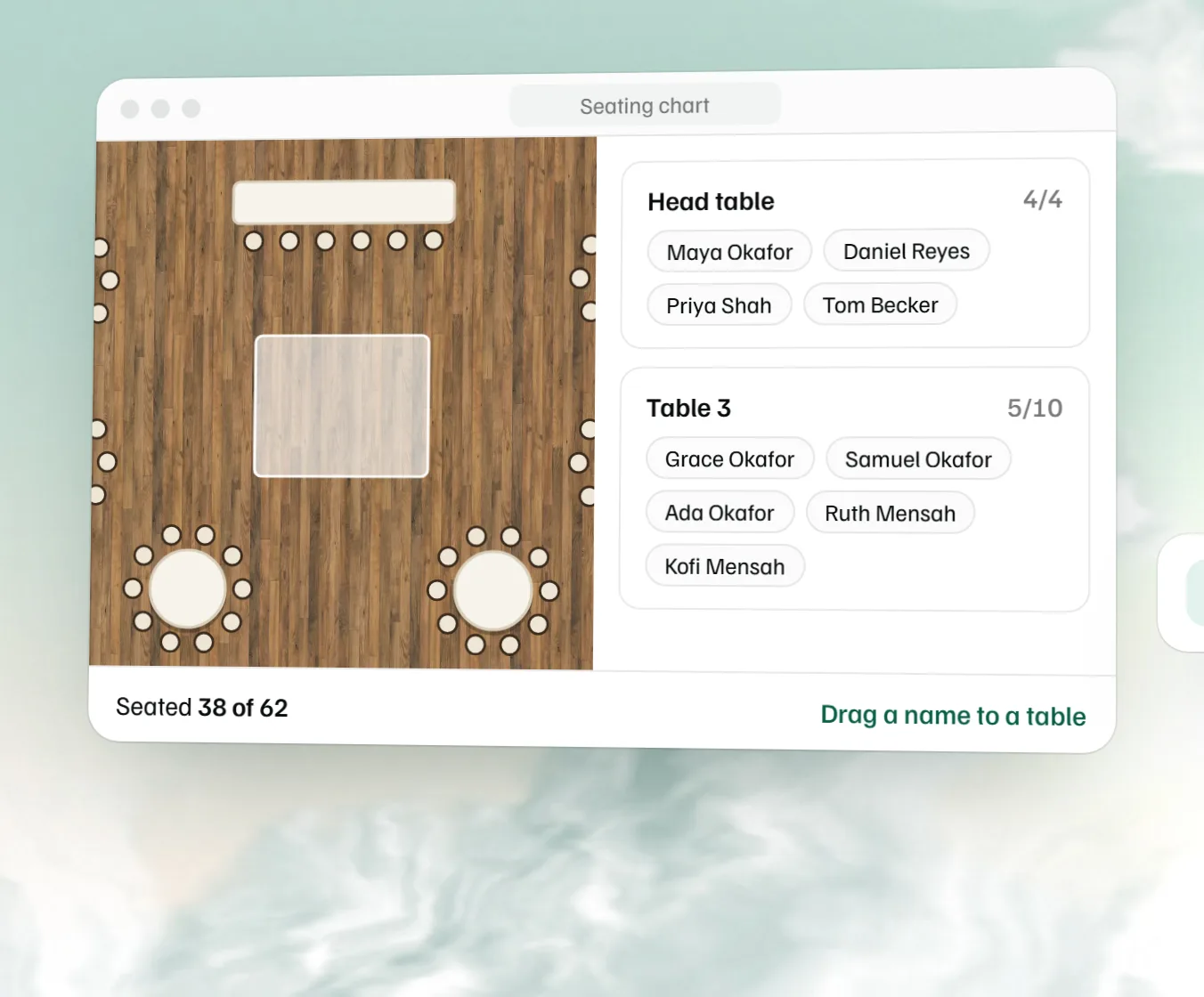
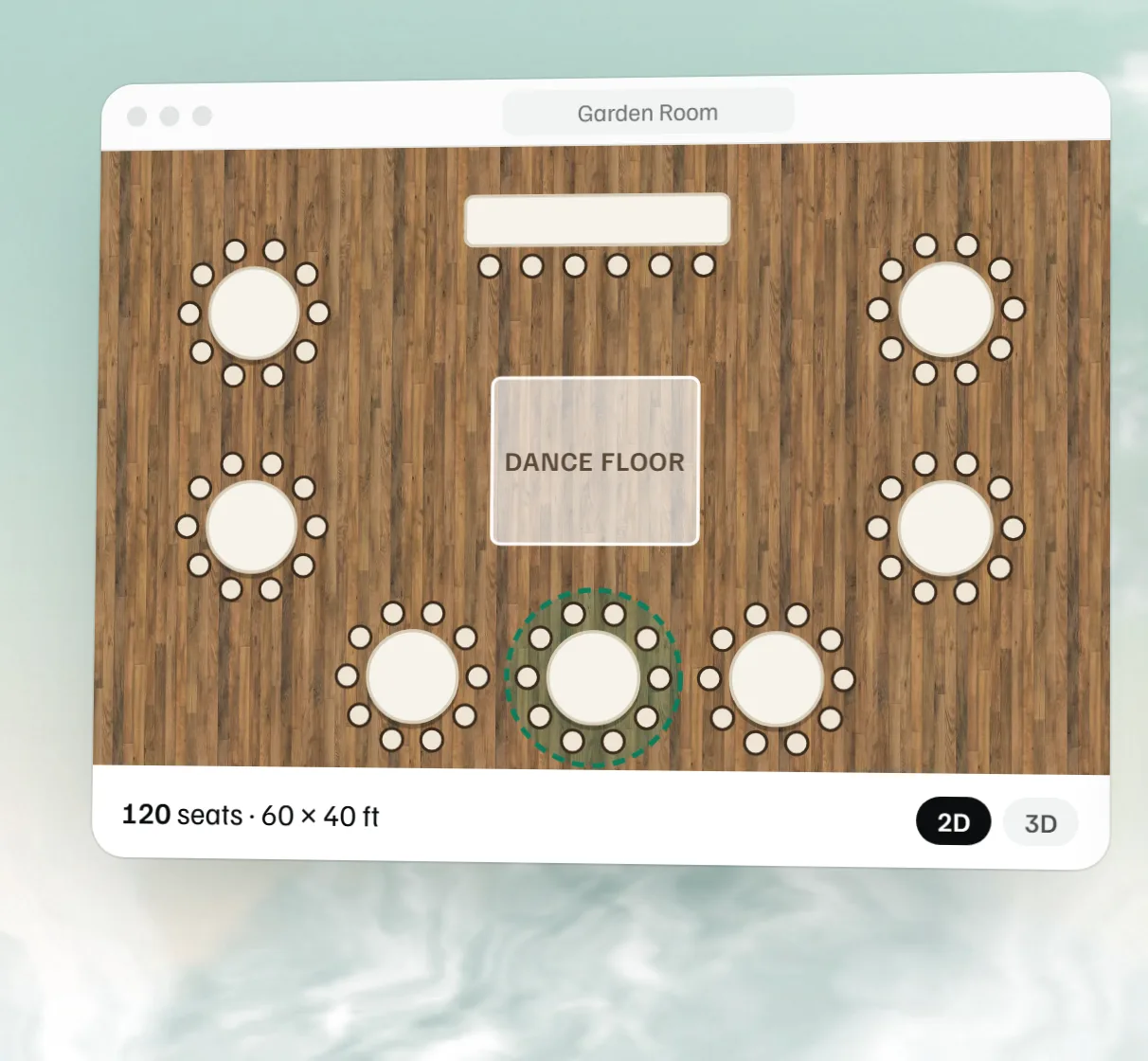
Limits first. Guests are assigned to tables, not to numbered chairs. The chart stays in your browser until you download it or save it to a free account, and the PDF, saving and a share link need that account. The PNG comes from the same builder as our floor plan image, which carries a “Made with MyVenueHQ” credit footer. Wedding Studio and SeatPlan.io offer more table shapes and seating rules for free. What it does: no sign-up to build, a guest list of up to 2,000 names with a not-seated list and an overflow warning, a free PNG and guest list CSV, and the chart on a floor plan in real feet and inches, so you can see that table 12 sits by the speakers. Pair it with the free event floor plan maker.
SeatPlan.io
SeatPlan.io’s free designer has no table or guest cap, CSV import and every table type, and you do not sign up to use it. The trade-off is on its own page: free designs are not saved between sessions and cannot be exported. Saving and PDF start with a one-time Pro pass that lasts 90 days (8 GBP when we looked; the price shows in your local currency). Use the free designer to try an arrangement, and plan to pay if you want to keep or print it.
SeatPlanning
SeatPlanning gives you 5 tables and 40 seats free. A PDF export works with no account and carries a watermark; a free account adds PNG, and the PDF keeps the watermark. A watermark-free PDF and Excel need an Event Pass, $29 one time, covering up to 500 guests and 40 tables for one event, with premium features active 90 days after you activate it. It suits a small dinner. For a wedding of 100 guests, the free limit is too small.
Wedding Studio
Wedding Studio’s page says creating and downloading your seating chart is free, with no guest limit or account requirement. Downloads are a PNG of the venue layout, PDFs of a seating sign, table cards and a guest lookup list, a CSV of the guest list, and a JSON backup you can restore later. It offers seven venue templates and seat-together and keep-apart rules. The editor saves to your browser, and a free account adds cloud backup. It gives the most export formats of the tools here. The tool is part of a guest photo-sharing product, and printing is the paid part.
WeddingWire
WeddingWire’s seating chart tool is free, according to its page. It builds a floor plan with tables, a dance floor and a DJ booth, syncs with your guest list and also covers seating for other wedding events. The page has a sign-up form that asks for a name and email, and says you can print, email or export in a visual or list format without naming file types. If you need to hand a file to a caterer, find out what the export produces before you build the whole chart.
What to check before you pick
- Can you export without paying? This is where the free tiers differ most. See the Free exports column.
- A watermark. SeatPlanning’s free PDF has one, and ours carries a credit footer.
- What happens when you close the tab. SeatPlan.io’s free designs are not saved. MyVenueHQ and Wedding Studio keep the chart in your browser until you download or back it up.
- A cap on tables or seats. SeatPlanning’s free chart stops at 5 tables and 40 seats.
- Numbered chairs or tables. Ours assigns guests to tables. Check the others if you need seat by seat.
Which should you pick?
For a small dinner, SeatPlanning’s free chart is enough if a watermarked PDF is fine. For a larger wedding where you want files to hand out, Wedding Studio gives the most formats with no account. If the chart should sit on a to-scale plan of your room, use ours, then keep the guest list and the layout together. A venue that wants the layout and the seating on the booking in one dashboard, next to the proposal can use the free plan, which is 10 events a month. For the drawing side, see our free floor plan makers compared, the reception layout guide and the free seating chart maker page.
How we checked
We read each vendor’s own pages on October 15, 2026, and wrote down what they said. We did not use competitor-authored comparisons as sources. Zola and Canva returned errors or blocked our checks, so we did not rate their free limits or prices. Check them yourself before you choose. Try a tool with a real guest list before you commit.
- Wedding Studio, free wedding seating chart maker; SeatPlanning, free seating chart; SeatPlan.io, free seating chart maker; WeddingWire, seating chart tool
Corrections
Free tiers change quickly. If a row here is out of date or wrong, email hello@myvenuehq.com and we will fix it and update the date. See the About page for who we are.
 Free seating chart maker
  Free event floor plan maker
  Free wedding guest list template
  Free venue capacity calculator