A spreadsheet works until two things happen: more than one person edits it, or the same details have to appear in more than one place. This guide lists what a spreadsheet does well, five signs it has stopped working, the arithmetic of retyping, and how to move to software without losing a booking. The general advice comes first, and how MyVenueHQ fits is near the end.
What a spreadsheet does well
It costs nothing to start, anyone can read it, and you decide every column. It also isn’t a trap. Google Sheets keeps a version history: Google’s help page says you can see who last updated a file and when, open an earlier version and restore it, and right-click a cell to see who edited it. The page also says some changes, such as added or deleted rows and columns, don’t appear in the cell history. For a single venue run by one person, that is often enough.
Five signs a spreadsheet has stopped working
- Two people edit the same dates. A spreadsheet doesn’t know that a row is a claim on a room and a day. Nothing stops two rows for the same room on the same Saturday, and you learn about it when both clients arrive.
- You have double booked, or came close. One near miss is a warning. A second means the process has a gap.
- You retype one booking into several documents. The client’s name, date, guest count and price go into the proposal, the contract, the invoice and the BEO. Each copy can drift from the others, and the guest count on the kitchen’s sheet matters most.
- Holds expire without anyone noticing. You can add a column that highlights an expired hold, but someone has to open the sheet to see it. A held date that nobody released also blocks a booking you could have taken.
- You open three places to learn who signed and who paid. The signed PDF is in a folder, the deposit is in your payment account, and the status is in the sheet.
If you answer no to all five, stay where you are. If you answer yes to two, the next step is the arithmetic below.
The arithmetic of retyping
Retyping has a cost you can compute with your own numbers: bookings a month, times the documents you retype for each, times the minutes each takes, then the hourly cost of whoever types. The example below uses invented figures. Replace them.
| Line | Example | Your number |
|---|---|---|
| Bookings a month | 12 | |
| Documents retyped per booking (proposal, contract, invoice, BEO) | 4 | |
| Minutes to retype one document | 10 | |
| Minutes a month | 12 × 4 × 10 = 480 | |
| Hours a month | 8 | |
| Hourly cost of the person typing | $25 | |
| Cost of retyping a month | 8 × $25 = $200 |
Software that removes all four retypes saves 8 hours a month in this example, worth $200. If it removes only one, the saving is 2 hours, worth $50. Compare that with the monthly fee. The arithmetic leaves out what a double booking costs you in refunds and goodwill, and what a slow reply to an inquiry costs, because no one can put an honest number on those for your venue.
Move without losing a booking
- Clean the sheet to one row per event. Columns that carry over well: event name, date, start, end, room, status, client name, email, phone, guest count, total, deposit paid and balance due.
- Write every date the same way, such as 2026-10-17, and use one set of status names: inquiry, hold, confirmed, cancelled.
- Ask each vendor whether it imports a file or migrates for you. Perfect Venue’s pricing page says “we’ll migrate all of your events for you.” Event Temple’s page says import fees may vary. Get the answer and the fee in writing.
- Test with twenty rows before you load the rest.
- Run both for a month. Make the spreadsheet read-only, enter every new inquiry in the software, and compare the two each week.
- Keep a copy of the original sheet and the software’s export of your data. Our guide to choosing venue booking software lists the export test to run before you commit.
A middle path
You can move in two stages. Move the calendar and the documents first, since that is where double bookings and retyping happen, and keep budgeting and staffing in the spreadsheet. Our free event proposal template, BEO template and guest list template work as stepping stones while you decide.
Where MyVenueHQ fits
This section is about our own product, so weigh it as a vendor’s description. MyVenueHQ is free for up to 10 events a month, so you can run it beside your spreadsheet for a month without paying. Each booking in the dashboard carries the inquiry, proposal, contract, invoice, floor plan and BEO, and the calendar shows every room. The Venue plan is $49 a month and adds contracts with e-signature and POS sales sync. You can see published prices from other vendors in our pricing guide, and what is on offer in our own plans.
Next step
Count the documents you retype for your next booking and time one of them. Multiply it out with the table above. If the answer is under an hour a month and you have never double booked, the spreadsheet is doing its job.
The example numbers in this guide are invented to show the arithmetic. They are not a statistic about venues.
Sources
- Google Docs Editors Help, file version history and edit history. Who last updated a file, restoring earlier versions, cell edit history and its limits. Read October 16, 2026.
- Perfect Venue, pricing. The migration line. Read October 16, 2026.
- Event Temple, pricing. The import fee line. Read October 16, 2026.
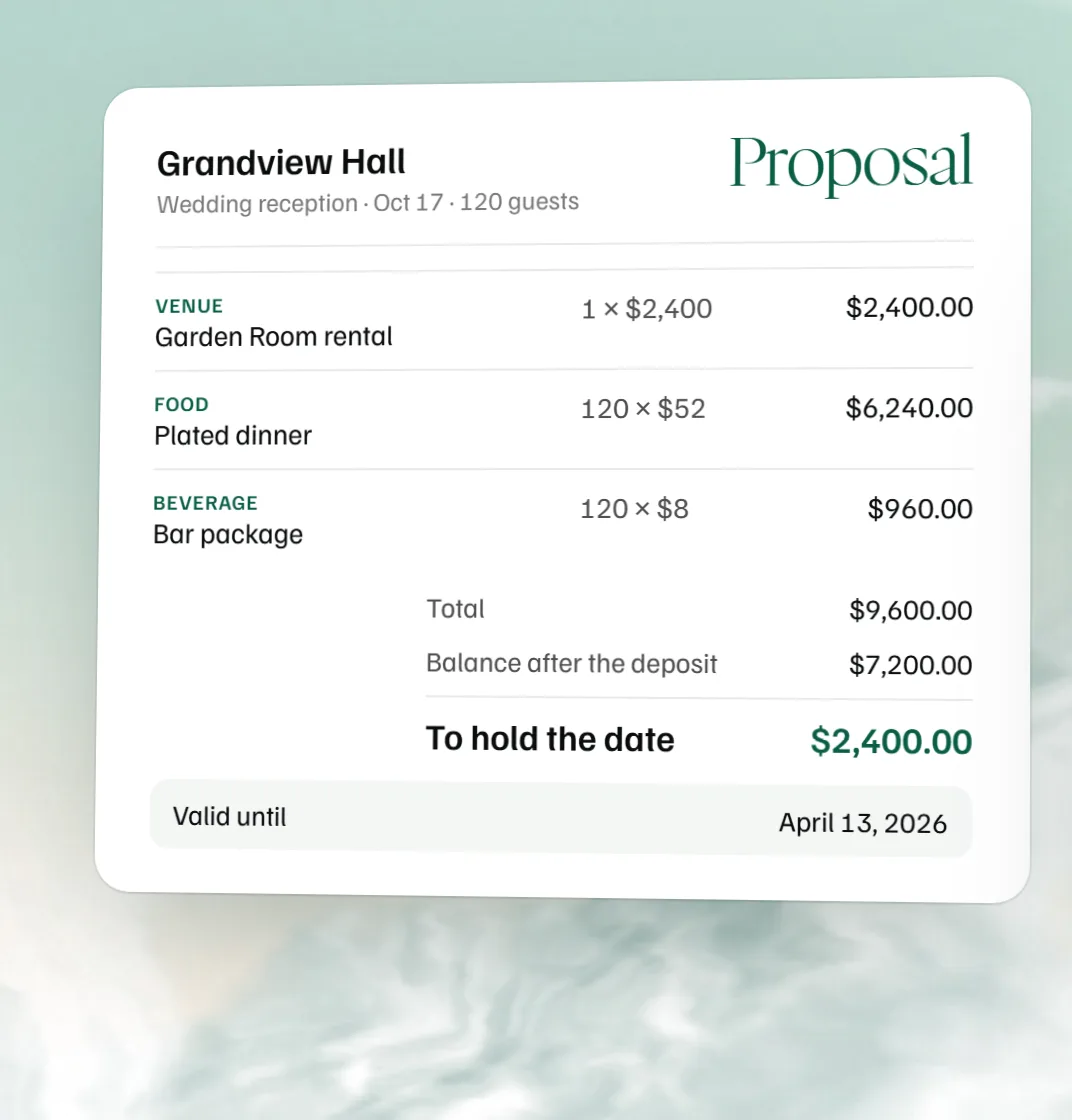 Free event proposal template
 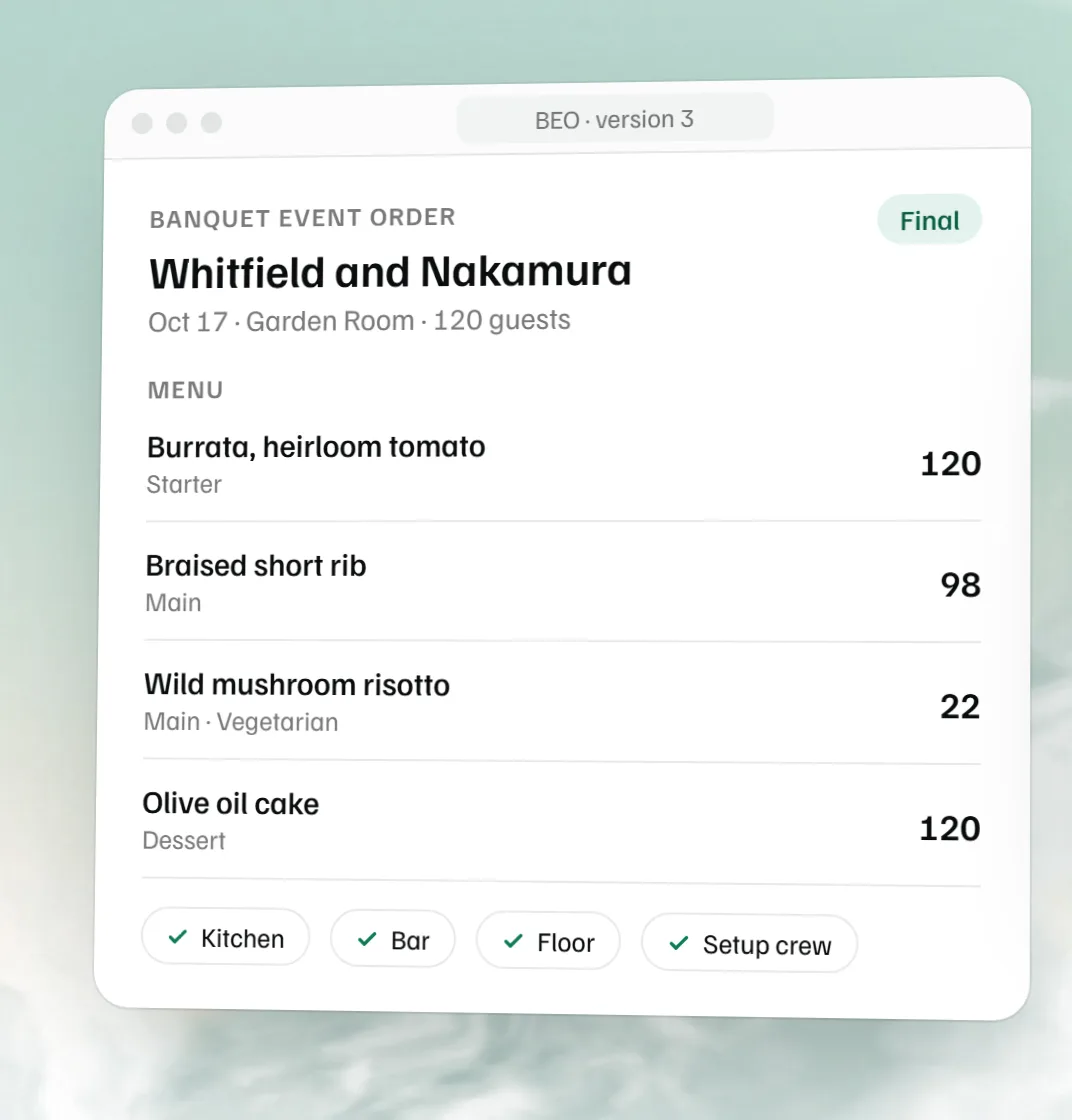 Free BEO template
 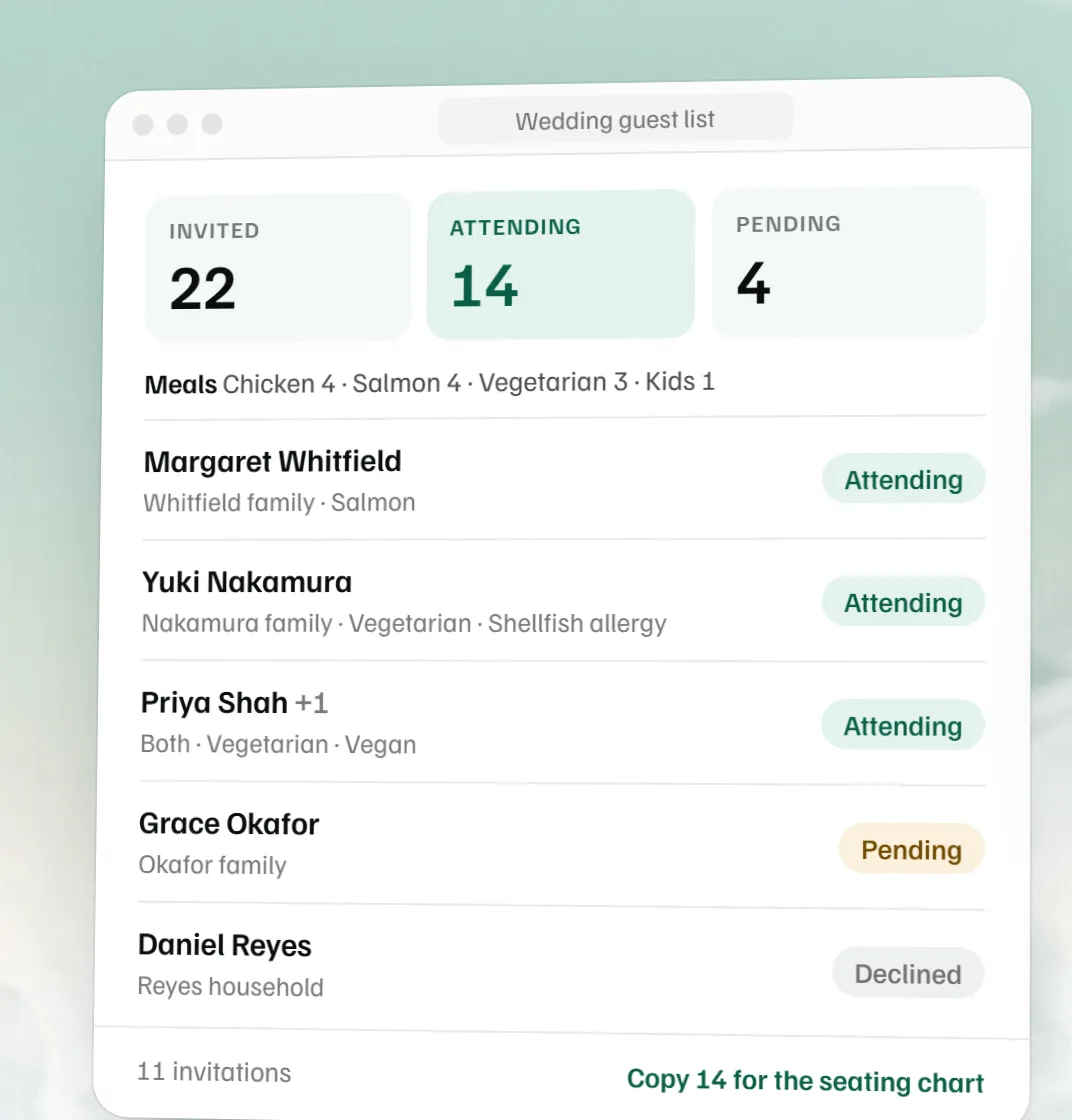 Free wedding guest list template
 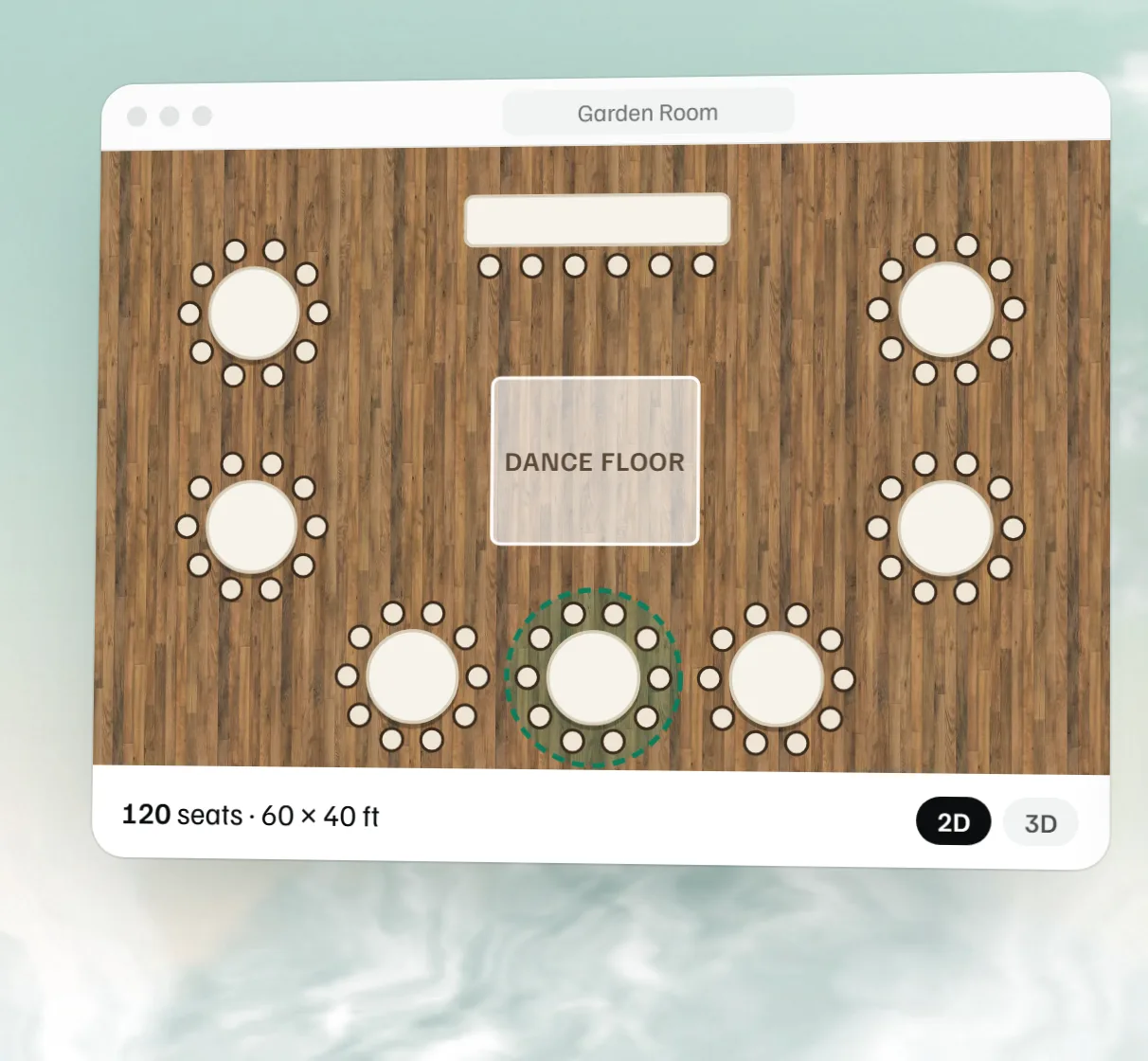 Free event floor plan maker