The six parts of an event proposal
A proposal is an offer with a price on it, so the useful split is between the parts that are wording and the parts that are facts. AI can help with the first kind. The second kind has to come from you.
| Part | What goes in | Who supplies the facts | What AI can do |
|---|---|---|---|
| 1. Summary | The event, date, room, guest count and what the client cares about. | You, from the inquiry and the tour. | Word it in two or three sentences. |
| 2. What is included | Each item you provide, and what you don’t. | You, from your offer. | Turn your list into lines a client can skim. |
| 3. The room and layout | The room, how it will be set, what the client sees. | You. Capacity comes from the setup and your local fire authority. | Describe it from facts you give. |
| 4. Schedule | Access, start, key moments, end, clear-out. | You, from the client’s plan and your rules. | Lay your times out in a table. |
| 5. Pricing and payment terms | Every line, the fees and tax, the total, the deposit and the due dates. | You, alone. | Format figures you give it. Never set or total them. |
| 6. Next steps | How to accept, what the deposit holds, the day the offer ends. | You. | Word it plainly. |
-
1Summary
Word it in two or three sentences.
Availability
-
2What is included
Turn your list into lines a client can skim.
-
3The room and layout
Describe it from facts you give.
Capacity
-
4Schedule
Lay your times out in a table.
-
5Pricing and payment terms
Format figures you give it. Never set or total them.
PricesTaxes and fees
-
6Next steps
Word it plainly.
Policies
Our guide to writing a venue proposal splits the same ground into seven sections with sample wording. Here the space and the times become two parts and the payment schedule joins the pricing, and the terms that decide a dispute stay out, because they belong in the rental agreement the client signs next.
Start with a fact sheet, not a prompt
A prompt like “write a proposal for a wedding at my venue” is thin. The chatbot has no facts, so it supplies typical ones. Write the facts down once, then reuse the sheet for every part. Fill the brackets with figures you have already checked.
- Check
- That every figure is one you wrote down from your own rate sheet, not one you half remember.
- Often wrong
- Leaving a line empty. A blank invites the chatbot to fill it.
Use a first name and leave out the client’s email address, phone number and street address. None of the prompts below needs them.
A prompt for each part
Every prompt opens with the same instruction: use only the fact sheet, write [confirm] where a fact is missing, and add nothing. That line turns a gap into something you can see. Paste the fact sheet under the prompt each time.
1. Summary
- Check
- The names, date, room and count against the sheet, and that the last sentence matches what the client said.
- Often wrong
- Praise that isn’t on the sheet (“award-winning”, “state-of-the-art”) and a flourish about the day being special.
2. What is included
- Check
- That the number of bullets equals the number of items on your list, and that each one matches by name.
- Often wrong
- Extras described as complimentary, two items merged into one, and a closing “and more”.
3. The room and layout
- Check
- That the capacity is the figure you confirmed for this setup, not the room’s maximum for a different one.
- Often wrong
- A capacity it made up, and features of the room it can’t know: a ceiling height, “natural light”, a terrace.
If you don’t have a capacity for the setup yet, the free venue capacity calculator shows how many guests a room holds by layout next to the code count. Confirm the legal number with the authority that sets it.
4. Schedule
- Check
- Each time against the sheet and the room’s hours, and that the last row ends before the room has to be clear.
- Often wrong
- A time it picked to fill a gap, or an end time that runs past the hours you rent.
5. Pricing and payment terms
- Check
- Every figure against your rate sheet, digit by digit. Then add the lines yourself and compare with the total.
- Often wrong
- A helpful rounding (“about $14,000”), a line it thinks is missing such as a gratuity, or a per-guest figure it worked out and you never wrote.
6. Next steps
- Check
- The expiry date and the way to accept.
- Often wrong
- Urgency (“dates like this go fast”) and a promise about what the deposit guarantees. That belongs in your agreement.
What AI must never invent
Five kinds of fact decide whether a proposal is true. Give the chatbot each one or leave it out, and don’t accept a draft that contains one you didn’t supply.
| Fact | Where it comes from | What a draft does when it guesses |
|---|---|---|
| Prices | Your rate sheet and your costs. | Writes a plausible rate and states it as yours. A client can hold you to a figure in writing. |
| Availability | Your calendar, by room and by hour. | Says or implies that the date is open, because that’s what the inquiry hoped to hear. |
| Capacity | The layout you will use and the limit your local fire authority sets. | Gives a round number for a room it has never seen. |
| Policies | Your own rental agreement and house rules. | Supplies the policies a typical venue has: cancellation, alcohol, end time, music. |
| Taxes and fees | Your accountant and your local rules. | Picks a rate, or decides what is taxed, without saying it chose. |
The same goes for inclusions you don’t offer and vendors you don’t use. A chatbot adds both to make the offer sound complete.
A worked example, with example numbers
Every name, date and amount below is made up. The service charge and tax rules are examples as well: whether a service charge is taxed depends on where you are, so use your own rules. The six parts, filled for an imaginary Saturday wedding reception:
| Part | Example content |
|---|---|
| 1. Summary | A Saturday evening wedding reception for 80 guests in the Garden Room, 4 to 11 p.m. |
| 2. What is included | The room, tables and chairs for 80, a plated dinner, a four-hour bar, a dance floor and uplighting. Not included: the cake, the DJ and the florist. |
| 3. The room and layout | Eight rounds of ten and a dance floor. |
| 4. Schedule | Doors 4:30, dinner 6:00, dancing 8:00, music ends 10:30, room clear by 11:00. |
| 5. Pricing and payment terms | The table below. |
| 6. Next steps | Reply to accept. A $3,000 deposit holds the date. The offer stands for 14 days. |
Here is part 5, the table you would give the chatbot to copy.
| Line | Basis | Amount |
|---|---|---|
| Room rental, Saturday 4 to 11 p.m. | Flat | $4,500.00 |
| Plated dinner | $62 × 80 guests | $4,960.00 |
| Bar package, four hours | $28 × 80 guests | $2,240.00 |
| Dance floor and uplighting | Flat | $350.00 |
| Subtotal | The four lines above | $12,050.00 |
| Service charge | 20% of food and bar ($7,200) | $1,440.00 |
| Sales tax | 8% of food and bar ($7,200) | $576.00 |
| Total | Subtotal plus service charge and tax | $14,066.00 |
| Deposit to hold the date | Fixed amount | $3,000.00 |
| Balance, due 14 days before the event | Total minus deposit | $11,066.00 |
The sums are simple, and we added them up twice before publishing, which is the habit to copy. The only writing the chatbot does here is the payment terms underneath: “A $3,000 deposit holds Saturday, [date], for the Garden Room. The balance of $11,066.00 is due 14 days before the event.” Every figure in that sentence is on the sheet.
Check the draft before it leaves
- Read the pricing table against your rate sheet, line by line, then add the lines and compare with the total.
- Check the date, the day of the week and every time against your calendar.
- Match the included list to what you will really deliver, item for item.
- Look for any word you can’t point to in your own notes: amenities, “complimentary”, a vendor’s name.
- Look for any number you didn’t write.
- Read it as the client would. They should be able to say what they pay, when, and what to do next.
Then send it yourself, from your own email or as a link from your proposal tool.
What MyVenueHQ does with proposals
MyVenueHQ has an AI assistant for venues. For proposals it does one thing: on your click, it creates a proposal draft for an inquiry or an event, with a cover and a short welcome paragraph that you can edit on the card. The draft has no prices, packages or promises. You finish the packages and pricing in the proposal editor, and nothing is sent to your client without a click.
It doesn’t write line items, contracts or terms, and it doesn’t price anything. It works in the web app and writes in English, and every plan has a monthly allowance of assistant actions, with a small one on the Free plan. Each request asks its AI provider not to keep your text or use it to train models, and we don’t use your content to train any model; the privacy policy has the wording. More on what it does and doesn’t do is on AI venue management software. For the other drafts a chatbot can do for a venue, there are fifteen copyable prompts.
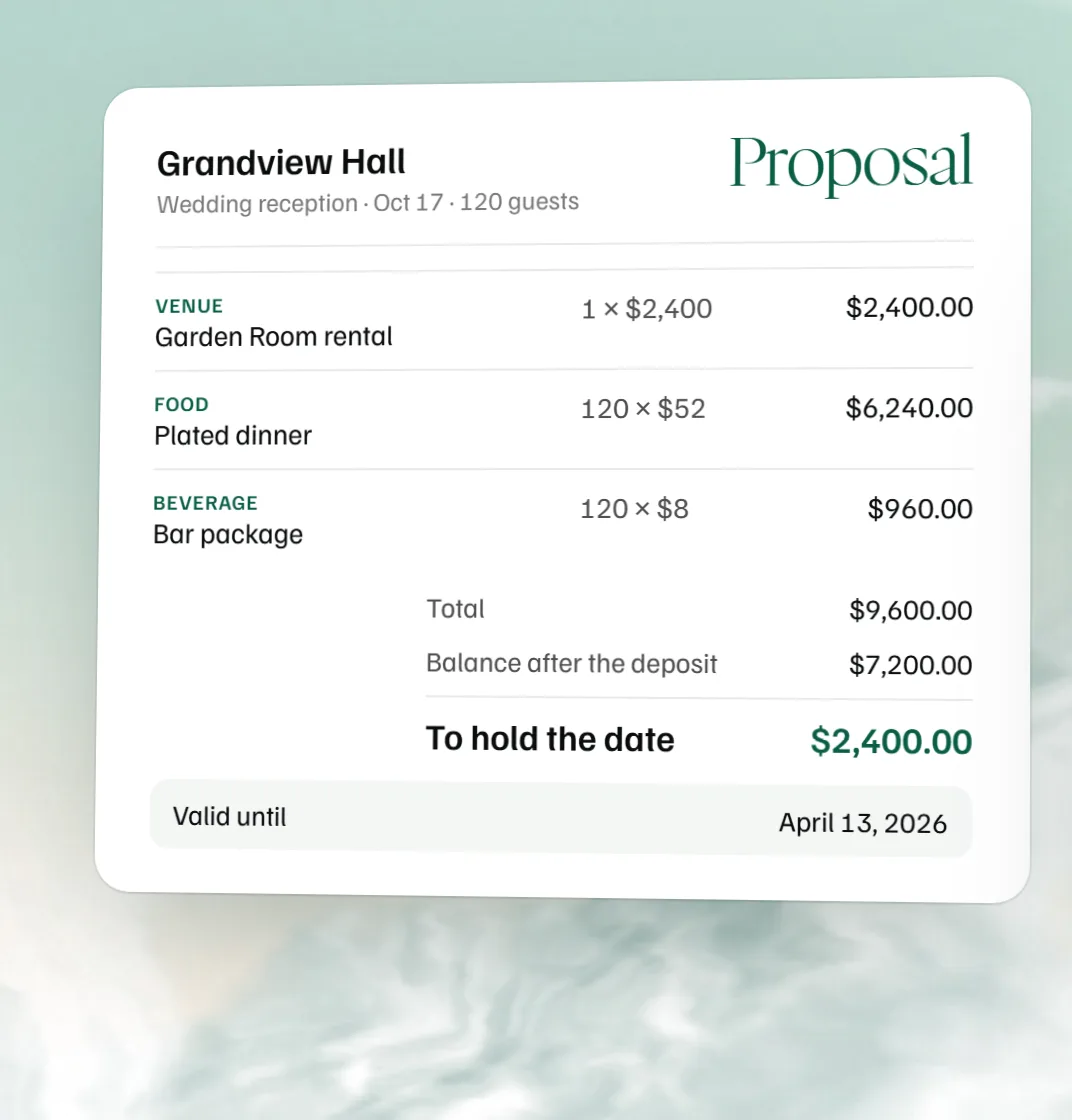 Free event proposal template
 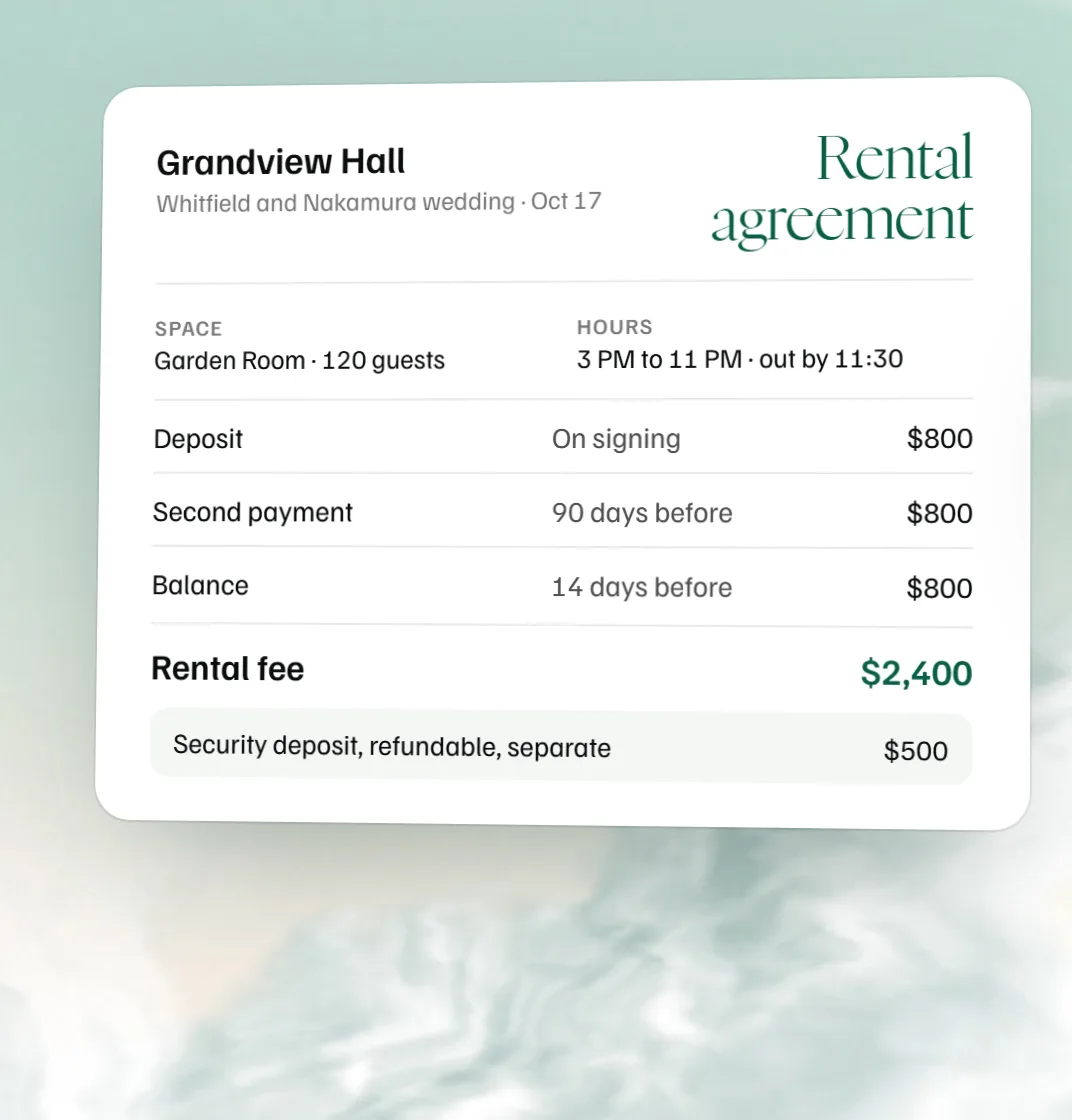 Free venue rental agreement template
 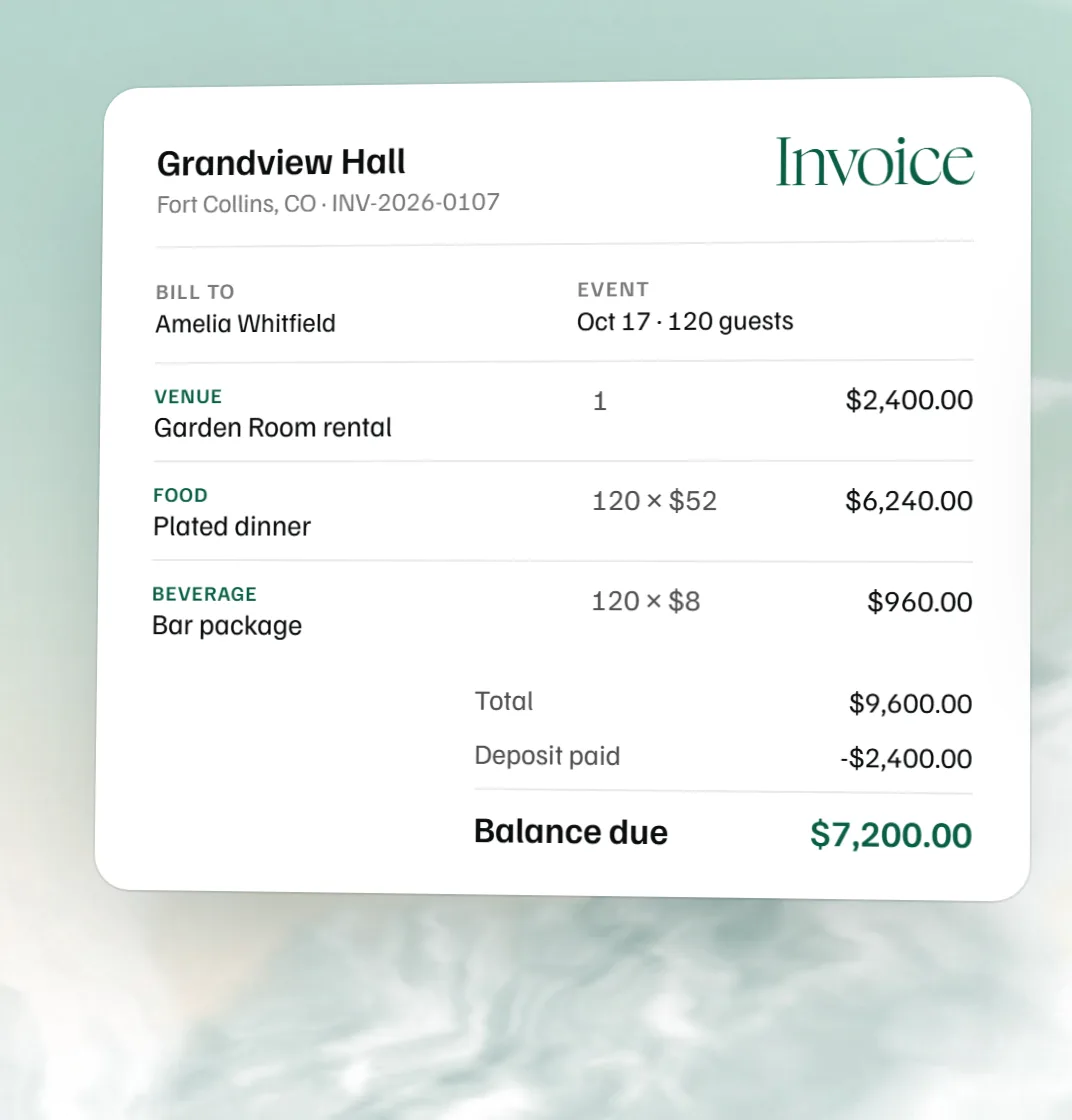 Free catering invoice template
 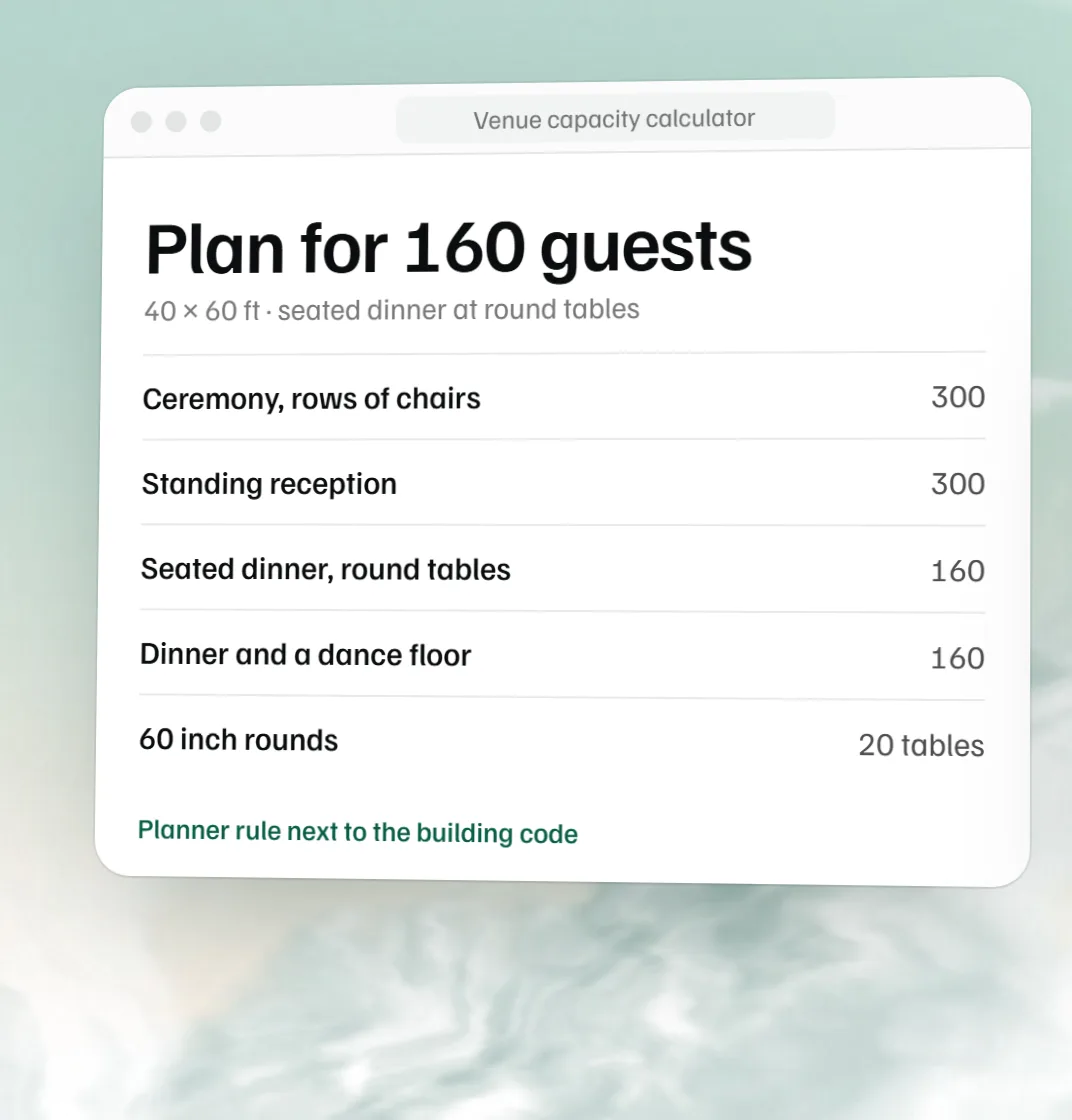 Free venue capacity calculator