Free seating chart maker for weddings and events
Paste your guest list, drag each name to a table on a real floor plan, and download the chart. No signup, no limit on tables, and it opens on a sample wedding so you can see how it works before you change anything.
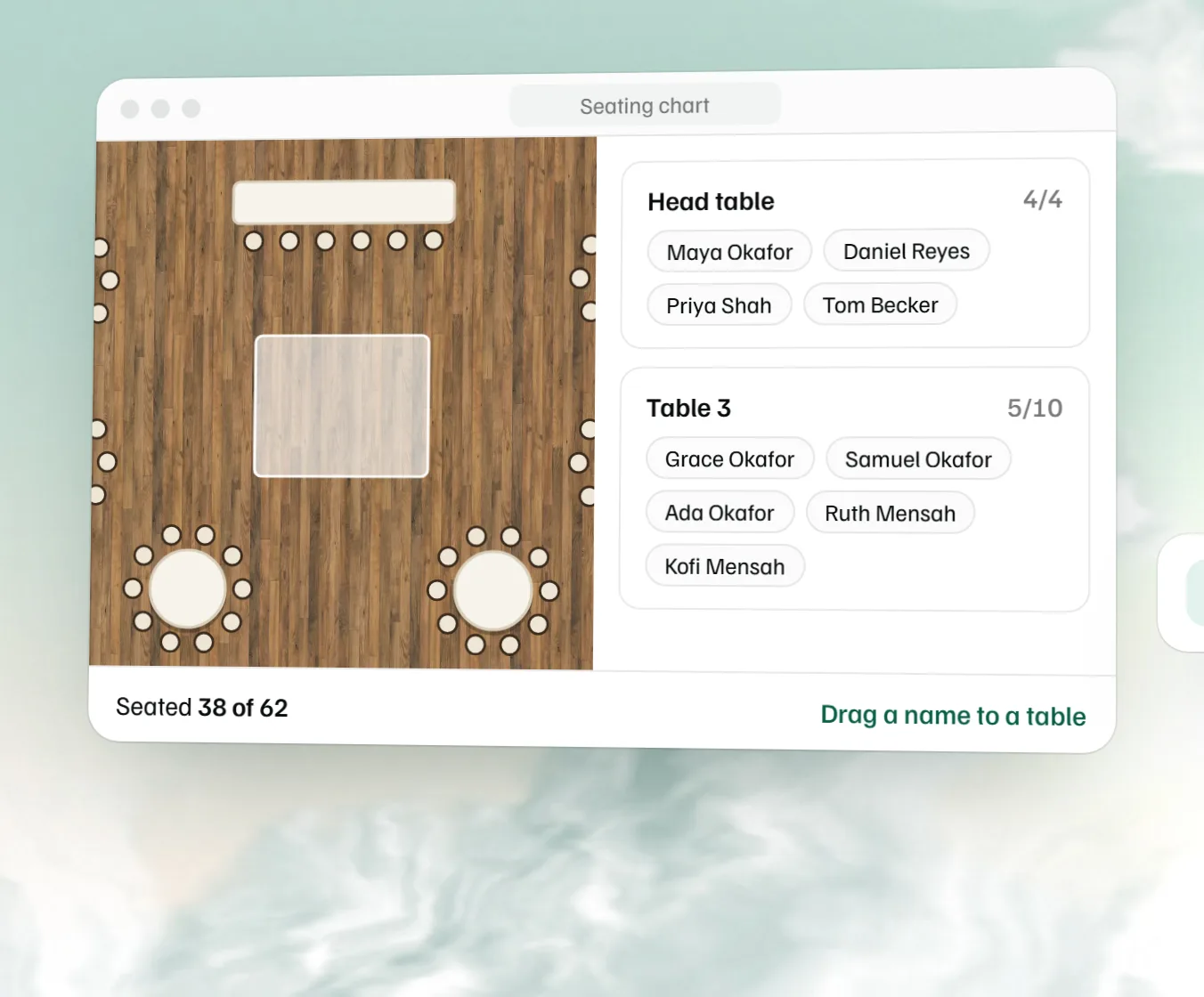
A seating chart is a plan of the room that shows which table each guest sits at. MyVenueHQ's free seating chart maker puts your guest list on a floor plan drawn to scale. Paste names or upload a CSV, then drag each guest to a table, or press Seat everyone to fill the empty seats in order. Every table shows its name and how many of its seats are taken. Download the plan as an image with each table's guests listed underneath, or the guest list as a CSV, without making an account.
How to make a seating chart
Wait for the RSVPs, then tidy the guest list
Build the chart from the people who said yes, after the RSVP deadline, so you aren't seating guests twice. Take out anyone who declined, and put couples and families on neighbouring lines.
Paste the names or upload your RSVP export
Paste one name per line, a column copied out of a spreadsheet, or a single line of names split by commas. An RSVP export works too: upload the CSV and the tool joins First Name and Last Name, or takes the column called name or guest.
Seat the people who have to be somewhere
The head table, both families and anyone who needs an easy way out go first. Drag a name onto a table in the list or straight onto the plan; on a touchscreen, tap a name, then tap the table. The sample already has its tables set out. To plan a different room before anyone sits down, the free floor plan maker is the tool for the layout itself.
Fill the rest and fix what the order got wrong
Press Seat everyone and the remaining guests take the free seats. Then spend your time on the few placements that need a person's judgement, like the cousins who shouldn't share a table.
Bring your guest list from the free template
Track RSVPs, meals and plus-ones in the free wedding guest list template, then press Copy for the seating chart there. It copies only the guests who said yes, one per line, with each household together and every plus-one straight after the guest who brings them, so Seat everyone keeps families at the same table. Take the sample names out of the tool above (the × beside each), then paste into Add guests on its Guests tab.
Free seating chart creator features
Seat everyone in one click
Seat everyone puts each unseated guest in the next free seat, in the order of your list and the order of the tables. People you've already placed stay put, and no table goes over its seats. Put couples and families next to each other in the list and they land together.
See who isn't seated yet
Anyone without a table waits in a Not seated list above the tables, with a count, so nobody gets forgotten. A table with more names than chairs turns red and says how many it's over by.
Up to 2,000 guests
The guest list takes up to 2,000 names, which covers a large wedding, a gala or a company dinner. Guests are seated at a table rather than a numbered chair, which is how most reception charts are read: find your name, go to that table.
Table numbers and table names
The tool numbers tables the way people scan a room, top to bottom and then left to right, so Table 1 is where a guest looks first. Any table can take a name instead, up to 40 characters, and the name shows on the plan, in the downloads and in the guest list.
Numbers or names?
Numbers are quicker to find in a full room. Names (cities, songs, the street you grew up on) look good on the board but make guests read every sign, so if you use them, say on the escort card which part of the room the table is in. A common pattern is for the head table to have no number and for the low numbers to go to the tables nearest it, for the families.
Escort cards, place cards and the seating chart board
Guests find their seat in one of three ways, and you can use more than one.
Escort cards
A small card per guest or couple with their name and table number, set out in alphabetical order on a table by the door. Download the guest list CSV, which has a Guest column and a Table column, sort it by name in Excel or Google Sheets, and send it to your stationer or use it for a mail merge.
Place cards
A name card at the exact chair. This tool seats guests at tables, not at numbered chairs, so if you want place cards, decide the chair order within each table yourself; the downloaded list gives you each table's names to start from.
A seating chart board
One large sign at the entrance, listing guests by table or alphabetically. The free image already lists every table's guests in columns under the plan. For an alphabetical board, sort the CSV by name instead.
How to print a seating chart
PNG image of the room and every table's guests
Free, with no account. The image is your floor plan at full size with each table's name and count on it, and below the plan, every table's guests in columns, then anyone not seated. Print it at home for the planner and the venue, or send it to the stationer making the display board.
Guest list CSV that opens in Excel or Google Sheets
Also free. One row per guest with their table, in the order of your list, ready for escort cards or a mail merge.
Print-ready PDF
A PDF sized for your paper needs a free MyVenueHQ account (an email and a password), which also saves the chart and gives you a link your venue or family can open without logging in. The chart you built comes with you when you sign up. Venues get more on the free plan.
Printing a large board
Print shops print display boards at poster sizes such as 18 by 24 or 24 by 36 inches. A board for 150 guests has a lot of small type, so before you order, print one page at the size it will be read and check the names are legible from a step back.
Free seating chart makers compared
Most free seating chart tools hold something back. Here's what the free tier of each tool in the top results did when we checked on October 15, 2026, from their own pages. Plans change, so check before you build a big chart.
| Tool | Account to build | Free limit | Free downloads |
|---|---|---|---|
| MyVenueHQ | No | 2,000 guests, no table limit | PNG of the plan with every table's guests, and the guest list CSV. A free account adds the PDF, saving and a share link. |
| Wedding Studio | No | No guest limit, by its own page | PNG floor plan, PDF seating sign, table cards and guest lookup, CSV and a JSON backup, all without an account. A free account adds cloud backup. |
| SeatPlanning | No | 5 tables, 40 seats | PDF with a watermark; PNG with a free account. Watermark-free PDF and Excel are paid. |
| SeatPlan.io | No, to design | No table or guest cap, by its own page | None. Its page says free designs aren't saved between sessions and can't be exported; a one-time Pro pass saves them for 90 days and unlocks PDF. |
Our chart sits on a floor plan in real feet and inches, with the room, the dance floor and the bar, so you can see that table 12 is next to the speakers before anyone sits there. Wedding Studio goes further with keep-apart rules, meal choices and printable table cards, and SeatPlan.io adds a QR code guests scan to find their seat on its paid plans.
Free seating chart software for weddings and events
Weddings and receptions
Start with the head table or sweetheart table and the families nearest it, then fill outwards. The sample wedding shows the pattern: a head table, a wedding party table, three family rounds seated and 24 guests waiting. Venues that run weddings every weekend keep the chart on the booking in wedding venue software, next to the run of show. Once the count is settled, the free wedding alcohol calculator works out the bar order for the same number.
Banquets, galas and corporate dinners
Name the tables after sponsors or departments and paste the attendee list straight from registration. The final table count belongs on the banquet event order so the kitchen and setup crew work from the same number.
Rehearsal dinners and parties
Small events need the chart too. Put one or two long tables of 8 foot banquets end to end, paste twenty names, and you're done in a few minutes.
Start from a free seating chart template
The tool opens on a sample wedding guest list of 62: four at the head table, four at the wedding party table, three family rounds of ten, and 24 guests still waiting in Not seated, listed in couples. Drag a few of them to see how it works, then clear the sample names and paste your own. The tables stay put, so a reception of a similar size can be seated straight away.
Who sits where: seating chart etiquette
Around the head table
Parents and grandparents sit closest, then the rest of the family, then friends. Divorced parents often get a table each, the same distance from the couple, each hosted by their own side. A sweetheart table for two frees the wedding party to sit with their partners.
Guests who need a better seat
Seat older guests away from the speakers, anyone with a walker or wheelchair near a door and the restrooms, and young children with their parents. A kids' table suits children old enough to sit without a parent, and goes within sight of theirs. If the room is tight, the venue capacity calculator shows how many tables it really holds.
What to do when the guest count changes
Late RSVPs and no-shows land in the last week. Remove or add the names, press Seat everyone for the newcomers, and re-send the image. The guest count change checklist lists everyone else who needs the new number, from the kitchen to the rentals company.
Seating chart questions.
What is the cheapest way to make a seating chart for a wedding?
A free online tool, then a print shop for the board. This one costs nothing to build the chart or to download it as an image and a spreadsheet, and you don't need an account for either. Printing a large display board is the only part that costs money.
How to create a seating chart for a wedding for free?
Open the tool on this page, check the tables match your room, paste your guest list and drag each name to a table. Seat everyone fills whatever seats are left in list order. Download the image when it looks right.
Where can I make a seating chart for free?
Right here, in the browser. The chart stays in the browser you made it in until you download it or save it to a free MyVenueHQ account, and it works on a laptop or a tablet. A phone screen is tight for dragging names, though it does work.
Is there a free app for arranging seating?
Yes, and there's nothing to install. The seating chart maker runs on the web, opens on a sample wedding you can change, and downloads for free. A free account adds saving, a share link and a print-ready PDF.
What is the easiest way to create a seating chart for a wedding?
Seat the people who have to be somewhere first: the head table, both families near the front, anyone who needs an easy way out. Then paste the full list and press Seat everyone, and spend your time moving the handful of people the order got wrong.
How to make a wedding seating chart in Excel?
You can type names and table numbers into two columns, but you won't see the room. A quicker route is to build the chart here and download the guest list CSV, which has one row per guest with their table, and open that in Excel or Google Sheets.
What are common seating chart mistakes?
More names at a table than it has chairs, exes or feuding relatives at neighbouring tables, older guests next to the speakers, and the chart still showing people who RSVP'd no. The tool flags any table with more guests than seats in red.
Can AI make me a seating chart?
An AI chat tool can sort a guest list into groups if you tell it who belongs together, but it can't see your room or count your chairs. Ask it to group the names, paste the result here in that order, press Seat everyone, and check the plan: a table with more names than seats turns red.
Where can I find a free template for a seating plan?
On this page. The seating chart maker opens on a sample wedding of 62 guests, part seated, with a head table and a wedding party table already named. Clear the sample names, paste your guest list and download the result as an image.
Will my seating chart be saved if I close the browser?
Yes, in the same browser on the same device, until you clear your browsing data. A private window forgets it when you close it. To keep it safe or open it somewhere else, save it to a free account, which also gives you a share link.
Is a seating plan the same as a seating chart?
Yes. Both mean the plan of who sits where. Some people use seating chart for the board guests read at the door and seating plan for the drawing of the room; this tool makes both from the same list.
What is the difference between escort cards and place cards?
An escort card tells a guest which table they're at and waits with the others on a table by the door. A place card sits at the chair itself. Many weddings use escort cards alone and let guests pick their chair at the table.
Should a wedding seating chart be alphabetical or by table?
Alphabetical is easier for a big wedding, because each guest is looking for one name and a long list by table makes them read every table. By table works for a smaller one and is how the free image prints. For alphabetical, sort the downloaded CSV by name.
How do you number tables on a seating chart?
Start with Table 1 nearest the head table and count outwards, so the families get the low numbers. This tool numbers tables top to bottom, then left to right, and you can rename any of them.
When should the seating chart be finished?
After the RSVP deadline and before the final count goes to the caterer, so the venue, the kitchen and the stationer all work from the same list and the escort cards have time to print.
Sources
- Free tiers in the comparison, read October 15, 2026: Wedding Studio, Free Wedding Seating Chart Maker; SeatPlanning, Free Seating Chart Maker; SeatPlan.io, Free Seating Chart Maker.
Plan the whole event in MyVenueHQ
For a venue, the seating chart is one piece of the booking. In MyVenueHQ the plan sits on the event with the contract, the guest count and the BEO, so a change in one shows up in the others. The event floor plan software page covers what venues get, and the free BEO template needs no account either.
Related free tools
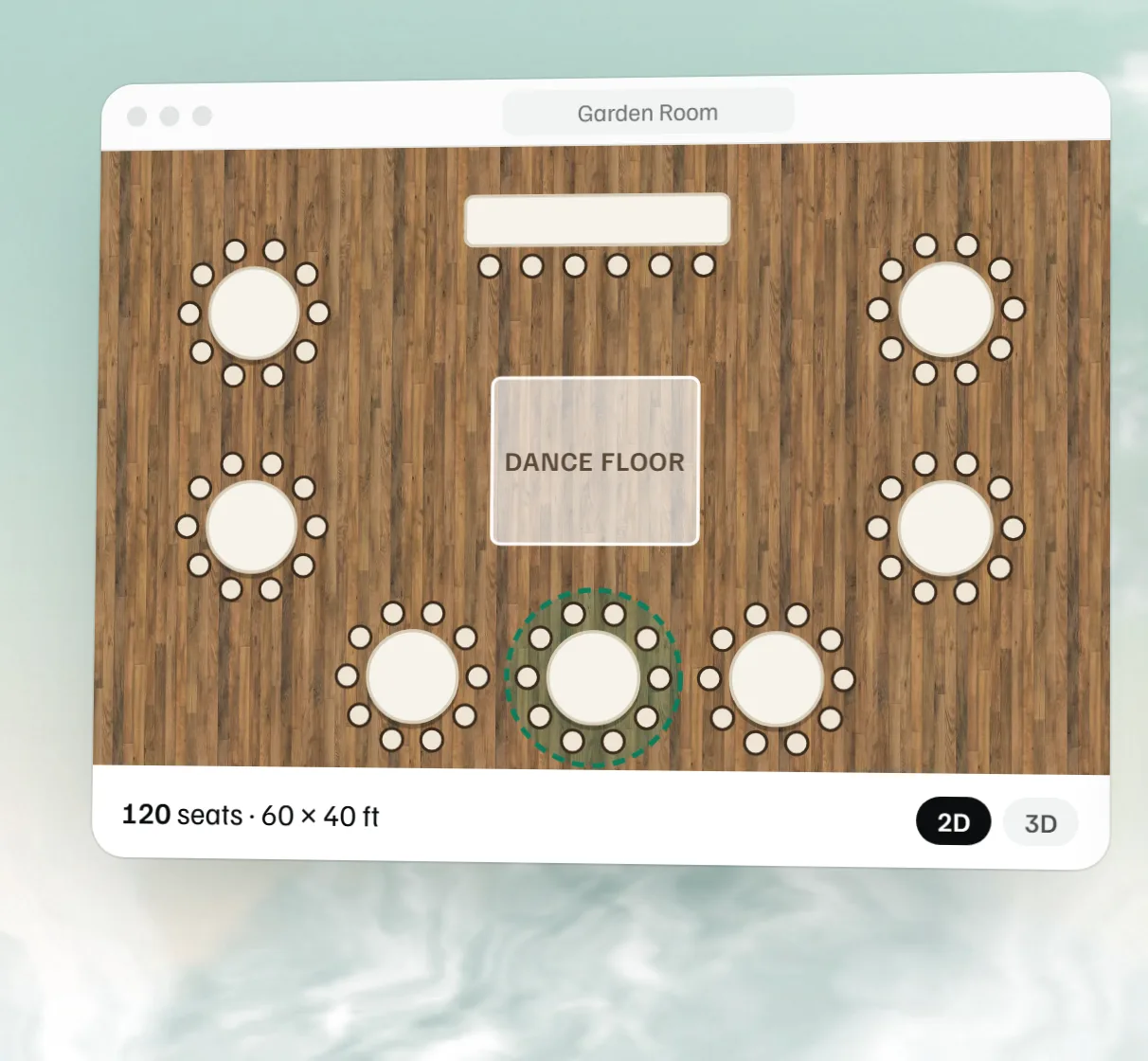 Free event floor plan maker Draw the room to scale with tables, stage, bar and dance floor, then see it in 3D.
 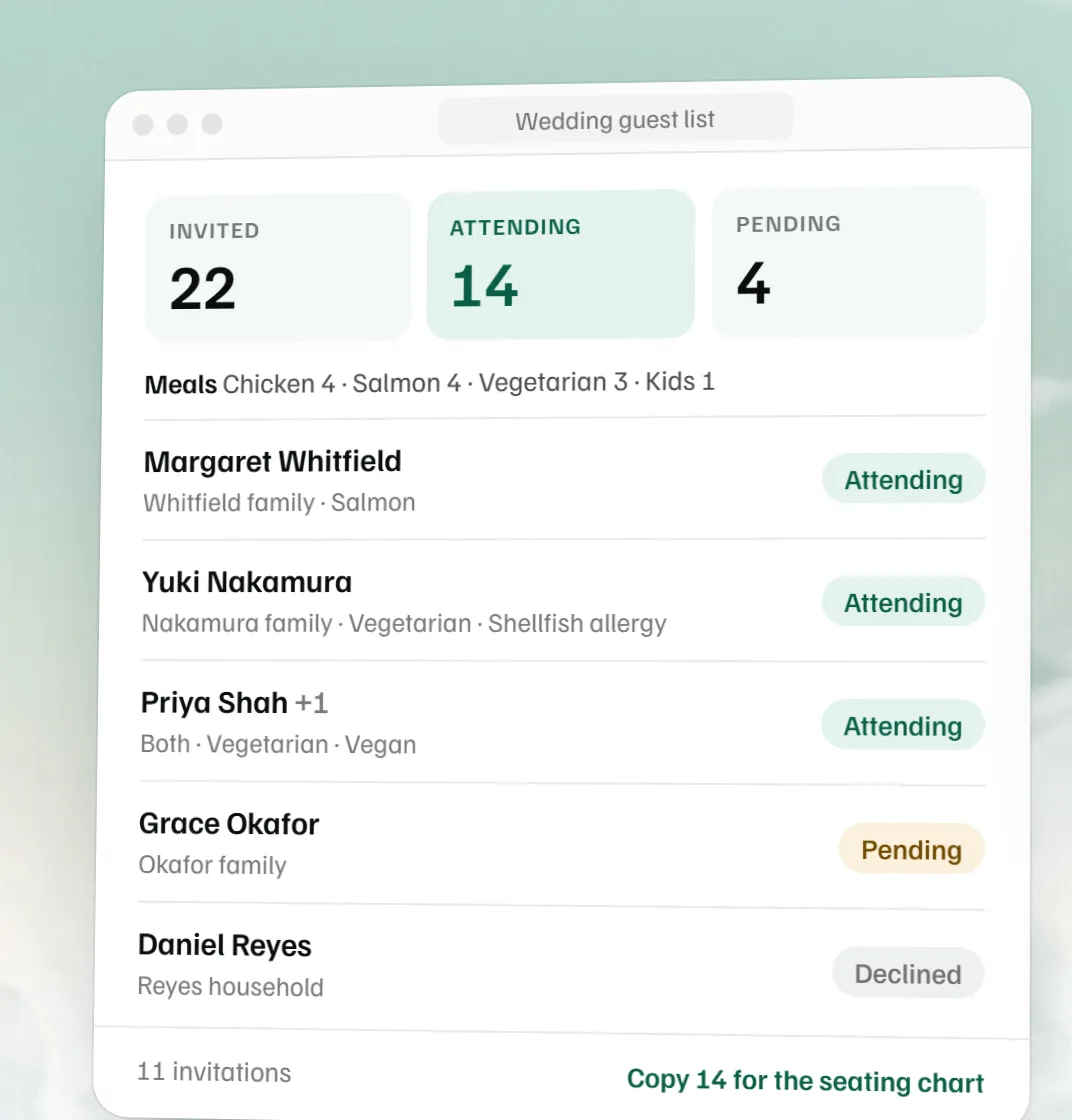 Free wedding guest list template RSVPs, meals and plus-ones with live counts, as Excel or CSV.
 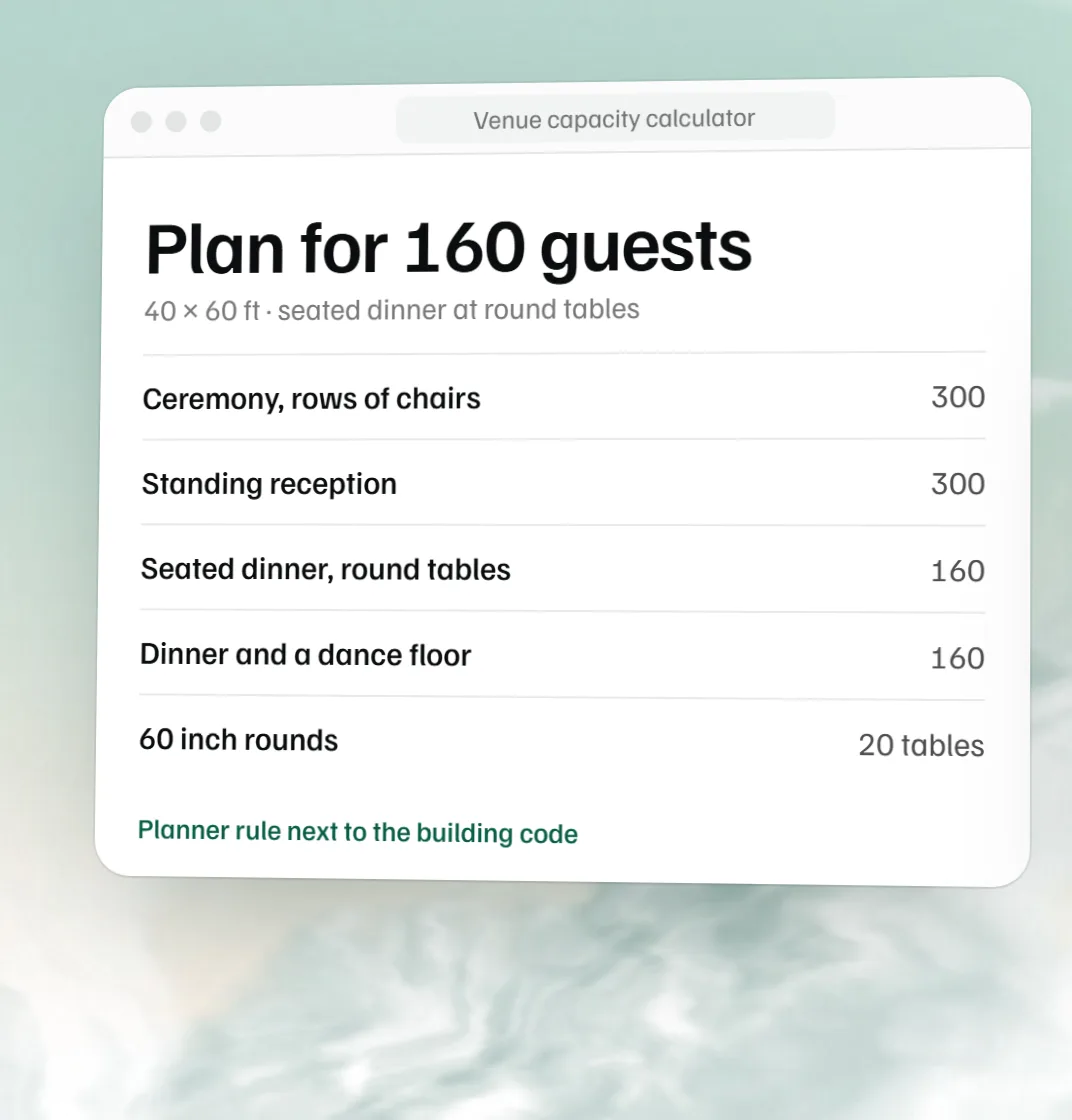 Free venue capacity calculator How many guests a room holds by setup, next to the code count.
 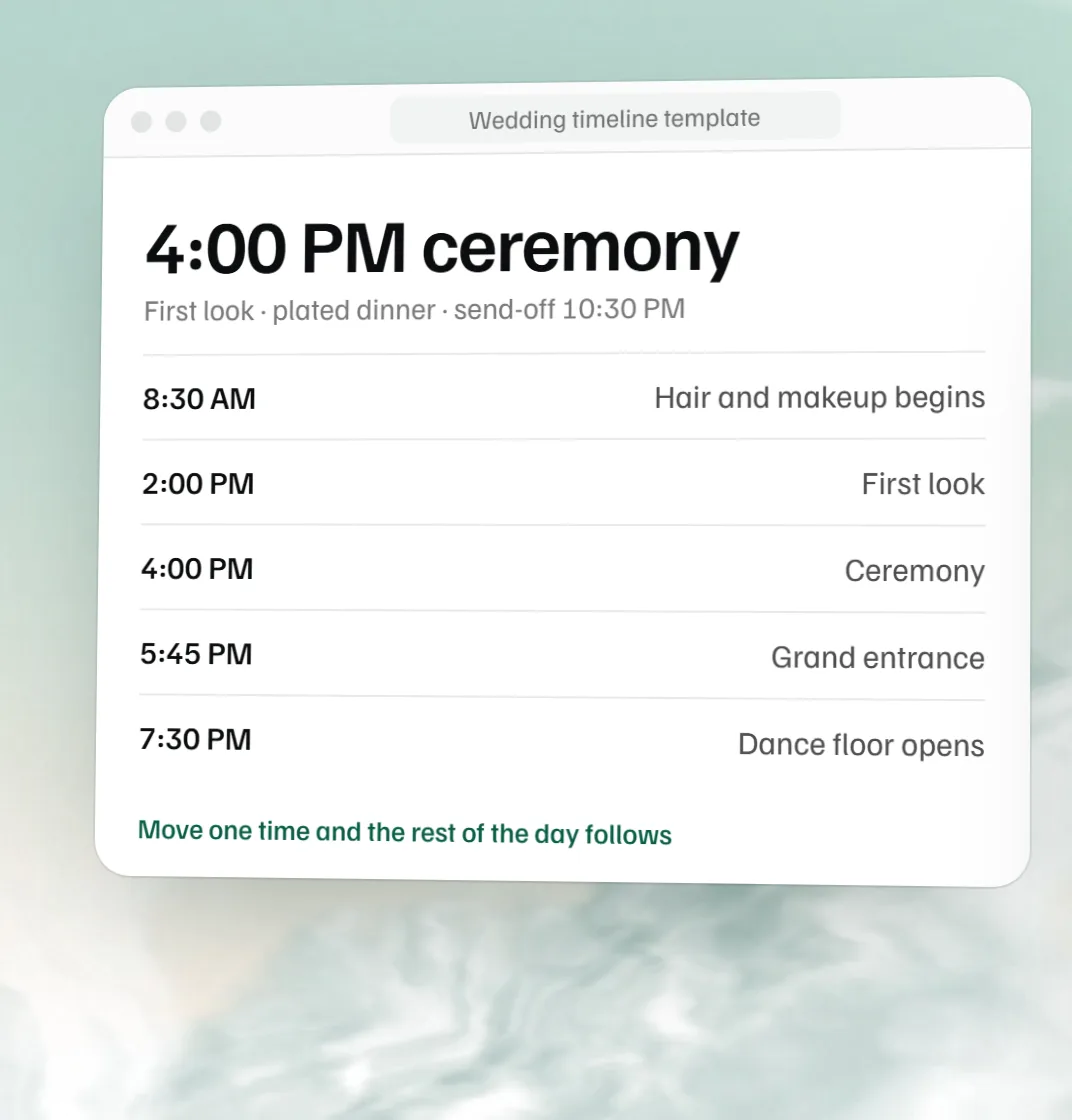 Free wedding timeline template The wedding day hour by hour, built from the ceremony time.