The answer depends on what your locations share. A group that wants one dashboard, templates that apply across locations and permissions per location needs a different product from three independent venues that only want one bill. This guide lists six products alphabetically, doesn’t rank them, and says for each what its own pages publish about multiple locations, what it costs, and where it fits better. Every vendor statement comes from that vendor’s own pages, read October 16, 2026. Where a page didn’t answer, we say “Not publicly verified”, which isn’t the same as “not supported”. MyVenueHQ is our product, so it’s marked, and we say plainly what it doesn’t share between venues.
What multi-location software has to answer
- One login or one per venue, and whether permissions are set per person and per location.
- Whether templates, packages and automations are shared across locations or kept by each.
- Whether anything rolls up: a calendar, revenue or reports across locations.
- What an extra location costs, and whether it starts its own minimum term.
- What the free or entry plan includes for a second venue.
Quick picks
| If you want | Look first at |
|---|---|
| One login, permissions per person and per location, and templates shared across a group of locations | Perfect Venue |
| A dashboard across properties, revenue by property or region and brand-level templates | Tripleseat |
| Templates, a dashboard and roll-up sales reports across properties of any brand | Event Temple |
| Unlimited venues and spaces in one account, with calendar feeds by venue | Planning Pod (price for several venues not published) |
| Separate brands with their own logo and reporting per brand | Releventful (several physical venues not publicly verified) |
| A few independent venues on one bill and one login, each running separately | MyVenueHQ (no calendar, contacts, templates or reports shared between venues) |
Three venues at list price
This is list price times 12 times three venues, before card fees, add-ons, onboarding, import fees and tax, with no group discount. Event Temple says chain and group pricing is offered, and Tripleseat’s agreement gives each added location its own one-year minimum term. Our pricing guide has the sources and what the totals leave out.
| Plan | Three venues, one year |
|---|---|
| MyVenueHQ Venue plan, paid yearly ($490 + $150 per extra venue) | $790 |
| MyVenueHQ Venue plan, paid monthly ($49 + $15 per extra venue) | $948 |
| Perfect Venue Professional, billed yearly ($199 per location) | $7,164 |
| Perfect Venue Professional, billed monthly ($239 per location) | $8,604 |
| Event Temple, starting price ($249, annual payment) | $8,964 |
| Tripleseat, starting price ($375 per venue) | $13,500 |
The totals compare list prices only. A $15 extra venue gives you a separate venue on one bill, not a combined view. Perfect Venue, Tripleseat and Event Temple describe templates that apply across locations, permissions or roll-up reports on their own pages.
Event Temple
Its homepage now leads with hotel sales and catering teams, from independent hotels to hotel groups. Wedding venues, restaurants and other meeting venues are listed as customer types too.
One login for many properties of any brand, templates shared across a chain, a chain dashboard, roll-up sales reports and permissions across the group. The pricing page says chain and group pricing is offered, and no terms are published.
The pricing page says “starting as low as $249 per month” with a custom quote, based on annual payment and a minimum one-year term. Import fees may vary and no amount is published. Its terms, last modified June 25, 2024, say a subscription renews for successive 12-month periods unless either side gives written notice at least 90 days before the term ends. Not publicly verified: whether the starting price is per venue or per user.
Fits better when:
- A hotel or hotel group that needs room blocks, pickup tracking and chain-level templates and reports.
- A multi-property operator that wants one login, templates that apply across properties and roll-up sales reports.
MyVenueHQ (our product)
Independent event and wedding venues in the United States, from one room to a few sites.
Each extra venue is $15 a month ($150 a year) on the same subscription and bill, with one login that switches between venues and a different role in each. Every venue keeps its own calendar, contacts, templates and revenue: there is no calendar or report across all of them.
Free for one venue, with no card: 10 events a month, 250 contacts, 2 staff seats. The Venue plan is $49 a month or $490 a year, with unlimited events, contacts and staff seats. 14-day trial, 30-day money back on the first payment, no setup fee, no minimum term.
Fits better when:
- A handful of independent venues that each run themselves and want one bill and one login, at $15 a month for each extra venue.
- A group that wants to try one venue free before it adds the others.
Perfect Venue
Private event management for restaurants, venues and hospitality groups. Event and wedding venues are one customer type among many on its industry page, next to bars, breweries, hotels and golf clubs. It says it suits groups of about 2 to 20 locations or more.
One login across locations, permissions set per person and per location, templates and automations that apply across locations, and organization-level goals. Billing is per location, and the free plan does not include multiple venues. Not publicly verified: reporting by location in its help center.
Professional is $199 a month per location billed annually ($239 monthly) and Premium is $299 ($339 monthly); Enterprise is by quote. Users are unlimited and there is no setup fee. A free plan exists, and a 14-day trial and a 30-day money back are listed. Paid accounts renew automatically and need 30 days’ notice before the next period, with no refund on annual plans after the first 30 days.
Fits better when:
- A restaurant, bar or brewery selling private dining and buyouts: it connects to OpenTable, Tock, 7shifts and Toast deposit handling.
- A hospitality group with several locations that wants one login, per-location permissions and templates that apply to every location.
- A team that wants phone support and migration of its existing events to be done for it.
- A venue that wants AI replies inside the same inbox, including the automatic first reply.
- A group that needs Enterprise tools: countersigned contracts, pre-event questionnaires, multi-day events or a leads API.
Planning Pod
Venues first: event and wedding venues, barns and vineyards, clubs, breweries, wineries, hotels and event centers, with the software, support and roadmap built around venues. It also serves planners, nonprofits and schools. It says most of its venues run a team of one to five people.
One account holds unlimited venues and event spaces, with calendar feeds by venue. Not publicly verified: pricing for several venues, reporting across venues, and permissions per venue.
Not publicly verified: a price list. Its pricing address returns a not-found page and every call to action leads to a demo. Price follows an event-count package, not the number of users. A yearly plan costs the monthly price times 12 less 10%, per its help center. A required one-time onboarding fee applies and its amount is not published. One help article describes a 14-day trial with no card. Subscriptions are not refundable and cancel in writing, per its terms.
Fits better when:
- A venue that wants BEOs, to-scale floor plans, seating and food and beverage packages built from the event, with separate kitchen and client versions.
- A venue that also sells tickets or registrations: its invoicing page says ticketing adds no service fee on top of card processing.
- A team that wants a person to lead onboarding and data migration, with live training, and will pay a one-time fee for it.
- A team that wants text reminders, email sequences, custom reports, QuickBooks Online and WeddingWire and The Knot lead feeds.
- An operator who wants the calendars and spaces of several venues in one account.
Releventful
Built, it says, for wedding venues, event venues, banquet halls, event spaces, hotels and museums, with separate pages for caterers and restaurants that host private events.
Multi-brand support, with separate brands that have their own logo and business details and reporting per brand. Not publicly verified: several physical venues, permissions per location and pricing per location.
Its Core tier is listed as “starting at $150/month”. The Full Suite tier and its AI products are custom quotes. The pricing page doesn’t say whether the price is per venue or per user, or whether it is billed yearly. Its cancellation policy gives a 12-month term for monthly and yearly plans that renews for another 12 months unless you cancel before the renewal date, with a prorated refund only if you cancel within 15 calendar days.
Fits better when:
- A venue that wants staff scheduling, time-off requests and inventory in the same system as bookings.
- A venue that wants an AI chat on its website to answer visitors and collect event details.
Tripleseat
Event and group-sales teams across hospitality: restaurants, hotels, venues, breweries, wineries and more, with an industry page for wedding venues. It says it serves single venues and organizations with hundreds of locations.
A multi-location view, revenue by property or region, role-based visibility by location and brand-level proposal and BEO templates. Each added location starts its own one-year minimum term. Not publicly verified: what an extra location costs.
Starts at $375 per venue per month, with unlimited users. Floor Plans, Direct Book, Venue Marketplace, Insights and Tickets are add-ons priced in a sales conversation, and no package prices are published. The agreement sets a one-year initial term that renews itself, 30 days’ notice to stop a renewal and 60 days’ notice of a price change. No free plan or free trial is listed; it sells through demos.
Fits better when:
- A hotel: it has room blocks, property-system sync and a Hotels package that includes Insights reporting.
- A group with several properties that wants one dashboard, revenue by property or region and templates set once for every brand.
- A venue that wants to be listed where planners search: the Venue Marketplace add-on does that.
- A restaurant or caterer taking group reservations or ticketed events, through Direct Book and Tickets.
- A team that wants a dedicated onboarding specialist, which it says every customer gets.
How to choose in an afternoon
- List what your locations must share and what each may keep to itself. Our guide to standardizing workflows across venues shows how to split them.
- Ask each vendor to show your second venue working: its own calendar, its own permissions and its own bill line.
- Ask for the term and the notice for each added location in writing.
- Run the hold test at the second venue: hold a room for a Saturday and try to book it from another login. The multiple calendars guide has the other checks.
For a single venue, see our guide to the best software for wedding venues. For direct comparisons, see MyVenueHQ vs Perfect Venue and MyVenueHQ vs Tripleseat.
Vendor pages change without notice. The statements here are what each page said on October 16, 2026. Check the vendor’s page before you rely on one, and tell us if a statement is out of date.
Sources
Each vendor’s own pages, read October 16, 2026. MyVenueHQ’s facts are on our pricing page and in the product.
Event Temple
- Event Temple pricing
- Event Temple home page
- Event Temple chain management
- Event Temple booking engine
- Event Temple terms of use
Releventful
- Releventful venue software pricing
- Releventful venue software
- Releventful all features
- Releventful floor planning
- Releventful AI platform
Perfect Venue
- Perfect Venue pricing
- Perfect Venue free plan
- Perfect Venue terms of service, section 8
- Perfect Venue features
- Perfect Venue integrations
- Perfect Venue AI Reply
- Perfect Venue help center
Planning Pod
- Planning Pod platform overview
- Planning Pod features
- Planning Pod booking calendar
- Planning Pod CRM
- Planning Pod contracts and e-signatures
- Planning Pod invoicing and payments
- Planning Pod onboarding and data migration
- Planning Pod terms and conditions
Tripleseat
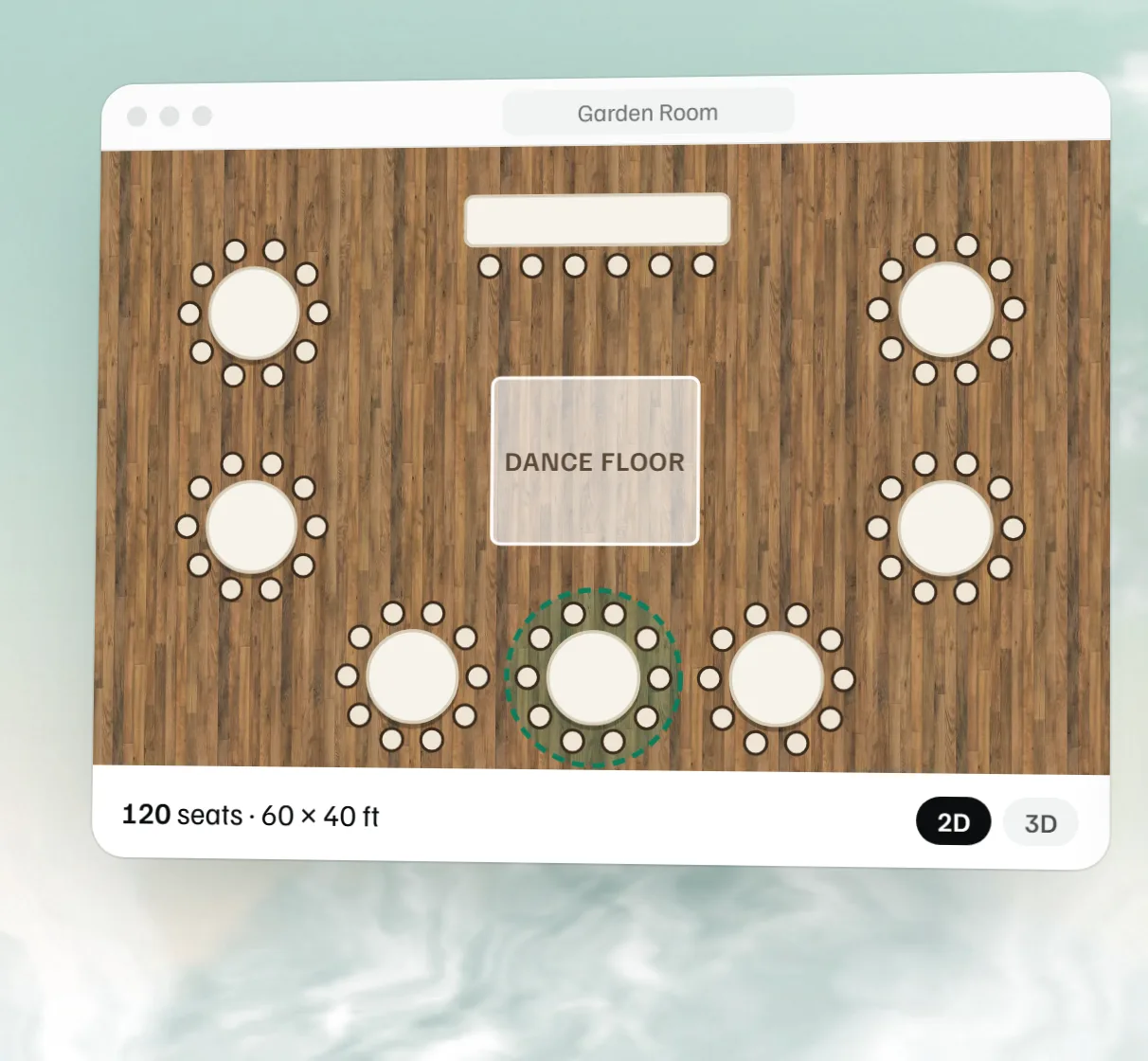 Free event floor plan maker
 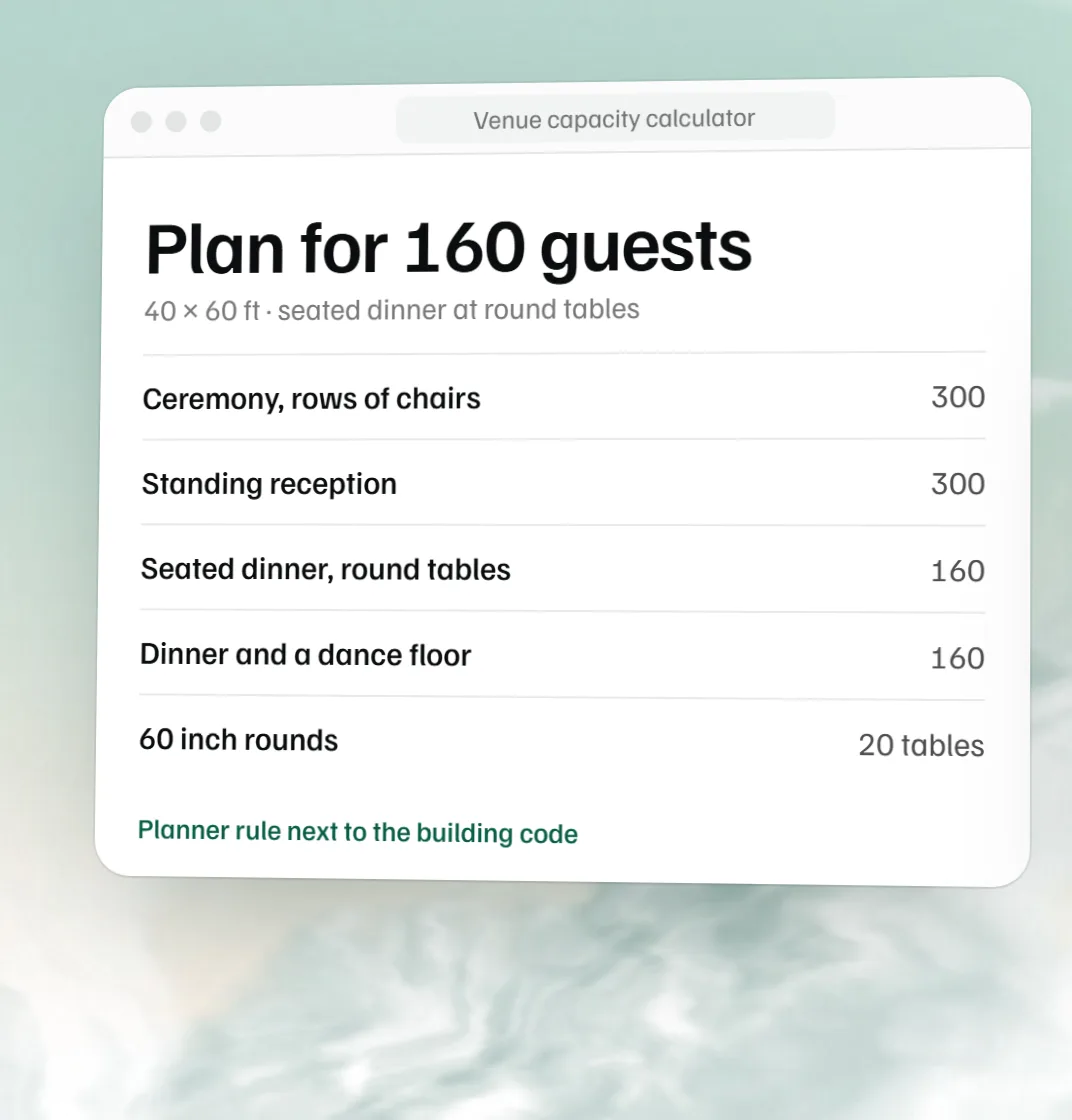 Free venue capacity calculator
 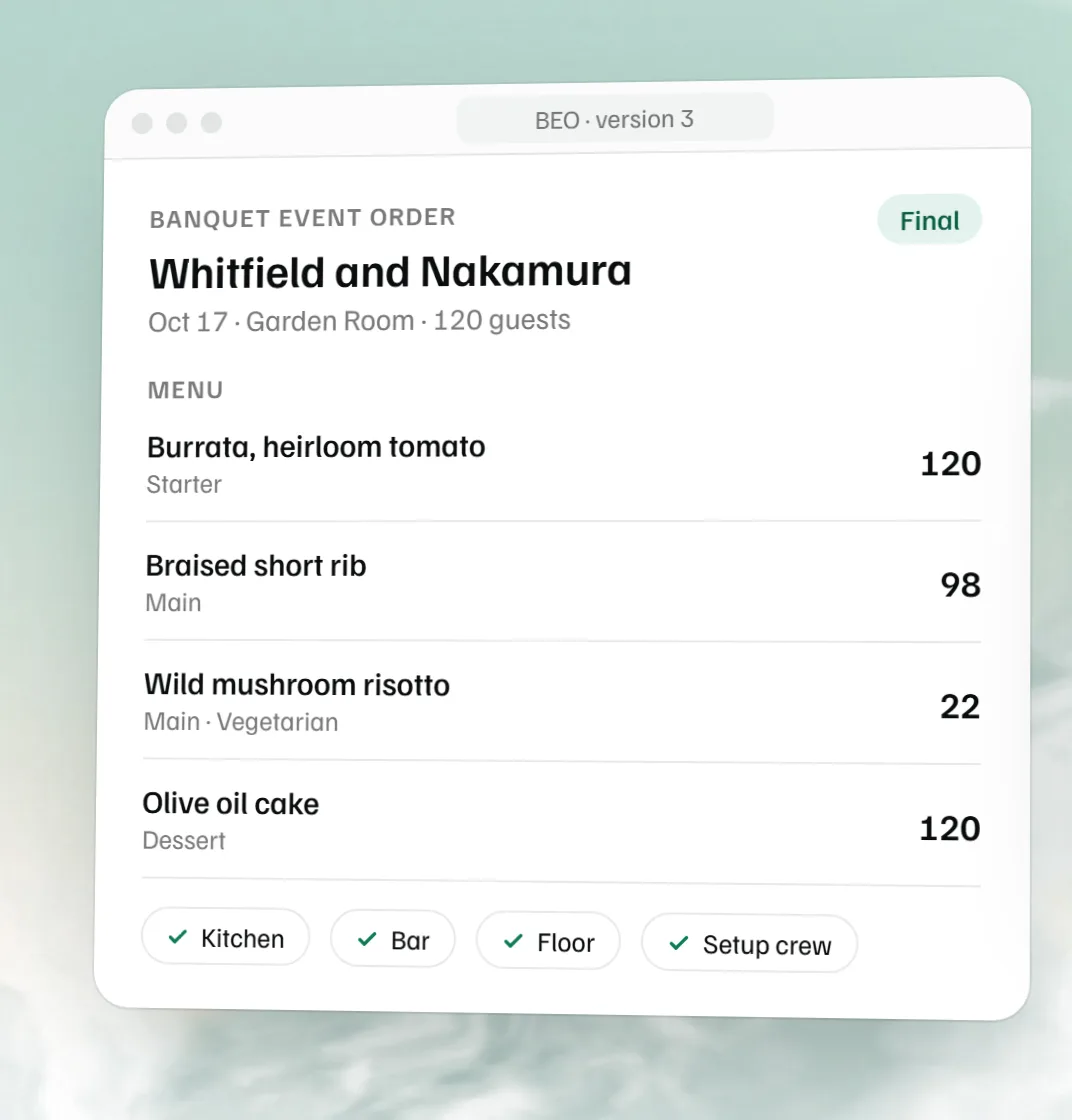 Free BEO template