Double bookings happen when two places both decide whether a date is free. This guide gives six rules for managing several rooms or several venues: one calendar per room, three statuses with different rules, setup and teardown inside the block, a written hold rule, the right sharing permissions, and a weekly audit. They are working practice, not research, and they apply to any tool. How MyVenueHQ fits is near the end.
1. One calendar per room, and one place that decides
A client reserves a room, so each room gets its own calendar. A calendar per person or per client makes it easy to lose a room. Pick one place where availability is decided, and let every other calendar read from it. If your team keeps a second calendar “just to see it better,” one of the two will be edited without the other and they will disagree.
An event that takes the whole venue is entered once and blocks every room. That way you can’t sell the Garden Room on the day of a buyout by forgetting to check it.
| Entry | Barn | Garden Room | Hall |
|---|---|---|---|
| Whole-venue wedding, Saturday | Blocked | Blocked | Blocked |
| A rehearsal dinner, the same Saturday | Refused | Refused | Refused |
2. Three statuses, three rules
| Status | Blocks the date? | Rule |
|---|---|---|
| Inquiry | No | A question about a date holds nothing, and two couples can ask about the same Saturday. |
| Hold | Yes, until the expiry date | Every hold has an owner and an expiry date. At expiry it is released or converted. |
| Confirmed | Yes | The contract is signed and the deposit is in. Changes go through the contract. |
3. Count setup and teardown inside the block
A room isn’t free when the guests leave. If a ceremony ends at 11 pm and the room needs two hours to clear, the next booking can’t start before 1 am. Enter setup and teardown as part of each booking’s block, or as their own blocks on the same room, so a back-to-back booking can’t be taken by accident. Check your own room turnover times and use them, not a number from this page.
4. Write the hold rule down
A hold rule answers how long a hold lasts, whether it can be extended, and what turns it into a booking. This one is an example to adapt: a hold lasts seven days, can be extended once for three days, and becomes a booking when the signed contract and the deposit arrive. Put it in the proposal and in your reply to the couple. An unwritten rule gets negotiated each time.
5. Share with the right permission
Not everyone who needs to see a calendar needs to change it. Google Calendar’s help page lists five sharing levels: see only free or busy, see event details, make changes with private events shown as free or busy, make changes and see event details, and make changes and manage sharing. Give a part-time bartender “see event details” and give “make changes” only to the people who book. In Google Workspace, resource calendars for rooms are created by an administrator, and the page we read doesn’t say how a resource handles conflicting bookings, so test that before you rely on it.
6. Audit once a week
Spend ten minutes each week on three lists: holds that expire in the next seven days, bookings with no setup or teardown time, and entries that appear in two calendars. Fix each one at its source. The third list should be empty. If it isn’t, a copy is drifting.
Several venues, several time zones
If your venues are in different places, keep each venue’s calendar in its own local time and make a combined view read-only. A combined view is for planning. The edit happens in the one calendar that owns the room. Ask any vendor how it shows several venues in one view, and run the double-booking test below on the second venue too.
The test
Create a hold on one room for one Saturday. Try to book that room and that date from a second login, then try a whole-venue booking on the same date. Both should be refused or flagged. Our guide to choosing venue booking software has the other tests.
Where MyVenueHQ fits
This section is about our own product, so weigh it as a vendor’s description. MyVenueHQ puts inquiries on a calendar that holds every room, a booking that clashes with another event in the same room is refused, and each booking carries its proposal, contract, invoice, floor plan and BEO. Each extra venue is $15 a month on the Venue plan, which is $49 a month for the first, on one bill and one login that switches between venues with a different role in each. Every venue keeps its own calendar, contacts, templates and revenue, so there is no calendar that spans venues. Rules 1 and 6 above are how you cover that gap. Run the test above in the free plan, which allows 10 events a month, before you decide. See pricing, or the pages comparing us with Perfect Venue and Tripleseat.
Next step
Write each room’s name on a list and ask who is allowed to change its calendar. If the answer is more than the people who book, change the permissions this week.
The examples are invented to show the rules. Room names, turnover times and hold lengths are yours to set.
Sources
- Google Calendar Help, share your calendar with someone. The five permission levels. Read October 16, 2026.
- Google Workspace, create buildings, features and calendar resources. Administrators create resources. Read October 16, 2026.
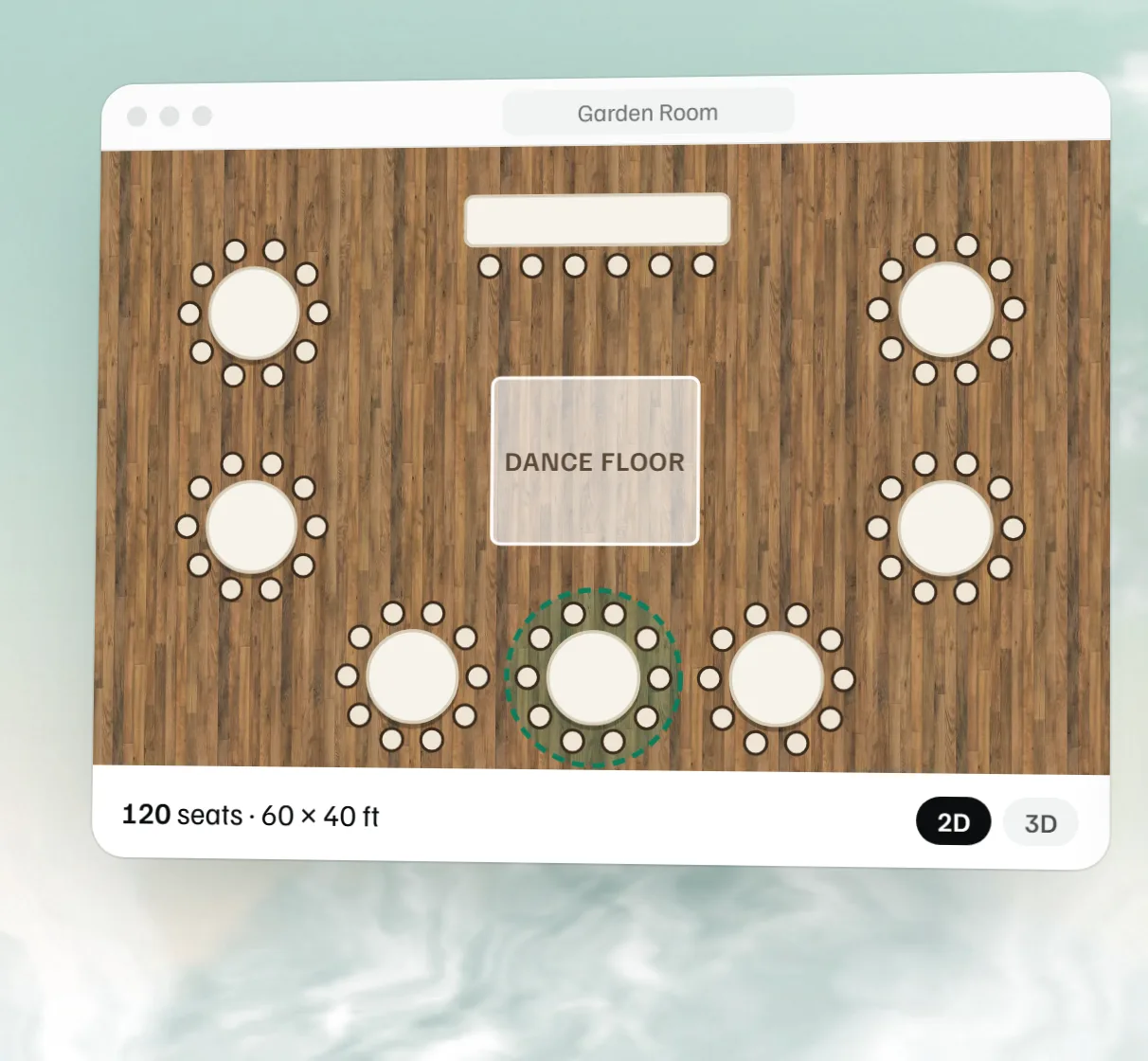 Free event floor plan maker
 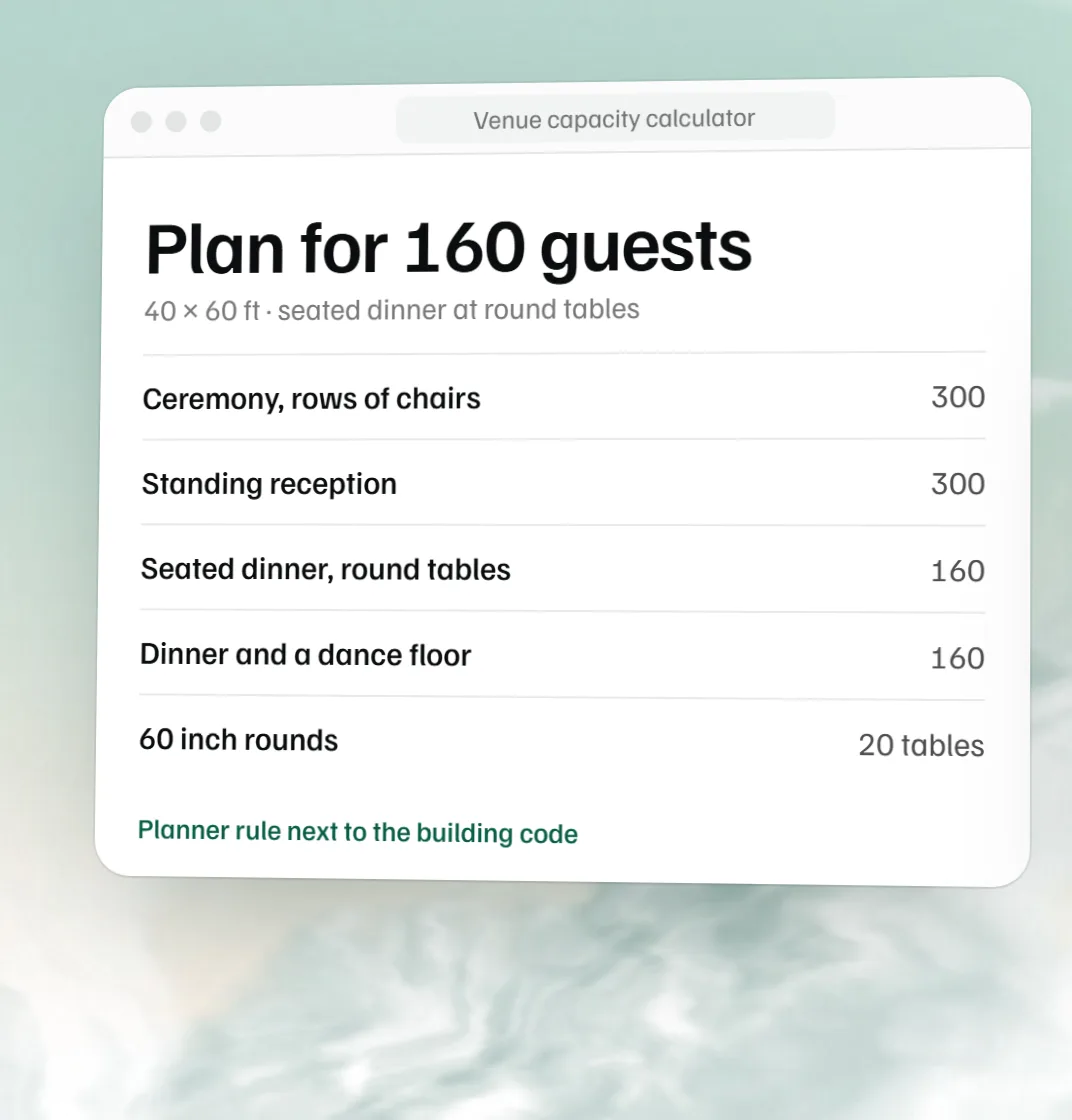 Free venue capacity calculator
 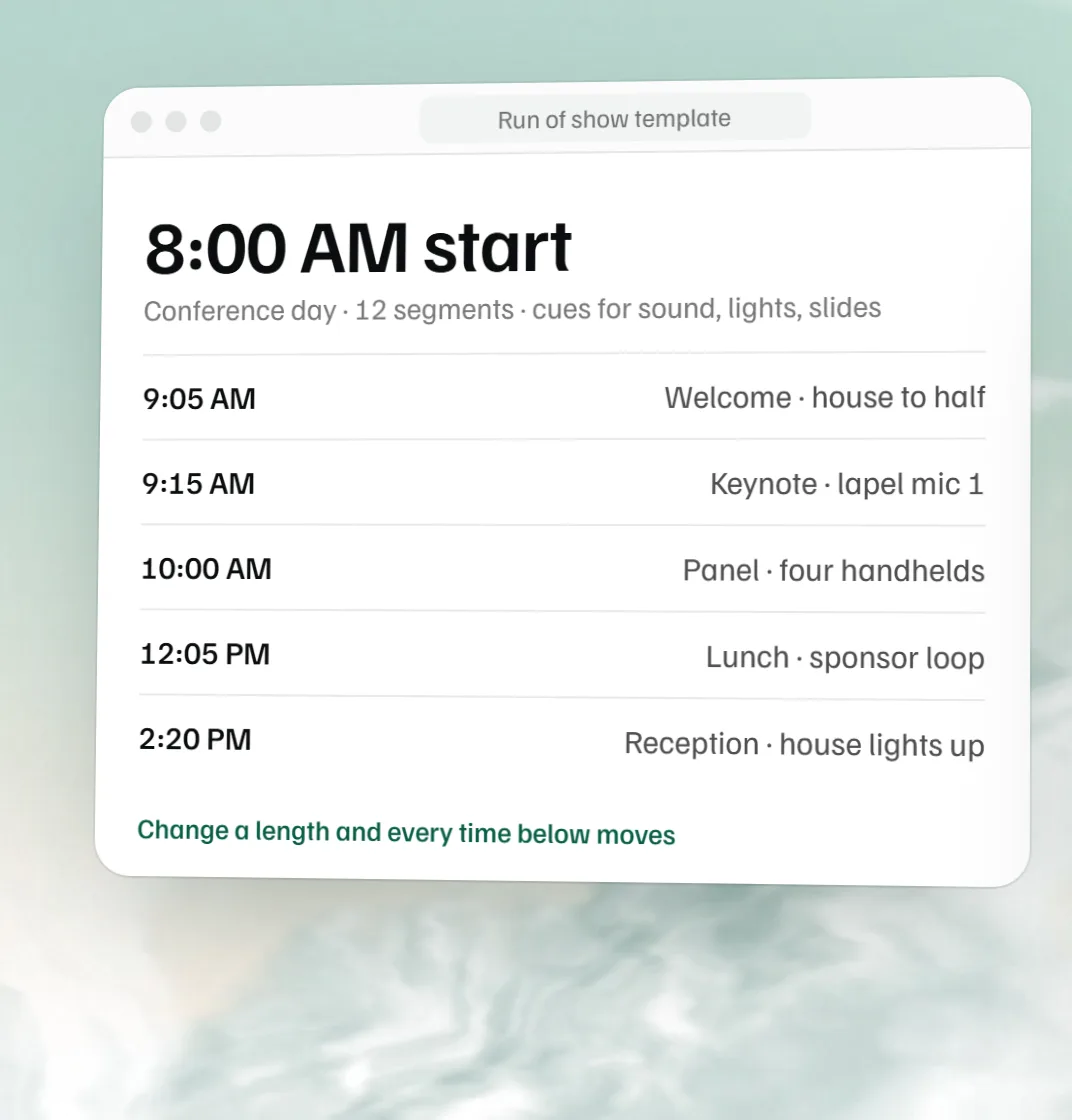 Free run of show template