Guest count change checklist: who needs to know?
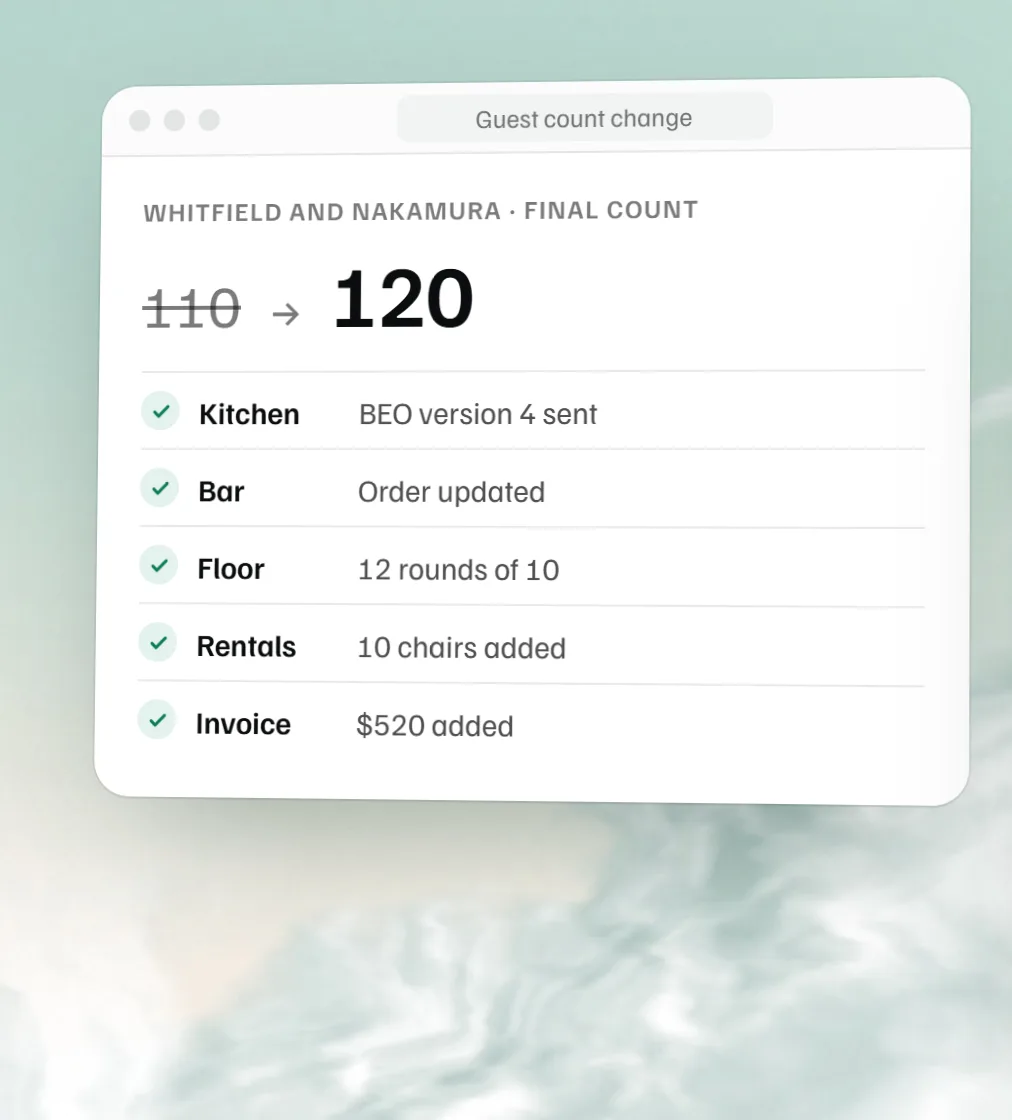
Four places need the new number: the kitchen, room setup, the BEO and billing. Tick through this list every time a count moves, and nobody works from the old one.
By the MyVenueHQ team. Updated .
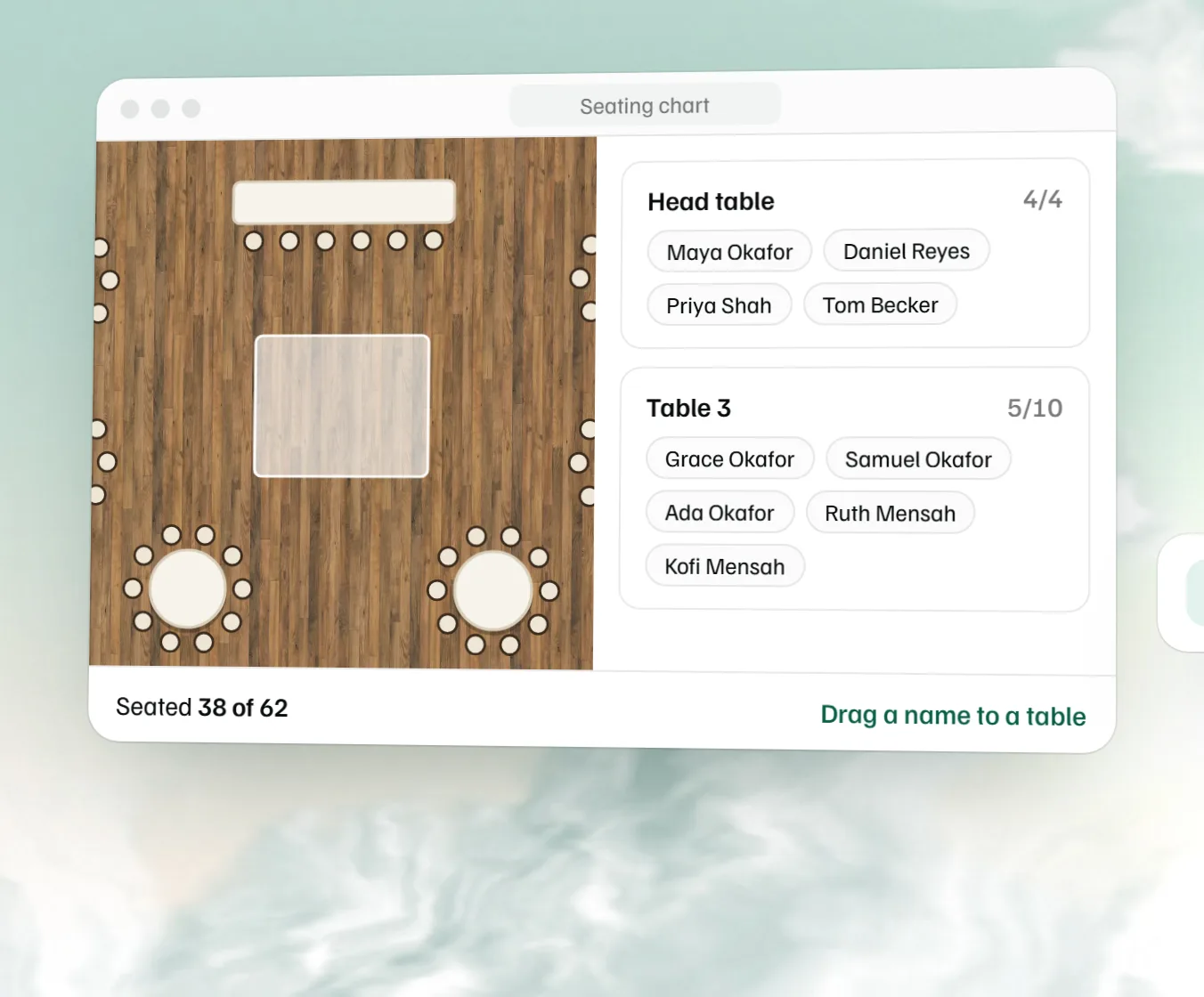
When a guest count changes, update four things together: the kitchen’s covers and entrée split, the room setup and floor plan, the BEO with a new version number, and the invoice. Most count mistakes happen when one of the four still has the old number. For a one-off event, the free catering invoice template redoes the balance from the new count, and the free seating chart maker moves guests off the tables you no longer need.
The checklist
Tick boxes as you go, or print it for the office wall. Printing prints only the sheet.
Guest count change checklist
One sheet per change
myvenuehq.com/guest-count-change-checklist
The change
- Event and date
- Count was
- Count is now
- Requested by, and when
- Before the guarantee deadline?
- Yes / No
Kitchen and bar
They cook and pour to the number. If they don’t hear, the count on the plate is wrong.
Room setup
The crew builds from the floor plan, so the drawing has to change with the count.
The BEO
It’s the copy every department reads on the day. An old version on the kitchen wall undoes everything above.
Billing
Per-person charges move with the count, and so can the rules in the contract.
Updated by, and date
Revised BEO version
Tables and billing, worked out
Put in the old and new counts. It tells you how many tables the room needs now and how much the bill moves. It assumes every guest sits at a table of the same size, so add a head table or sweetheart table yourself.
20 fewer guests
Tables: 10, down from 12
Bill changes by −$1,040.00
Why counts go wrong
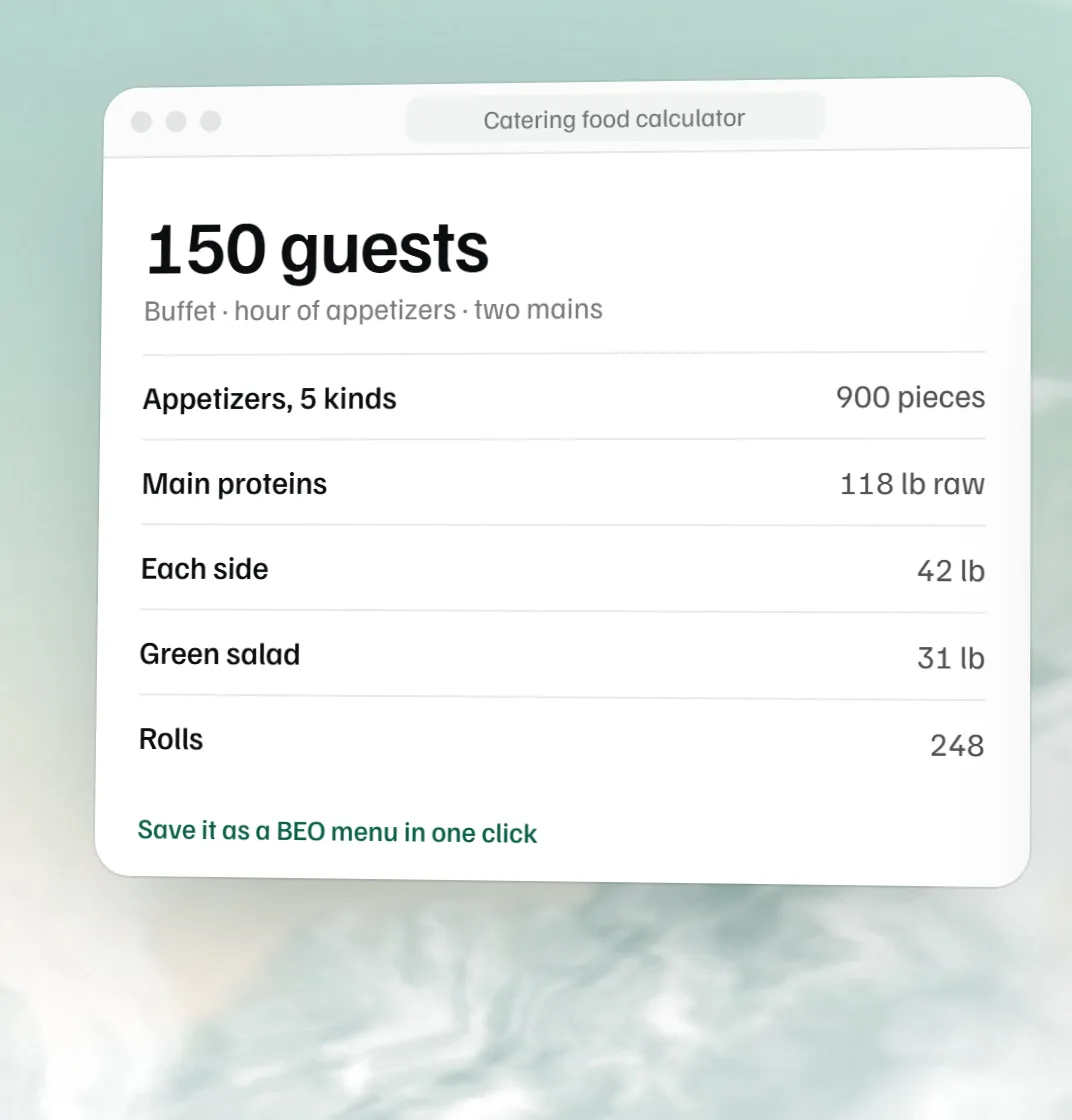
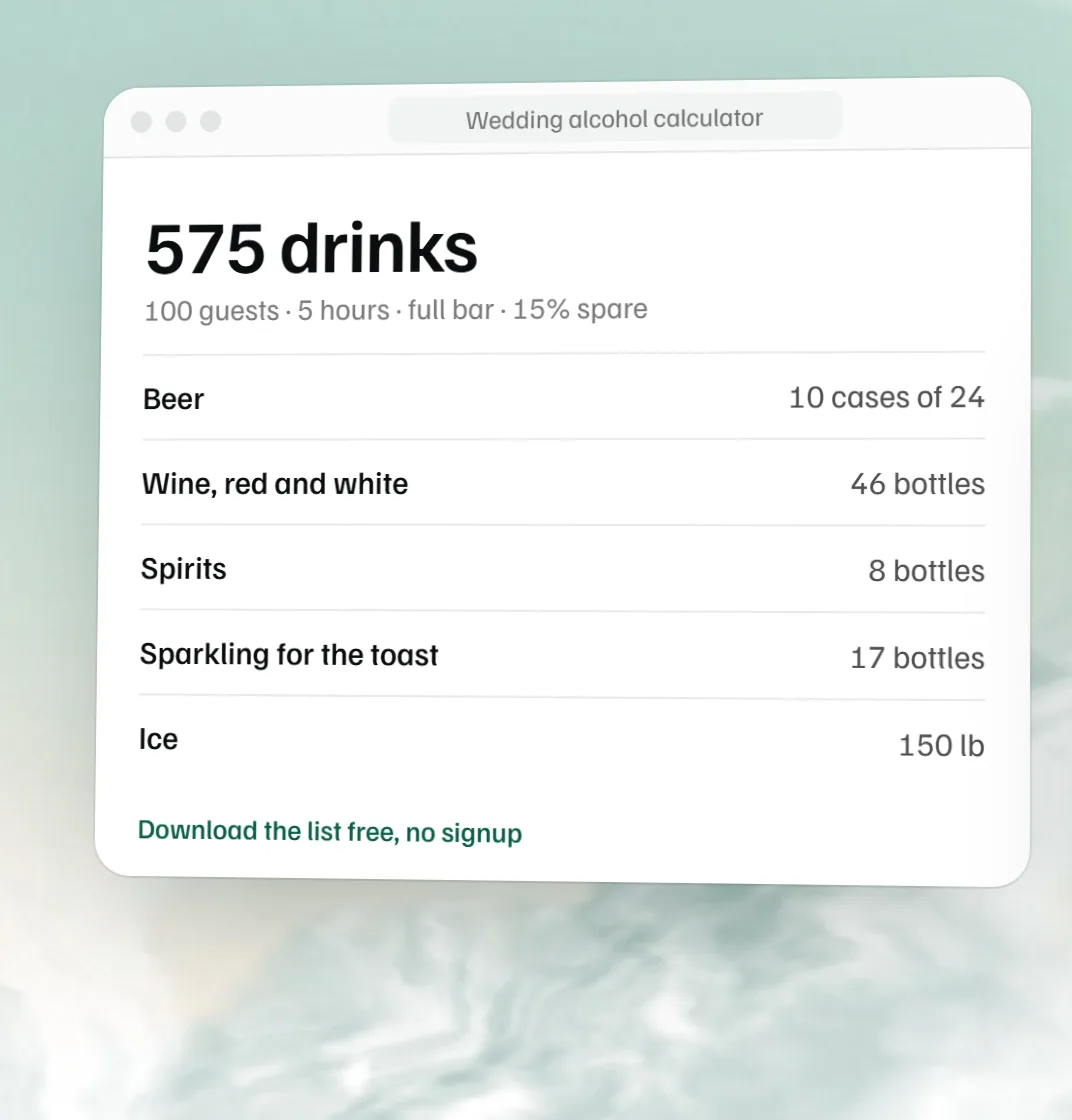
The number changes in an email to one person, and the other three find out on the day. Usually it’s the floor plan: the count drops from 120 to 100, the kitchen plates for 100, the crew still sets 12 tables of 10, and two empty tables sit in the middle of the photos. Redraw the room in the free floor plan maker, re-seat guests with the free seating chart maker the same day the number moves, and recalculate your bar order and the food with the catering calculator for the new count.
One count change, four stops: 120 guests down to 100
- 1 Guest count 120 → 100 20 fewer guests
- 2 BEO Kitchen plates 100 A new version number
- 3 Floor plan 12 tables → 10 Tables of 10, no empty ones
- 4 Invoice −$1,040 At $52 a guest
Treat every count change as one job with four stops, and don’t call it done until the BEO carries a new version number. If you don’t have a BEO yet, start with our BEO guide or the free BEO template.
 Free seating chart maker
  Free catering food calculator
  Free wedding alcohol calculator
  Free contract amendment template