Sign in, reset a password and sign out
The short answer
Sign in with your email and password. If you forgot the password, press Forgot it?, and we email a link that works once, for one hour. You can change your password later in Settings, on Your account.
Sign in
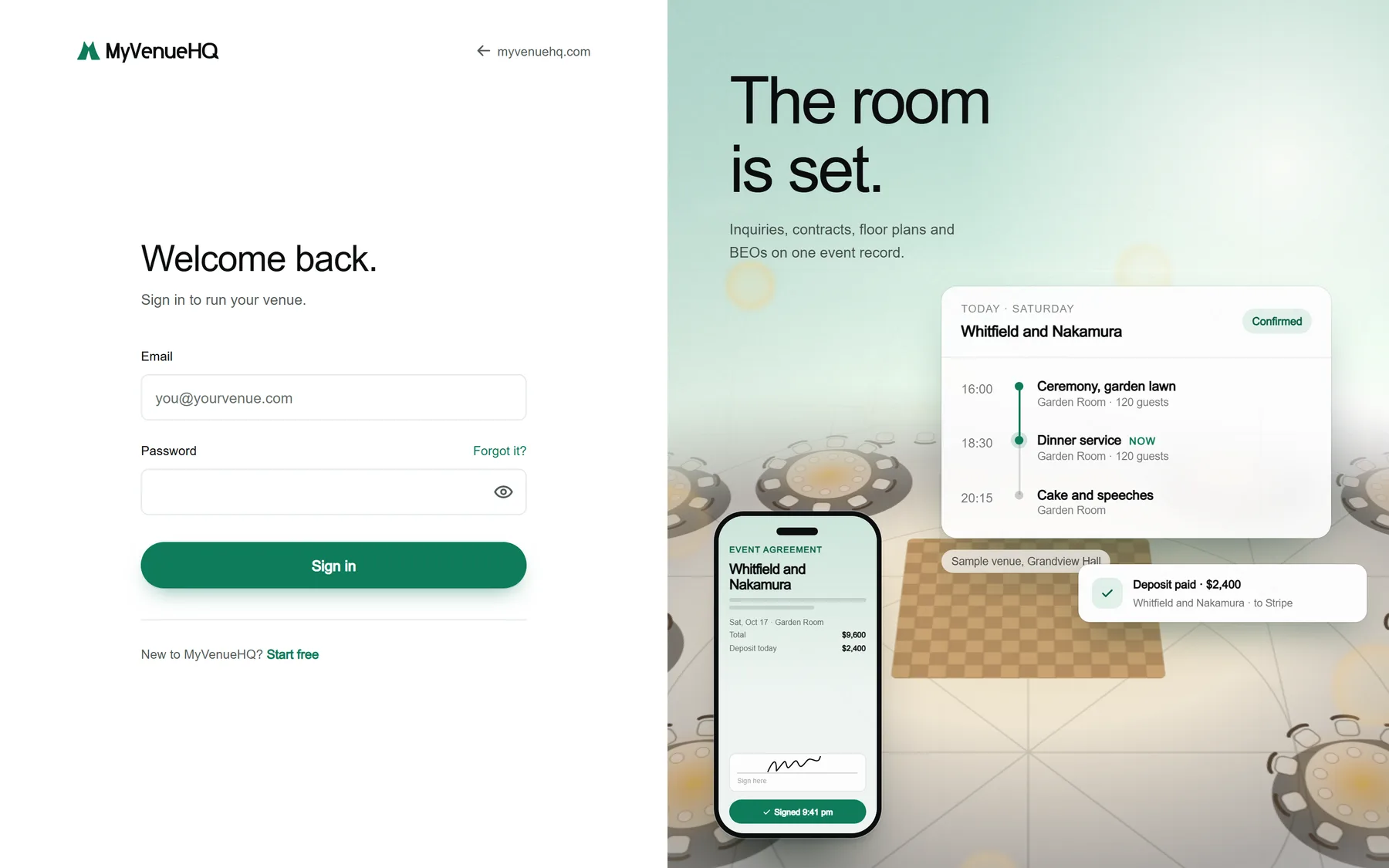
- Open the sign-in page. It says “Welcome back.”
- Enter your Email and Password. Show password lets you check what you typed. If you see Continue with Google, you can use that instead.
- Press Sign in. You land on Today.
Reset a forgotten password
- On the sign-in page press Forgot it?.
- Enter your email and press Send the reset link. The page says “Check your inbox.” It says this whether or not the address has an account.
- Open the email “Reset Your Password - MyVenueHQ” and press the link. It works once and lasts one hour. Check spam if it is not there.
- Enter a New password of 10 to 200 characters, type it again and press Save my new password.
- The page says “Password changed.” Press Sign in. Every other signed-in device of yours is signed out.
Change your password while signed in
- Click your email at the bottom of the left rail, then Settings, then the Your account tab.
- In Password, enter your Current password, the New password and the new password again.
- Press Change password. A message says “Password changed”. Other devices are signed out and this one stays.
Sign out
- Click your email at the bottom of the left rail.
- Press Sign out. You land on myvenuehq.com.
What it does not do
- Sign-in is by email and password, and by Google where it is switched on. There is no emailed code, Apple, Microsoft, single sign-on, passkey or two-factor sign-in.
- A Google sign-in is never merged with an existing password account. If you see “You already have an account with this email. Sign in with your password below.”, use your password.
- A reset link works once and expires after one hour. An old or used link says “This link has expired.” Press Send a new link.
- You cannot change the email you sign in with. Settings shows it as text only.
- An account made with Google has no password to change: “This account signs in without a password, so there is none to change.”
- Sign-in attempts are limited. After too many you see “We couldn’t reach the sign-in service. Wait a minute and try again.”
- There are no session settings, no list of active devices and no “remember me” choice.
Common questions
I never got the reset email
Check spam, then ask again. You can ask 5 times every 15 minutes. If the address has no account, no email is sent, and the page says the same thing either way.
Why does it say my email and password do not match?
The message is “That email and password don’t match. Check them, or reset your password.” Check for a typo, or press Forgot it?.