Venue management MCP server for Claude and ChatGPT
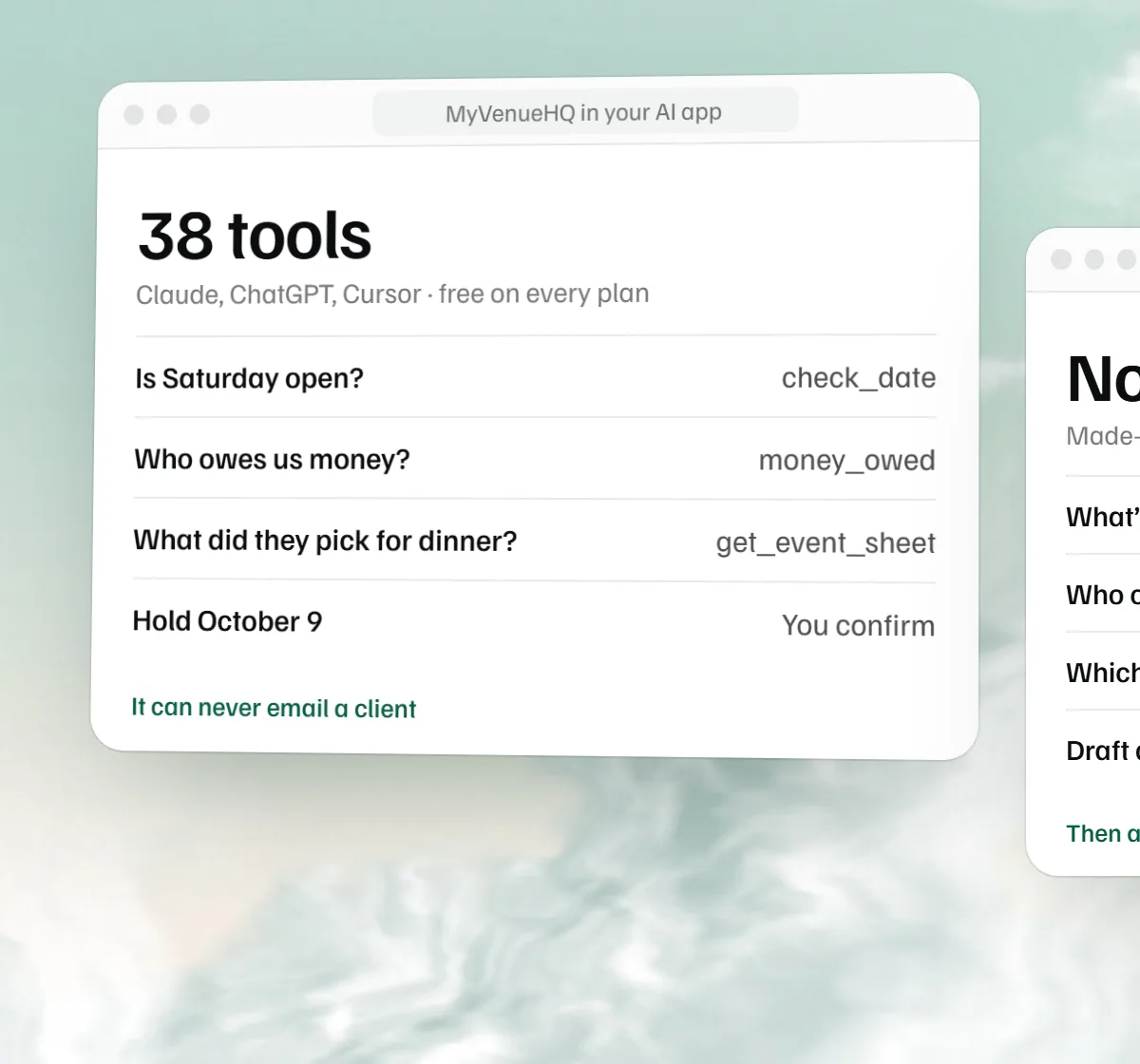
The MyVenueHQ venue management MCP server connects Claude, ChatGPT, Cursor and other AI apps to your venue, so you can ask about your calendar, inquiries, event sheets and payments in the chat you already use.
https://app.myvenuehq.com/mcp Free on every plan. You approve each connection, it sees only what your role can see, and it can never email a client or charge anyone.
What is a venue management MCP server?
MCP, the Model Context Protocol, is the open standard AI apps use to reach other software. An MCP server is the part that answers them. Ours lets an AI app look things up in your venue and, if you allow it, prepare changes that you confirm.
In the protocol’s own terms, the AI app (Claude, ChatGPT, Cursor) is the host, it runs one client for each server it connects to, and a remote server like ours speaks over Streamable HTTP and uses OAuth to know who is asking. The server offers tools, which are functions the AI app can call. Ours are the 38 listed below, such as check_date and money_owed. The protocol’s current revision is 2026-07-28, and this server speaks it and four older ones. The MCP versioning page and architecture overview (read November 18, 2026) describe all of this.
The practical result is that you can connect Claude to venue software once, then ask it about your calendar, inquiries and payments in the chat you already use, instead of opening a dashboard.
What you can ask
| You ask your AI app | What happens |
|---|---|
| Is Saturday, June 12 open in the Garden Room? | Checks the calendar, including holds and closed dates, and finds the nearest open dates if not. |
| Which inquiries have waited longest? Draft a reply to the first. | Lists who is waiting, reads the inquiry, and writes the draft in your chat. You send it yourself. |
| Give me a brief for Saturday. | Pulls the day: events, rooms, times, guest counts and what is still open. |
| What did the Whitfields pick for dinner? | Reads the event sheet (BEO): menu, bar, schedule and special requests. |
| Who owes us money? | Lists unpaid deposits, payments and invoices, past due first, if your role can see money. |
| Hold October 9 for the Patel wedding until Friday, and remind me to call them. | Checks the date, shows you both changes, and makes them only after you agree. You can undo either for 30 days. |
| Move the Rivers dinner to the 19th, 6 to 11 in the Loft. | Checks for a closed date or a double booking, shows you the new date, times and room, and moves it after you agree. It tells nobody, so you let the client know. |
| I answered Priya. Mark her replied, and turn the Okafor inquiry into a held date. | Shows you both changes and makes them after you agree. Priya stops waiting, and the Okafor event starts with their details and no price. |
| Clear out the old inquiries from before March. | Lists up to 10 at a time, says which it left out and why, and moves them to the Trash after you agree. They stay restorable for 30 days. |
How to connect Claude to MyVenueHQ
On Claude’s website and in Claude Desktop:
- Open Customize, then Connectors.
- Press + Add, then Add custom connector.
- Name it MyVenueHQ, paste
https://app.myvenuehq.com/mcpand press Continue. - Choose Sign in now, then Add.
- Sign in to MyVenueHQ, pick your venue and press Connect.
Anthropic’s custom connector help page (read November 18, 2026) lists Free, Pro, Max, Ultra, Team and Enterprise plans, and limits Free to one custom connector. On Team and Enterprise, an Owner adds it first under Organization settings, then Connectors, and each person then presses Connect. To use it in a chat, press +, then Connectors.
Claude connects from Anthropic’s cloud, not from your computer, so the server has to be reachable on the public internet. This one is. The same page says Anthropic does not verify custom connectors, that research mode can call connector tools without asking you, and that you can switch off individual tools in the search and tools menu. If you allow changes, switch off the tools you do not want Claude to use on its own.
Claude Code
claude mcp add --transport http myvenuehq https://app.myvenuehq.com/mcpThen run /mcp in Claude Code and follow the steps in your browser, or run claude mcp login myvenuehq from your shell. Add --scope user to the first command to use it in every project. Claude Code’s MCP page was read November 18, 2026.
How to connect ChatGPT to MyVenueHQ
- Open ChatGPT Plugins and press the plus button.
- Choose Add custom MCP server.
- Under Connection, paste
https://app.myvenuehq.com/mcp. - Choose OAuth, select I understand and want to continue, then Create as a plugin.
- Sign in to MyVenueHQ, pick your venue and press Connect.
OpenAI decides which plans and workspaces can add custom servers, and its menu names change often. OpenAI’s custom MCP server page (read November 18, 2026) supports streaming HTTP and OAuth with Client ID Metadata Documents, which this server uses. It also says ChatGPT treats any tool not marked read only as a write action and asks you to confirm it by default. Our 16 read tools are marked read only. The other 22 are not, so ChatGPT asks before it uses them, on top of our own confirm step. In a chat, type @ and pick MyVenueHQ.
How to connect Cursor, VS Code and Gemini CLI
Cursor
Add this to .cursor/mcp.json in a project, or ~/.cursor/mcp.json for every project. Cursor opens the sign-in itself.
{
  "mcpServers": {
    "myvenuehq": { "url": "https://app.myvenuehq.com/mcp" }
  }
}
VS Code with Copilot
Add this to .vscode/mcp.json. A browser opens the first time it connects.
{
  "servers": {
    "myvenuehq": { "type": "http", "url": "https://app.myvenuehq.com/mcp" }
  }
}
Gemini CLI
Add this to ~/.gemini/settings.json, then run /mcp auth myvenuehq.
{
  "mcpServers": {
    "myvenuehq": { "httpUrl": "https://app.myvenuehq.com/mcp" }
  }
}
Any other app that supports remote MCP servers over Streamable HTTP with OAuth should work with the same address.
If the connection does not work
The usual causes, in the order we would check them.
| What you see | Why | What to do |
|---|---|---|
| The AI app says it can only read. | You connected without ticking the box that allows changes. | Disconnect MyVenueHQ in the AI app, connect again, and tick the box on the approval screen. |
| The money tools are missing. | Your role in that venue cannot see financial reports. | Ask an owner to change your role, or connect with an account whose role can. |
| The approval screen refuses you. | Only owners, managers, event coordinators and staff can connect an AI app. A portal guest with the Client role cannot. | Sign in with a staff account for that venue. |
| It sees the wrong venue. | One connection covers one venue, chosen on the approval screen. | Connect again and pick the other venue. |
| An answer stops partway. | Answers are capped at 24,000 characters. | Ask for a shorter range, such as one week, or one client. |
| Calls fail for about a minute. | The limit is 300 calls a minute for each connection. | Wait a minute and ask for less in one go. |
| It stopped working after a few weeks. | Access tokens last 1 hour and refresh tokens 90 days. Changing your password, leaving the venue or an owner ending the connection also stops it. | Connect again from the AI app. |
| ChatGPT or Claude does not show the menu in these steps. | Both vendors rename menus and decide which plans can add a custom server. | Follow the vendor’s current page, linked below the steps, and use the address above. |
Venue management MCP server tools
There are 38 tools, and 16 of them only read. The lookups are the same ones HQ, our own assistant, uses.
| Calendar | |
|---|---|
check_date | One date: open, booked or closed, and the nearest open dates |
open_dates | Open dates in a range |
availability_range | Each day across a range |
day_brief | Everything on one day |
list_rooms | The venue’s rooms |
| Events and inquiries | |
|---|---|
find_events | Events by date, client or name |
get_event | One event in full, with its payment schedule |
get_event_sheet | The BEO: menu, bar, schedule, requests |
find_inquiries | Inquiries, including who is still waiting |
get_inquiry | One inquiry in full, with its form answers |
find_people | Clients and contacts |
needs_attention | What needs someone today |
| Money (roles that can see it) | |
|---|---|
money_owed | Unpaid deposits, payments and invoices |
revenue_summary | Revenue for a period |
| The connection | |
|---|---|
get_venue | The venue, today’s date and what this connection may do |
list_recent_actions | What has been done, and what can still be undone |
| Changes (only if you allow them) | |
|---|---|
propose_hold | Hold a date, until a day you choose |
propose_event_create | Add an event, held or confirmed, with no price |
propose_move | Move an event to another date, other times or another room |
propose_status | Set an event confirmed, tentative, pending or completed, never cancelled |
propose_event_update | Update an event’s name, guest count, type or the client’s phone |
propose_note | Add a private note to an event |
propose_followup | Set a follow-up reminder |
propose_inquiry | Add an inquiry |
propose_inquiry_update | Update an inquiry’s phone, event type, guest count or stage |
propose_inquiry_replied | Mark an inquiry replied |
propose_inquiry_closed | Close an inquiry as lost |
propose_inquiry_convert | Turn an inquiry into an event, with no price |
propose_inquiry_link | Link an inquiry to an event that already exists |
propose_contact_create | Add a contact |
propose_contact_update | Update a contact’s name, company, phone or notes |
propose_closure | Close the venue or one room for a day, a range or part of each day |
propose_proposal | Start an unsent proposal draft, with no prices |
propose_form | Build an unpublished form draft |
propose_trash | Move up to 10 listed inquiries or draft events to the Trash |
propose_archive_before | Move old inquiries or holds from before a date to the Trash |
confirm_action | Make a proposed change happen, after you agree |
undo_action | Take a change back, within 30 days |
Which venue software has an MCP server?
We read each company’s own pages on November 18, 2026. These change quickly, so follow the link and check. MIDAS and Joinways are venue and resource booking products from other markets. Other companies also sell unofficial connectors for some of these products. Before you use one, find out who holds your login and whether the software’s terms allow it.
| Software | Official MCP server | What we read |
|---|---|---|
| MyVenueHQ | Yes, free on every plan | Official. Claude, ChatGPT, Cursor and other apps connect at the address above. How to connect |
| HoneyBook | Yes | Official connector for Claude, ChatGPT and other MCP apps. Its help page does not say whether it can change records. HoneyBook help |
| Dubsado | Yes | Section 10 of its terms says users can connect apps through its API and an MCP server. We found no setup guide. Dubsado terms |
| Cvent | In beta | An MCP connector beta, live with Claude only so far, with other AI apps expected. Its notes are dated November 4, 2026. Cvent beta notes |
| Joinways | Mentioned | Its home page lists an AI connection (MCP) and gives no detail on tools or setup. Joinways home page |
| MIDAS | Yes, an add-on | A room and resource booking product. Its July 2026 post describes an optional MCP add-on for version 4.43 or later, with a key you can revoke, that can read and change bookings and send client emails. MIDAS MCP post |
| Tripleseat | None found | Not mentioned on its partners page. Tripleseat partners |
| Perfect Venue | None found | Not mentioned on its features page, which names an AI Reply feature. Perfect Venue features |
| Planning Pod | None found | Not mentioned on its home page. Planning Pod |
| Event Temple | None found | Not mentioned on its integrations page, which names AI sales tools. Event Temple integrations |
| iVvy | None found | Not mentioned on its integrations page. iVvy integrations |
| Aisle Planner | None found | Not mentioned on its home page or its AP Connect help page. Aisle Planner |
Read only or allow changes?
Start read only. A read-only connection cannot change anything, and it covers the questions most people ask first: open dates, who is waiting, a day brief, who owes money. Use it for a week and see which questions you ask.
Allow changes if you keep asking the AI app to do something you then do by hand, such as holding a date, adding a follow-up reminder or marking an inquiry replied. Each change still shows you a summary and waits for your yes, and you can undo it for 30 days. Leave changes off if your AI app also reads your email or other untrusted text, because a stranger’s message could try to steer it. The next section explains why that risk is small here and not zero.
Use HQ inside MyVenueHQ, not your own AI app, when you want something sent. HQ can send a reminder or a follow-up after your click. This server cannot send anything.
How the connection stays safe
You approve it. The approval screen shows where the app will send you back to, and warns you if we can’t confirm who made it. A connection can only read unless you tick the box that lets it make changes, even if the app asked for more.
It acts as you. Each call reads your role as it is right now. Leave the venue and the connection stops on its next call. The venue comes from the connection, never from what the AI asks for, so it cannot reach another venue.
Changes take two steps. The AI app proposes a change, shows you the summary and the new values, and makes it only with a second call after you agree. Each change can be undone for 30 days, unless someone has edited the record since. Then it is left alone.
It cannot reach anyone or touch money. No tool can email or message anyone, change a price, record a payment, charge or refund anyone, cancel a booking, or erase anything for good. This matters because anyone can write an inquiry, and someone could write instructions into one hoping an AI obeys them. The server marks those words as data rather than instructions, gives the AI no way to send anything out, and won’t let it change a client’s email address. Changes it makes start no automations and tell no partner system, so a client hears about a move only if you tell them. Still, read what your AI app proposes before you agree, especially if it also has access to your email.
What it reads leaves MyVenueHQ. It goes to the company that runs your AI app, under that company’s terms. Check that app’s settings for training and retention.
You can end it any time. Open Settings, then AI apps (MCP). Owners and managers see every connection in the venue and can end any of them.
MCP server details for developers
| Server address | https://app.myvenuehq.com/mcp |
|---|---|
| Transport | Streamable HTTP, stateless, JSON responses |
| Protocol versions | 2026-07-28, and 2025-11-25 back to 2024-11-05 |
| Authorization | OAuth 2.1 with PKCE (S256). Public clients only. |
| Client registration | Client ID Metadata Documents (the method the spec recommends), and Dynamic Client Registration (marked deprecated in the spec, kept for older clients) |
| Resource indicator | The token is issued for https://app.myvenuehq.com/mcp and refused elsewhere |
| Scopes | venue:read, venue:write (also needs the person to allow changes). The authorization server also lists offline_access for refresh tokens. |
| Capabilities | Tools only. No resources, prompts or list-changed notifications. Answers server/discover, ping, tools/list and tools/call. |
| Tool hints | The 16 read tools are marked readOnlyHint true. The other 22 are not, so apps that confirm write tools by default will ask first. confirm_action and undo_action are marked destructive. |
| Discovery | /.well-known/oauth-protected-resource/mcp and /.well-known/oauth-authorization-server |
| Tokens | Opaque and stored only as hashes. Access 1 hour, refresh 90 days with rotation. |
| Limits | 300 calls a minute per connection. Answers are capped at 24,000 characters. |
Check it from a terminal
Without a token the server answers 401 and says where its authorization details are, which is how an MCP client starts the OAuth steps in the MCP authorization spec.
curl -i -X POST https://app.myvenuehq.com/mcp \
  -H 'content-type: application/json' \
  -H 'accept: application/json, text/event-stream' \
  -d '{"jsonrpc":"2.0","id":1,"method":"tools/list"}'
Look for HTTP/1.1 401 and a WWW-Authenticate header that names resource_metadata and the scopes venue:read venue:write. Then fetch /.well-known/oauth-protected-resource/mcp on the same host. It returns the resource address, the authorization server and the two scopes. We ran these checks against production on November 18, 2026. With a valid token, a GET to the address answers 405, because the server keeps no session and opens no stream.
Inbound inquiries from your own website or Zapier use a different door, the partner API.
MCP server questions.
What is an MCP server?
MCP, the Model Context Protocol, is the open standard AI apps use to reach other software. An MCP server is the part that answers them. The MyVenueHQ MCP server lets an AI app look things up in your venue and, if you allow it, prepare changes.
Which venue software has an MCP server?
As of November 18, 2026, MyVenueHQ has an official MCP server, free on every plan. HoneyBook and Dubsado have their own, MIDAS sells one as an add-on, Joinways mentions one, and Cvent has a beta that works with Claude only. We found no official one on the pages we read for Tripleseat, Perfect Venue, Planning Pod, Event Temple, iVvy or Aisle Planner. These change quickly, so check the source.
Is MyVenueHQ listed in the official MCP Registry?
Not yet. We searched the registry at registry.modelcontextprotocol.io on November 18, 2026 and found no MyVenueHQ listing. You do not need a listing to connect: paste the server address into your AI app.
How do I connect Claude to venue software?
Add the venue software’s MCP server as a custom connector. For MyVenueHQ, open Customize, then Connectors, then Add custom connector, paste the server address and sign in. Claude Code uses one command, and the steps for each app are above.
What is prompt injection, and does it affect this server?
Prompt injection is text that tries to give an AI app orders, for example a message in an inquiry that says to ignore the venue owner. Anyone can fill in your inquiry form, so this server marks those fields as data, gives the AI no tool that sends anything out, and refuses to change a client’s email address. It still cannot stop an AI app from being fooled about what it tells you, so read what it proposes before you agree.
Is the MyVenueHQ MCP server free?
Yes, on every plan including Free. It uses no AI credits, because your AI app does the thinking. You may need a plan with that AI app that allows custom connectors.
Can I connect Claude for free?
Yes. Anthropic lets Free plan users add one custom connector, and MyVenueHQ does not charge for it.
Can an AI app email my clients through MyVenueHQ?
No. No tool can email or message anyone, change a price, record a payment, charge or refund anyone, cancel a booking, or erase anything for good. Those stay inside MyVenueHQ. An AI app can write you a draft, and you send it.
Can it change my records?
Only if you tick the box when you connect. It can then add and update events, inquiries and contacts, hold, move and confirm dates, close dates, draft proposals and forms, and move drafts and old inquiries to the Trash, as far as your role allows. Each change is proposed first and made only after a second call, and you can undo it for 30 days. Changes made this way start no automations, so nothing reaches a client: confirming a booking here sends no contract. It cannot touch prices or payments, cancel a booking or erase anything for good.
Can it cancel a booking or change a price?
No. Cancelling a booking, changing a price and recording a payment stay inside MyVenueHQ, and the booking routes refuse them from an outside app even if a tool asked. The Trash also refuses a confirmed or completed event, and anything with a payment, invoice, sent or signed contract or tickets.
What can the AI app see?
What your role can see, in the one venue you connected. Someone whose role cannot see financial reports does not get the money tools. It does not see private notes on events, and it cannot see another venue.
Where does my data go?
What the AI app reads goes to the company that runs it, under that company’s terms, so check its settings for training and retention. The promises in our privacy policy cover MyVenueHQ and HQ, not other companies’ apps.
How do I connect more than one venue?
One connection covers one venue. Connect again and pick the other venue on the approval screen.
How do I disconnect an AI app?
Open Settings, then AI apps (MCP), and press Disconnect. It loses access on its next call. Owners and managers can see and end everyone’s connections. Changing your password ends yours, and turning off the assistant for the venue stops them all.
What is the difference between this and HQ?
HQ is the assistant inside MyVenueHQ, and it runs on our AI credits. The MCP server gives your own AI app access to the same lookups, so you can use your venue’s records in the chat you already work in. HQ can also send reminders and follow-up emails after your click; the MCP server cannot.
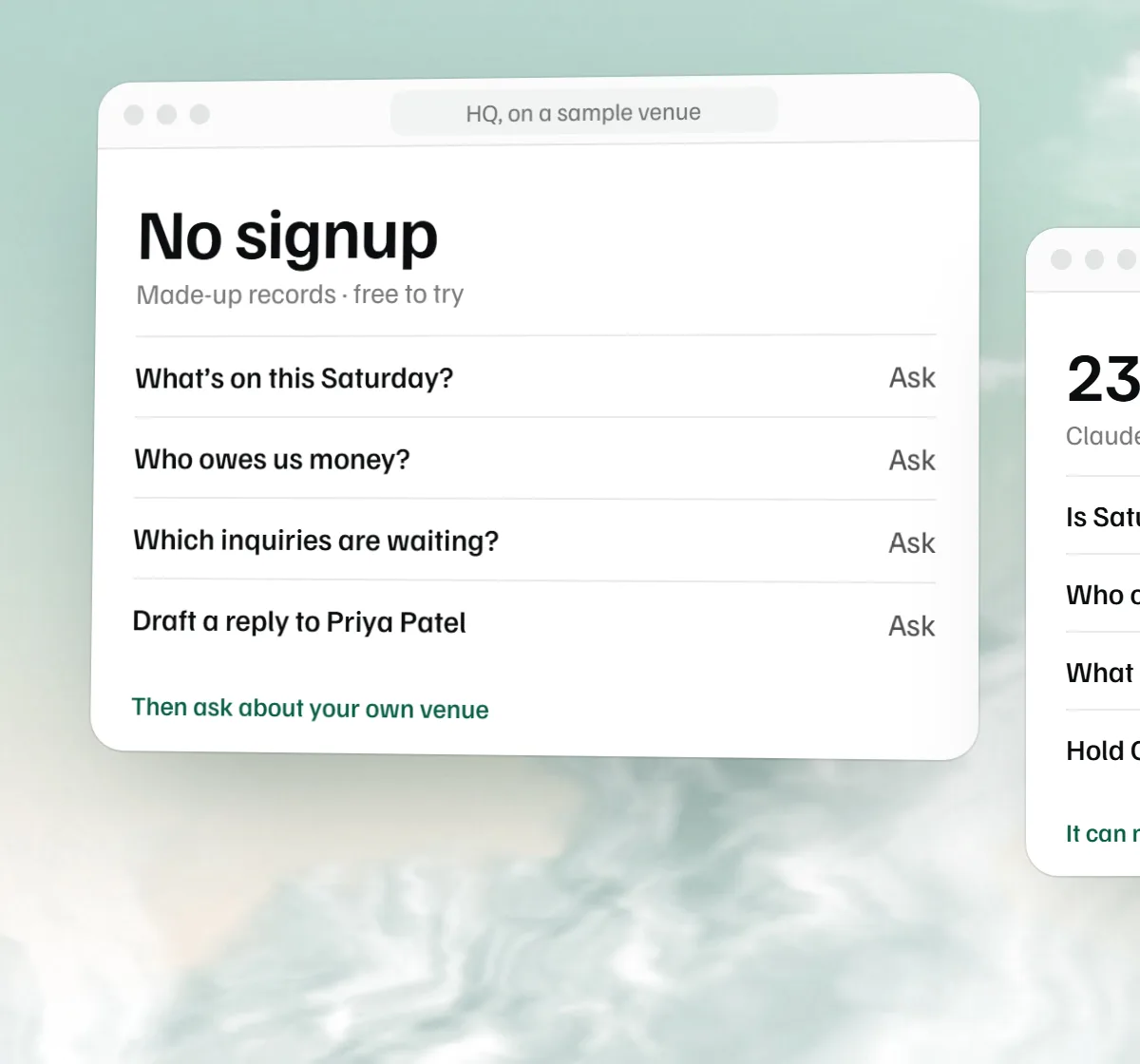 Free AI venue assistant
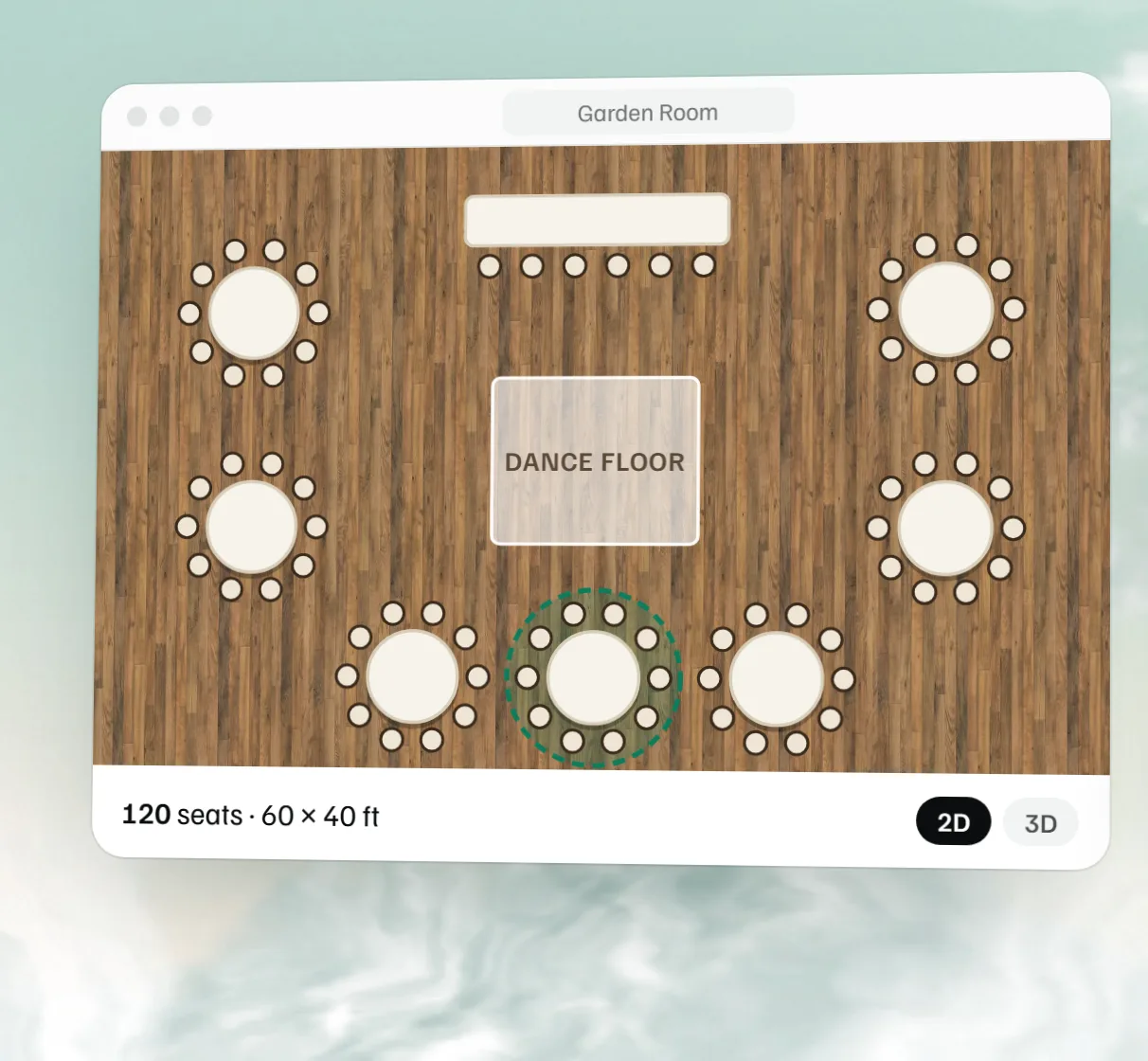 Free event floor plan maker
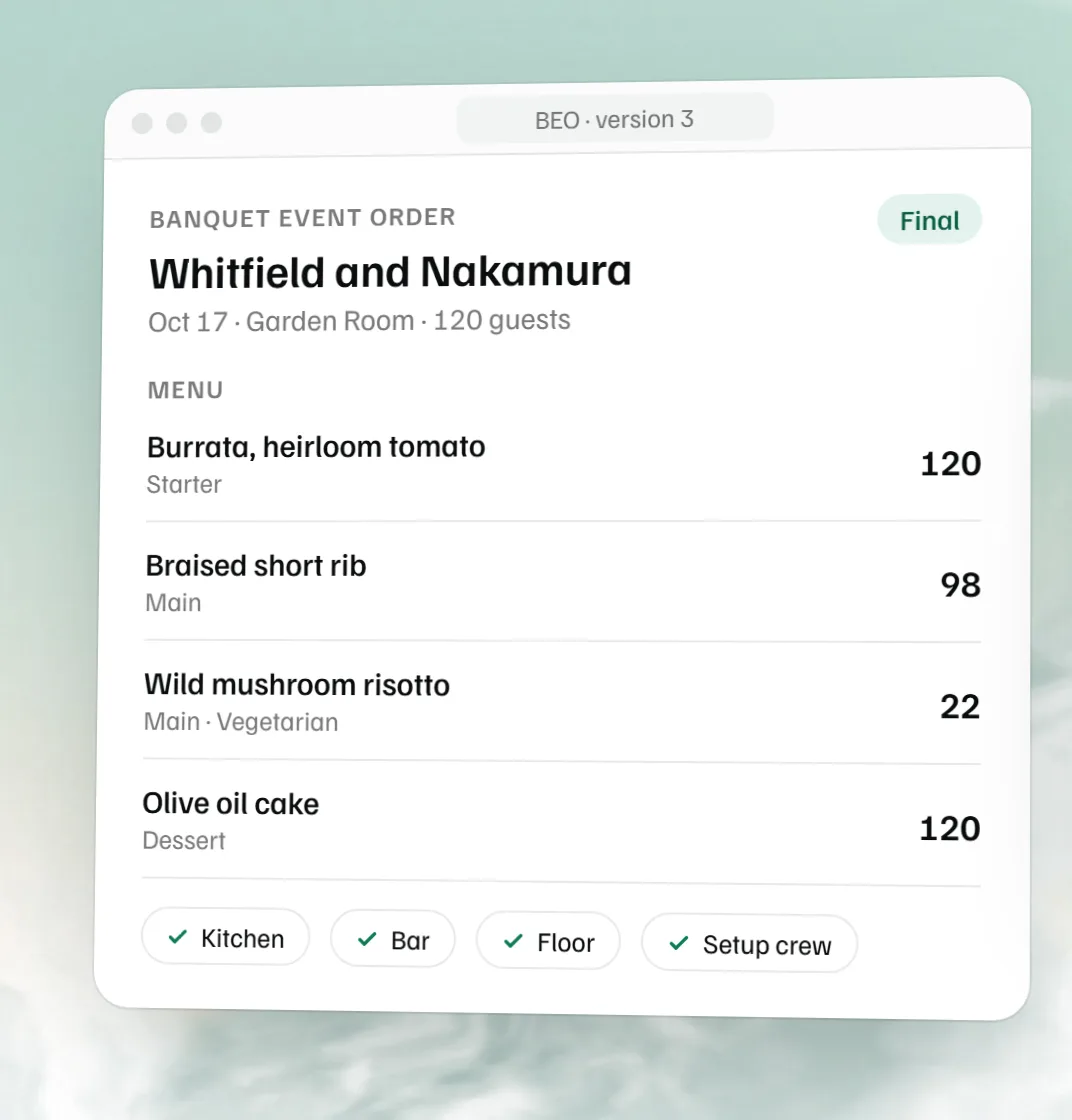 Free BEO template