Free event planning template: the whole event on one page
This free event planning template puts the event details, the people to call, the schedule, the vendors, the budget and the room setup on one page. Fill it in for a wedding, a party or a company event, then download it as Word, print it to PDF, or take the blank template. No signup.
Grandview Hall
Dana Reyes · events@grandviewhall.example · (970) 555-0142
Free with no account. What you type stays in this browser and is never sent anywhere. The example is a sample venue and wedding, and its prices are examples, not market rates.
What is an event planning template?
An event planning template is a fill-in form that holds one event’s plan: the date, hours, guest count and room, the client and who to call on the day, the schedule with times and owners, the vendors and when they arrive, the budget with what is paid, the room setup, food and drink, and notes. The venue and the client fill it in together, and the team prints it for the day.
What goes in each section
The example is Grandview Hall, a sample venue, planning a 120-guest wedding reception in the Garden Room. Its budget comes to $12,200.00 with $9,000.00 still to pay.
Section
What to put in it
Why the venue needs it
Event basics
Name, type, date, hours, guest count, room.
Every other section depends on these. A wrong date or count here is the mistake that costs money.
Client and contacts
The client, plus who to call on the day: the coordinator, the couple’s point person, the kitchen lead.
On the day the client should be enjoying the event, so the team needs someone else to ask.
Schedule
Each item with its time and who owns it, from load-in to load-out.
The kitchen, bar and DJ work from the same times.
Vendors
Service, company, phone and arrival time.
The front desk knows who to let in and when.
Budget
Each cost with its estimate and what is paid.
The client sees what is still due before the final invoice.
Room setup
Tables, the dance floor, the bar, the gift table.
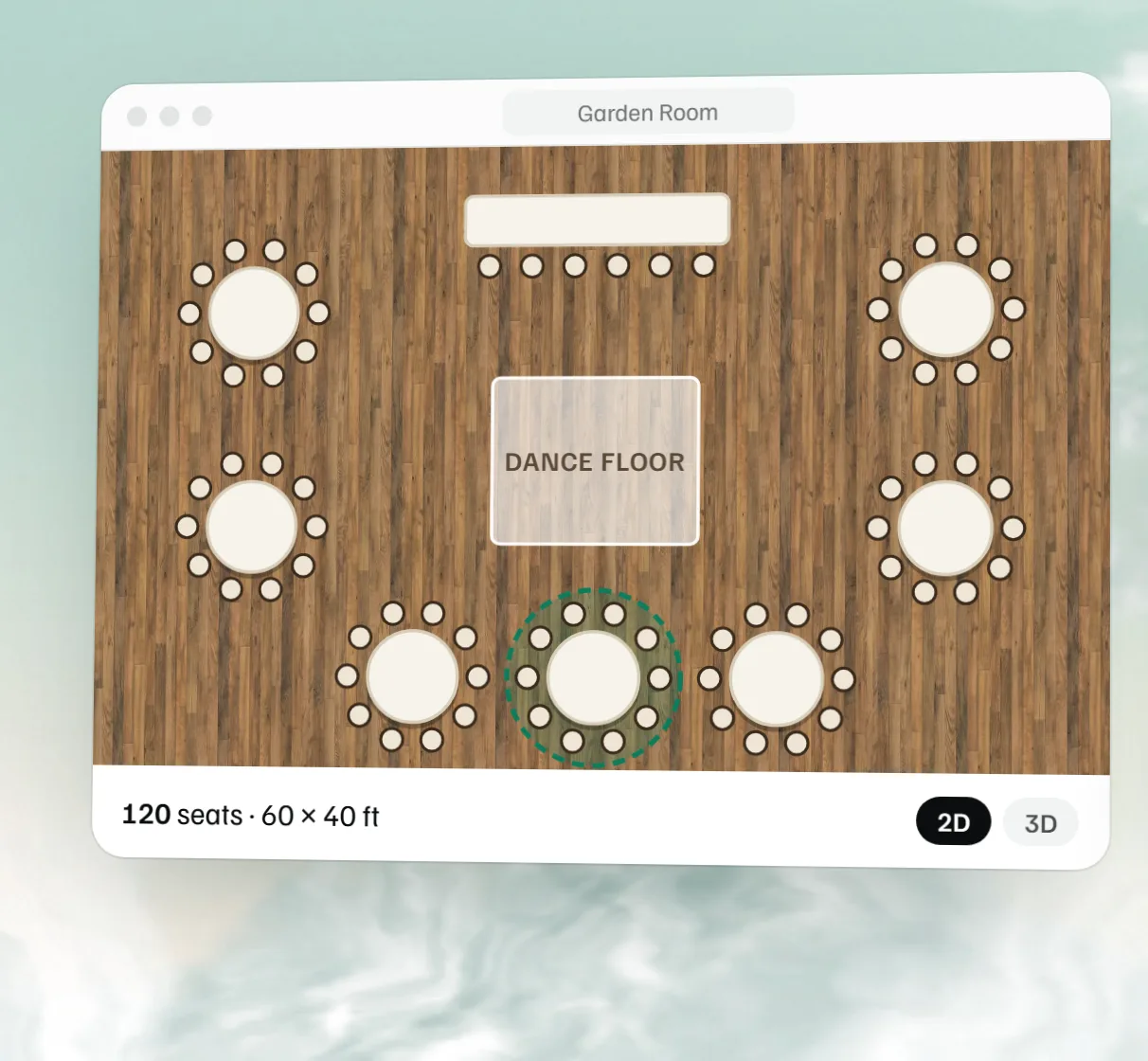
The setup crew needs it the day before. Draw it in the floor plan maker if words aren’t enough.
Food and drink
Menu, dietary counts, bar hours, when the final count is due.
This is what the kitchen and bar order from.
Notes
The rain plan, house rules, anything the team must not forget.
It is the section people read when something changes.
How the free event planning template works
Type into the form and the plan beside it updates as you go. The plan is what you print or download, so it never differs from the form.
The schedule sorts itself by time. A row with no time goes after the timed ones.
Rows with nothing in them are left out of the plan. Add up to 40 rows to each list.
The budget adds every estimate and every amount paid. Still to pay is the total estimate minus the total paid, and it never goes below zero. If you overpay one line, it comes off the others.
A plan with nothing typed in prints as a blank form: 3 contact lines, 8 schedule lines, 5 vendor lines and 6 budget lines to write in by hand.
Download Word makes an editable file from the plan on screen. Print or save PDF prints the same plan without the form.
What you type stays in this browser only. Start blank clears the form, and Show the example brings back the sample.
A worked example: the Grandview Hall wedding
The sample plan is a 120-guest reception. Every cost is an example, and the dinner and bar prices come from the free event proposal template.
The budget in the sample plan.
Item
How it is worked out
Estimate
Paid
Garden Room rental
A flat amount
$2,400.00
$2,400.00
Plated dinner, $52 a guest
Per-guest price times 120 guests
$6,240.00
$0.00
Beer and wine bar, $8 a guest
Per-guest price times 120 guests
$960.00
$0.00
Florals
A flat amount
$1,500.00
$500.00
DJ
A flat amount
$1,100.00
$300.00
Total
$12,200.00
$3,200.00
Still to pay is $12,200.00 minus $3,200.00, which is $9,000.00. The dinner is $52 times 120 guests, and the bar is $8 times 120. When the final count changes, change the guest count and the two per-guest lines together.
Read the schedule as a chain and check three things. Every vendor arrives before the first guest: the florist at 12:00 PM, the DJ at 2:00 PM and the photographer at 2:30 PM, with the ceremony at 4:00 PM. Dinner is served at 5:45 PM, an hour and fifteen minutes after the bar opens at 4:30 PM, and that gap is the cocktail hour. Last call at 10:45 PM comes fifteen minutes before the event ends at 11:00 PM. In your own plan, make the bar hours under Food and drink match the bar’s open and last call times in the schedule.
Which document answers which question
An event plan is one of four documents that overlap. Use the one that answers the question in front of you.
How to use this free event planning template at a venue
Start it when the contract is signed. Fill in the basics, the client and your own contacts, then send the Word file to the client.
Let the client fill in vendors and the schedule. They know the photographer’s arrival time and when the toasts happen. You check it against your house rules.
Update it at the final count. Change the guest count, the dietary numbers and the setup, and send the new version to the kitchen and the vendors.
Print it for the day. One copy for the coordinator, one for the kitchen, one by the door.
This template is built around a private event at a venue. Other free templates add sections for public and corporate events. Eventtia’s template has an objectives section with a number on each goal, a marketing and registration plan, and a budget that holds back 10 to 15 percent as contingency. Eventbrite’s planning guide adds an audience section, a revenue model and a safety plan (both read November 18, 2026). This template has no separate section for any of these. Put them in the boxes it has:
Goals and the number that measures them, in Notes.
A contingency line in the Budget, with the amount you set aside.
Registration or ticket sales as a Vendor row if a platform handles them, with its contact.
Safety, first aid and security as Contacts, with a phone number, and the plan in Notes.
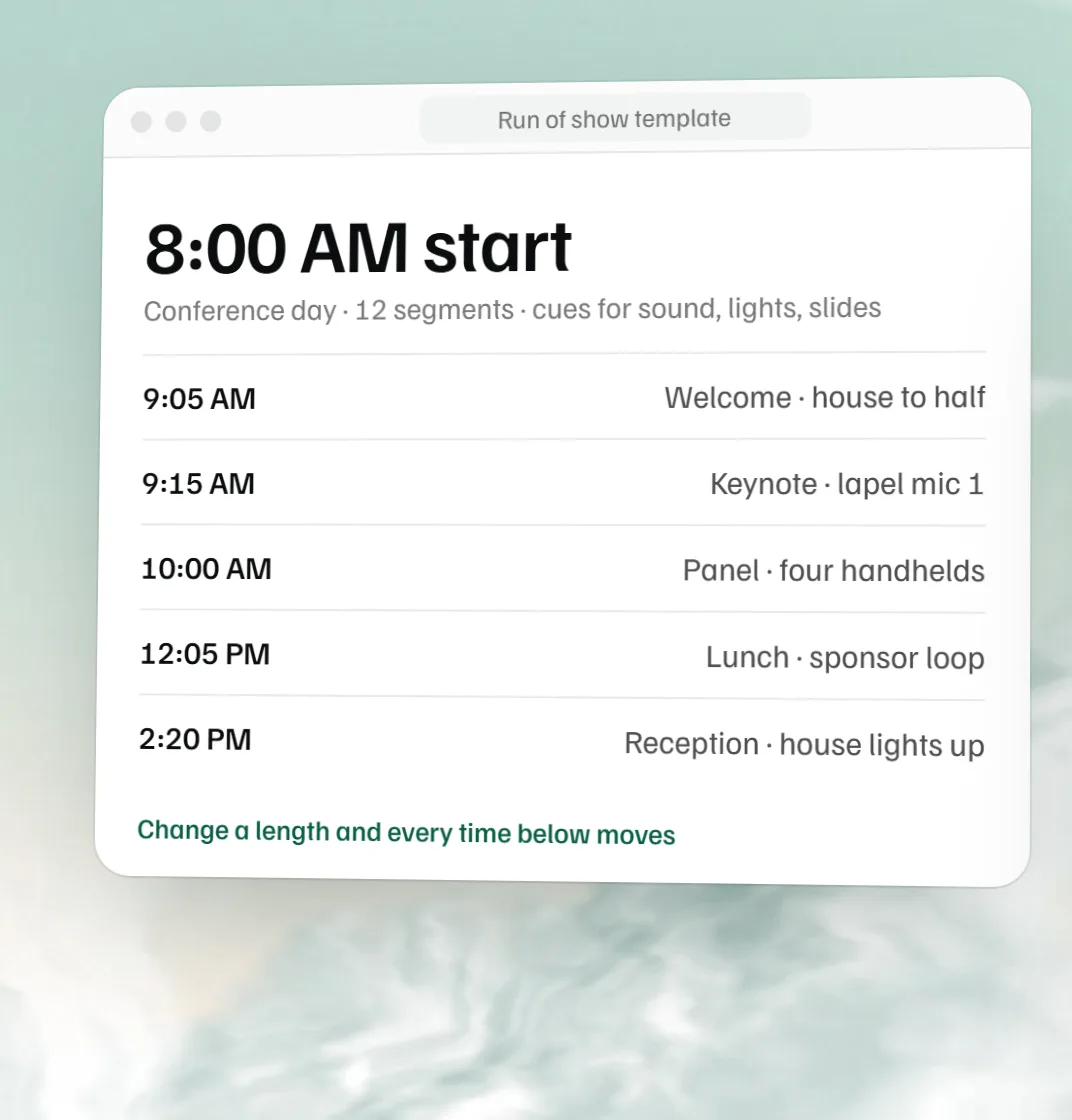
For a conference or a program with many sessions, the free run of show template, which gives each segment its own owner and cues.
Free event planning template in Word, PDF or Excel
This template downloads as Word and prints to PDF, and there is a blank Word template. The Word file opens in Word, Google Docs and Pages. It has no Excel version. If you want a spreadsheet, Smartsheet offers free event planner, schedule, budget and checklist templates in Excel, Word, PDF and Google formats, and ProjectManager lists free Excel templates for an event plan, schedule and budget (both read November 18, 2026). On this site the checklist downloads as a CSV, and the wedding timeline, run of show and invoice templates download as spreadsheets.
Common mistakes with an event plan
Leaving the arrival time off a vendor. The front desk cannot let in someone it does not expect, and the load-in window starts the schedule.
Entering the budget as estimates only. Fill in Paid as you pay, so Still to pay is what the client owes today.
Changing the guest count in one place. The count drives the per-guest budget lines, the setup and the dietary numbers, so update all three and send the new version to the kitchen.
Giving a schedule item no owner. If nobody owns it, nobody starts it.
Keeping the rain plan in someone’s head. It belongs in Notes, with who decides and by what time.
Sending an old copy. Put the date of the last change in Notes, and replace the printed copies when it changes.
Keep every event’s plan in MyVenueHQ
A template works for one event. When you run several a month, MyVenueHQ keeps the plan on each event: the client, guest count, room, package and stage. Its Plan tab holds the timeline, tasks, staffing, vendors and requirements. The timeline goes into a new BEO’s schedule, and the floor plan sits on the event with it. The Free plan allows 10 events a month. See pricing.
The event basics (name, type, date, hours, guest count and room), the client, who to call on the day, the schedule with times and owners, every vendor with a contact and arrival time, the budget with what is paid, the room setup, food and drink with dietary counts, and notes such as the rain plan.
Is there an event planning template download in Word?
Yes. Download Word gives you the plan you filled in as an editable .docx that opens in Word, Google Docs and Pages. Blank Word template gives you the same layout with empty rows to fill in by hand or on screen.
Can event planners use this as a free event planner template?
Yes. It was written for venue coordinators, but a planner fills it in the same way: put your business where the venue goes and your client below it. Send the Word file to the venue so both sides work from the same plan.
How do I make an event plan?
Start with the basics: the date, hours, guest count and room. Add the client and who to call on the day. Build the schedule from load-in to load-out, with an owner on every line. List each vendor with a phone number and an arrival time, then the budget with what is paid. Finish with the room setup, the food and drink counts and the notes. Send it to the client, and update it at the final count.
What is the difference between an event plan and a run of show?
The plan holds everything about the event on one page, and its schedule has one line per activity. A run of show breaks the day into segments with their length, owner and cues, and it is what the person calling the show reads. For a simple event the plan’s schedule is enough. For a conference, gala or any day with many cues, add the run of show.
Is there a free event planning template in Excel or Google Docs?
The Word file opens in Google Docs, so it works as a Google Docs template. This template has no Excel version. For a spreadsheet, the free event planning checklist downloads as a CSV that opens in Excel and Google Sheets, and Smartsheet and ProjectManager offer free Excel event plan templates.
How much should I set aside for contingency in an event budget?
Eventtia’s free template tells you to hold back 10 to 15 percent of the budget as contingency. Add it as its own line in the Budget, with the estimate set to that amount, so it shows in the total and does not get spent on something else.
How far ahead should I start an event plan?
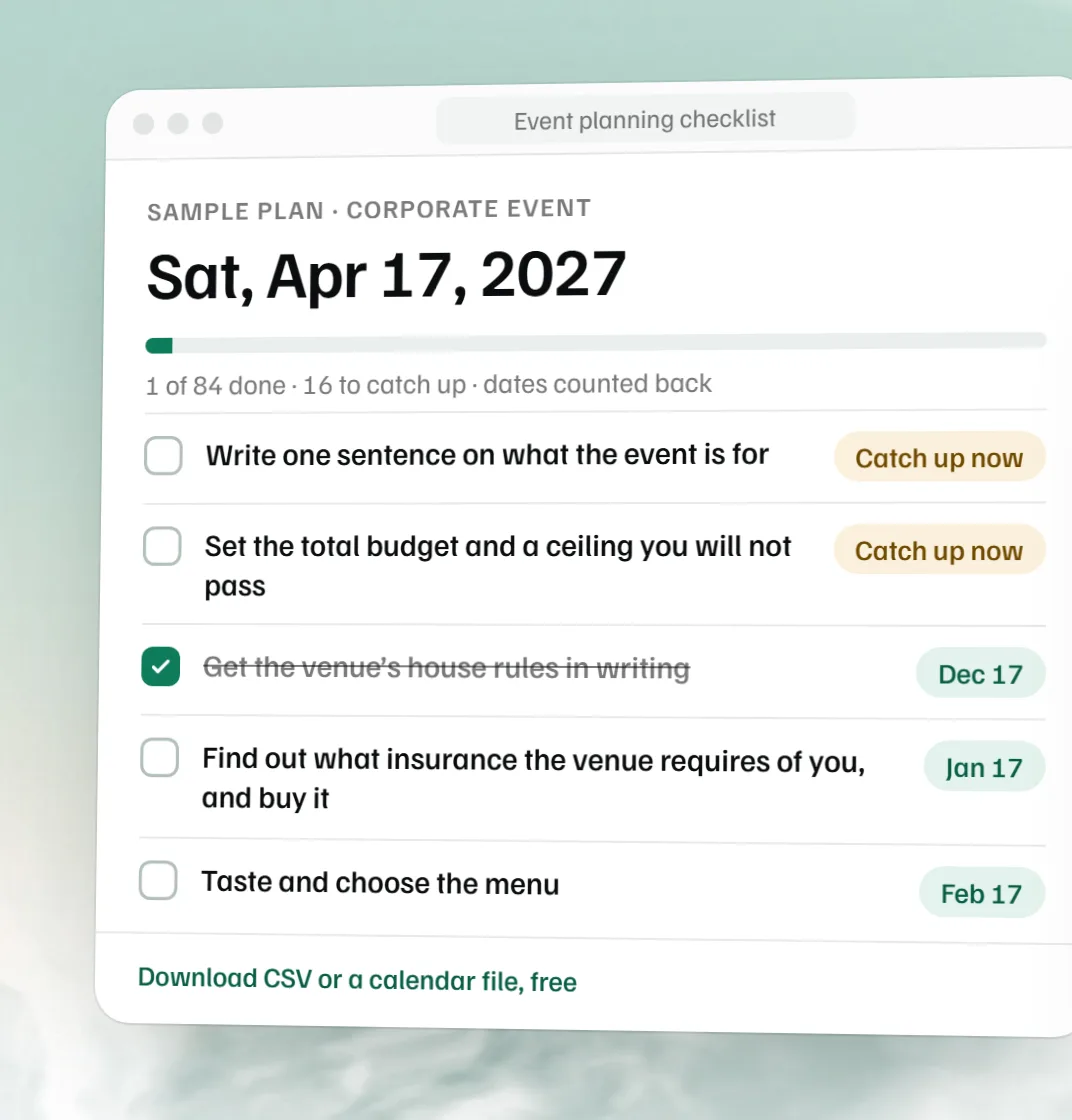
Start it the day the date is booked, and fill in what you know. The free event planning checklist gives the lead time by kind of event, from about 12 months for a wedding or a conference to about 2 months for a party.
What is the difference between an event plan and an event planning checklist?
The checklist is the list of tasks counted back from the event date: book the caterer, send invitations, confirm the count. The plan is what those tasks produce: the schedule, the vendors, the budget and the setup on one page that the team carries on the day.
Does it work for corporate events and parties?
Yes. Change the event type and fill the rows you need. A conference with many sessions is easier in the run of show template, which gives each segment its own cues and owner.
Is it really free?
Yes. Fill it in, download it and print it with no account. What you type stays in this browser and is never sent to us.
 Free event planning checklist
 Free run of show template
 Free BEO template
 Free event floor plan maker